ILCE-9M2
5-010-473-11 (1)
GB
229
MENU items/List of icons
C:\5010473111\5010473111ILCE9M2IN5\01GB-ILCE9M2IN5\100MEN.indd
DTP data saved: 2019/07/26 13:31
PDF file created: 2019/08/06 10:23
Image Jump Setting
Sets which dial and method to use
for jumping between images during
playback.
164
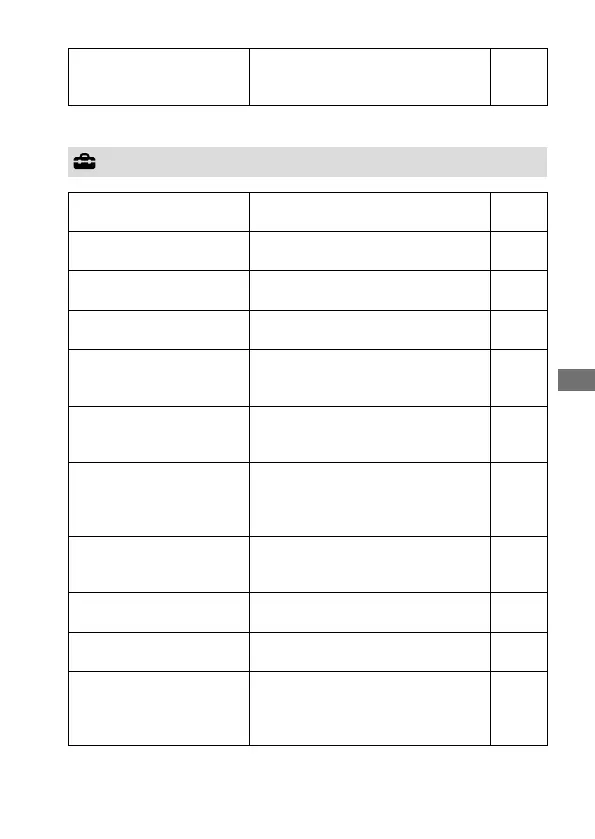
(Setup)
Monitor Brightness
Adjusts the brightness of the screen. Help
Guide
Viewfinder Bright.
Sets the brightness of the viewfinder. Help
Guide
Finder Color Temp.
Sets the color temperature of the
viewfinder.
Help
Guide
Volume Settings
Sets the volume for movie playback. Help
Guide
Delete confirm.
Sets whether [Delete] or [Cancel] is
preselected in the delete confirmation
screen.
Help
Guide
Power Save Start Time
Sets the time intervals to
automatically switch to power save
mode.
195
Auto Power OFF Temp.
Sets the camera temperature at which
the camera turns off automatically
during shooting. When shooting in
hand-held mode, set to [Standard].
Help
Guide
NTSC/PAL Selector*
1
Changes the TV format of the device
so that you can shoot in a different
movie format.
Help
Guide
Cleaning Mode
Starts the cleaning mode to clean the
image sensor.
240
Touch Operation
Sets whether or not to activate the
touch operation of the monitor.
93
Touch Panel/Pad
Selects whether to activate touch
panel operation when shooting with
the monitor, or touch pad operation
when shooting with the viewfinder.
93
Yellow tab



 To Next Page