ILCE-9M2
5-010-473-11 (1)
GB
231
MENU items/List of icons
C:\5010473111\5010473111ILCE9M2IN5\01GB-ILCE9M2IN5\100MEN.indd
DTP data saved: 2019/07/26 13:31
PDF file created: 2019/08/06 10:23
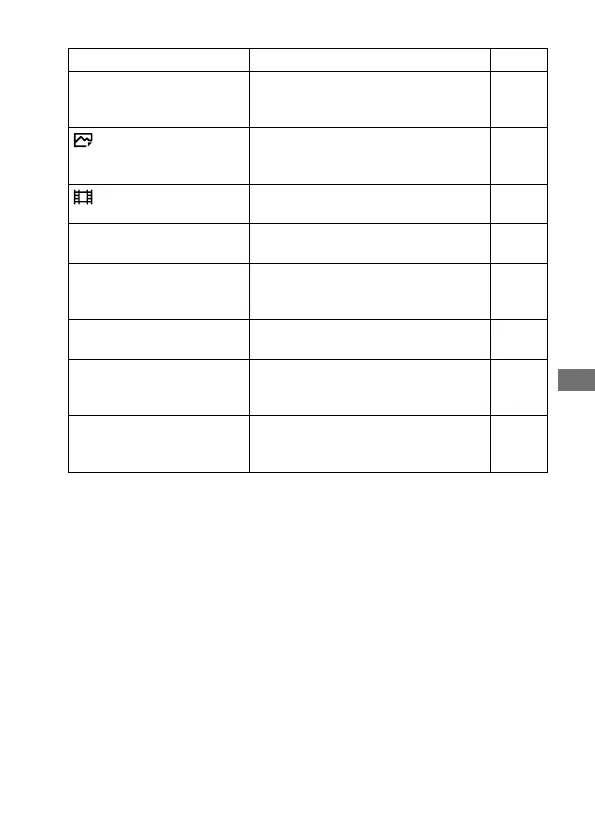
Format
Formats the memory card. 189
Rec. Media Settings
Sets the method for recording images
to two memory card slots.
192,
Help
Guide
File/Folder Settings
Sets file names for still images to be
shot, and specifies folders for storing
the shot still images.
189
File Settings
Sets file numbers and file names for
movies to be recorded.
191
Recover Image DB
Recovers the image database file and
enables recording and playback.
Help
Guide
Display Media Info.
Displays the remaining recording time
of movies and the recordable number
of still images on the memory card.
Help
Guide
Version
Displays the camera software version. Help
Guide
Save/Load Settings
Saves the camera settings to a
memory card, or reads saved settings
from the memory card.
201
Setting Reset
Restores settings to their defaults.
Select [Initialize] to restore all settings
to their default values.
202



 To Next Page