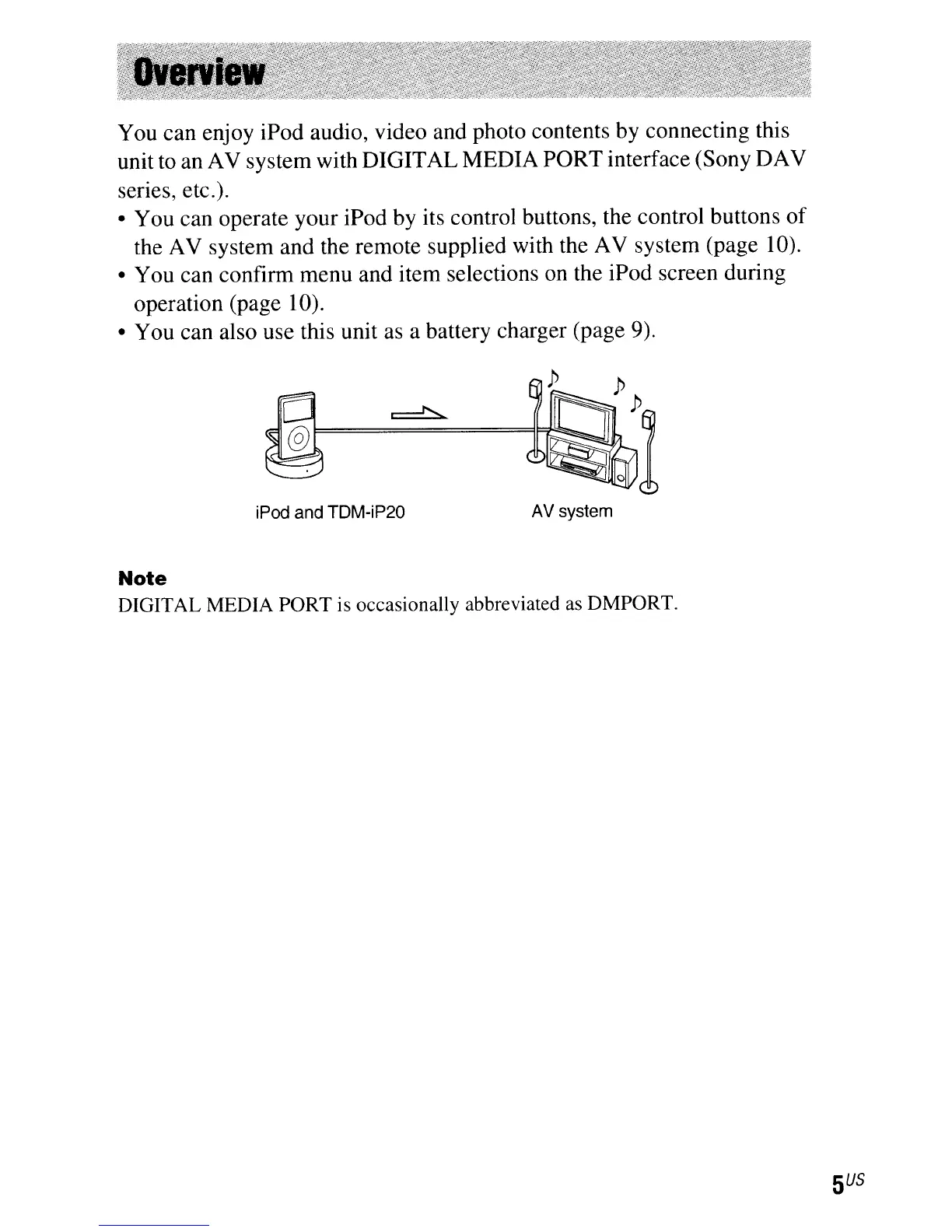
You can enjoy iPod audio, video and photo contents by connecting this
unit to an AV system with DIGITAL MEDIA PORT interface (Sony DAV
series, etc.).
• You can operate your iPod by its control buttons, the control buttons
of
the AV system and the remote supplied with the AV system (page 10).
• You can confirm menu and item selections on the iPod screen during
operation (page 10).
• You can also use this unit as a battery charger (page 9).
iPod and TDM-iP20
AV
system
Note
DIGITAL MEDIA PORT is occasionally abbreviated
as
DMPORT.



 To Next Page