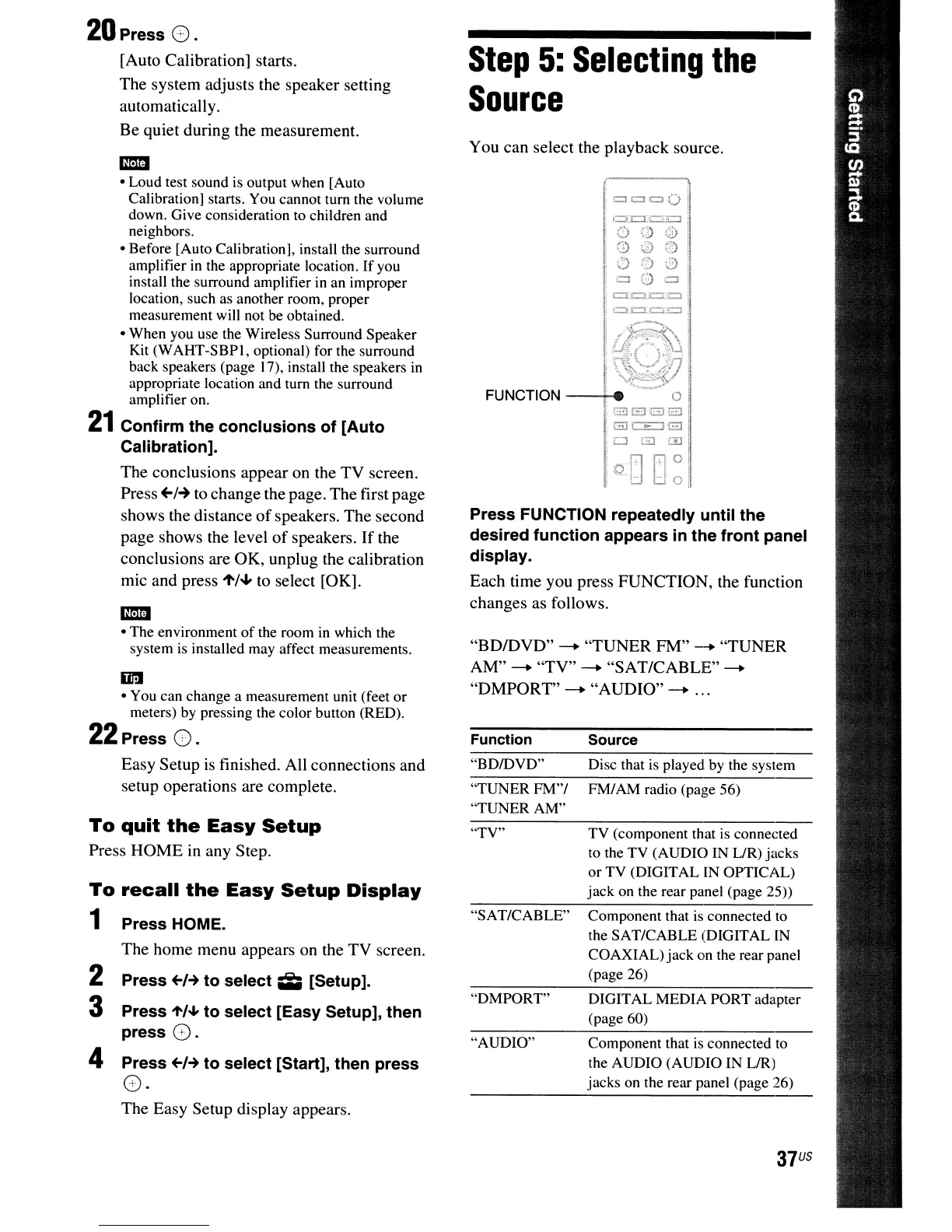
You can select the playback source.
"BDIDVD"
--
"TUNER FM"
--
"TUNER
AM"
--
"TV"
--
"SAT/CABLE"--
"DMPORT"
--
"AUDIO"
--
...
37
US
DIGITAL MEDIA PORT adapter
(page 60)
Disc that
is
played
by
the system
FM/
AM
radio (page 56)
Component that
is
connected to
the AUDIO (AUDIO IN LIR)
jacks on the rear panel (page 26)
Component that is connected to
the SAT/CABLE (DIGITAL IN
COAXIAL) jackon the rear panel
(page 26)
Source
TV (component that
is
connected
to the TV (AUDIO IN LlR) jacks
or TV (DIGITAL IN OPTICAL)
jack on the rear panel (page
25»
"DMPORT"
"AUDIO"
"SAT/CABLE"
Function
"TV"
o 0
,1)
fa
0)
0
09'0
ou
o
c:::n:::':=.:::::l
=
J:::l
'=.0
FUNCTION
--+-i
...
0
"
iE::lGl3E£l
:
GJc:E:JG
,0
GJ
ill
!of!l
filO
:LJ
LJ
0
"BDIDVD"
"TUNERFM"/
"TUNER AM"
Press FUNCTION repeatedly until the
desired function appears in the front panel
display.
Each time you press FUNCTION, the function
changes as follows.
Step
5:
Selecting
the
Source
To
recall
the
Easy
Setup
Display
1 Press HOME.
The home menu appears on the TV screen.
2 Press
~I-+
to select iii; [Setup].
3 Press "',
...
to select [Easy Setup], then
press
G.
4 Press
~I-+
to select [Start], then press
o·
The Easy Setup display appears.
iil'!I
• You can change a measurement unit (feet
or
meters)
by
pressing the color button (RED).
22
Press o.
Easy Setup
is
finished. All connections and
setup operations are complete.
em
• The environment
of
the room
in
which the
system is installed may affect measurements.
To
quit
the
Easy
Setup
Press HOME in any Step.
em
• Loud test sound is output when [Auto
Calibration] starts. You cannot tum the volume
down. Give consideration to children and
neighbors.
• Before [Auto Calibration], install the surround
amplifier
in
the appropriate location.
If
you
install the surround amplifier
in
an improper
location, such as another room, proper
measurement will not be obtained.
• When you use the Wireless Surround Speaker
Kit (WAHT-SBPI, optional) for the surround
back speakers (page 17), install the speakers
in
appropriate location and tum the surround
amplifier on.
21
Confirm the conclusions of [Auto
Calibration].
The conclusions appear on the TV screen.
Press
~/~
to change the page. The first page
shows the distance
of
speakers. The second
page shows the level
of
speakers.
If
the
conclusions are OK, unplug the calibration
mic and press
1'/'" to select [OK].
20
Press o.
[Auto Calibration] starts.
The system adjusts the speaker setting
automaticall
y.
Be quiet during the measurement.



 To Next Page