5 Press
't/""
to select a setting, then
press
8.
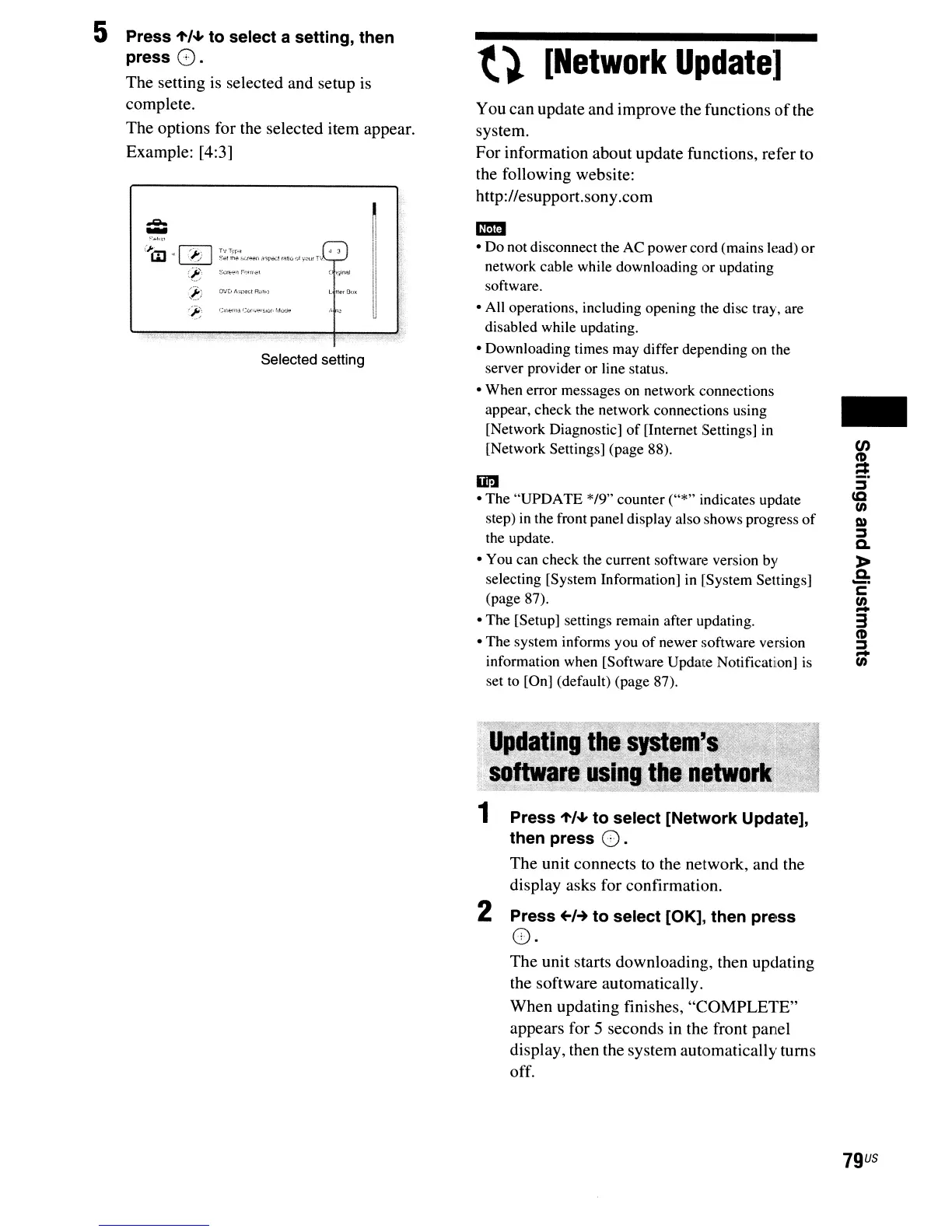
The setting is selected and setup is
complete.
The
options for the selected item appear.
Example: [4:3]
..-..
-
(;Ci1
~
I
<J:J
I
~~!~~'w.t
__
,;nt';l
...
lraU(,otY~'lr.
~
3
(~,
SI:fl:':."I"."rr·coi
~:t)
flJ'j
J\'ll:«.l
RHlt:
~t:~
C<fot.-l'H
:.:Ul"
....
,
..
~
1,4(.r'..io!
Selected setting
t}
[Network
Update]
You can update and improve the functions
of
the
system.
For
information about update functions, refer to
the following website:
http://esupport.sony.com
mmI
• Do not disconnect the
AC
power cord (mains lead)
or
network cable while downloading or updating
software.
• All operations, including opening the disc tray, are
disabled while updating.
• Downloading times may differ depending on the
server provider or line status.
• When error messages on network connections
appear, check the network connections using
[Network Diagnostic]
of
[Internet Settings]
in
[Network Settings] (page 88).
In
• The "UPDATE */9" counter ("*" indicates update
step)
in
the front panel display also shows progress
of
the update.
• You can check the current
softwarc~
version by
selecting [System Information]
in
[System Settings]
(page 87).
• The [Setup] settings remain after updating.
• The system informs you
of
newer software version
information when [Software Update Notification]
is
set to [On] (default) (page 87).
1 Press
't/""
to select [Network Update],
then press
O.
The
unit connects to the network, and the
display asks for confirmation.
2 Press
~H
to select [OK], then press
O·
The
unit starts downloading, then updating
the software automatically.
When updating finishes,
"COMPLETE"
appears for 5 seconds in the front panel
display, then the system automatically turns
off.
-
CJ)
~
:J
cc
en
Q)
:J
Q.
»
Q.
_.
c
!!
3
CD
:J
-
en
79
US



 To Next Page