52
US
Sound
Adjustment
Selecting
the
Effect
to
Suit
the
Source
You can select a suitable sound mode for movies
or music.
[--'CJC:'U
I=CJz:::Jz:::J
I.
0
t.'.'.
0.\.
;<J00i>
o
;D
0
::::J
C) C::l
r:::::I01::::J::::::r
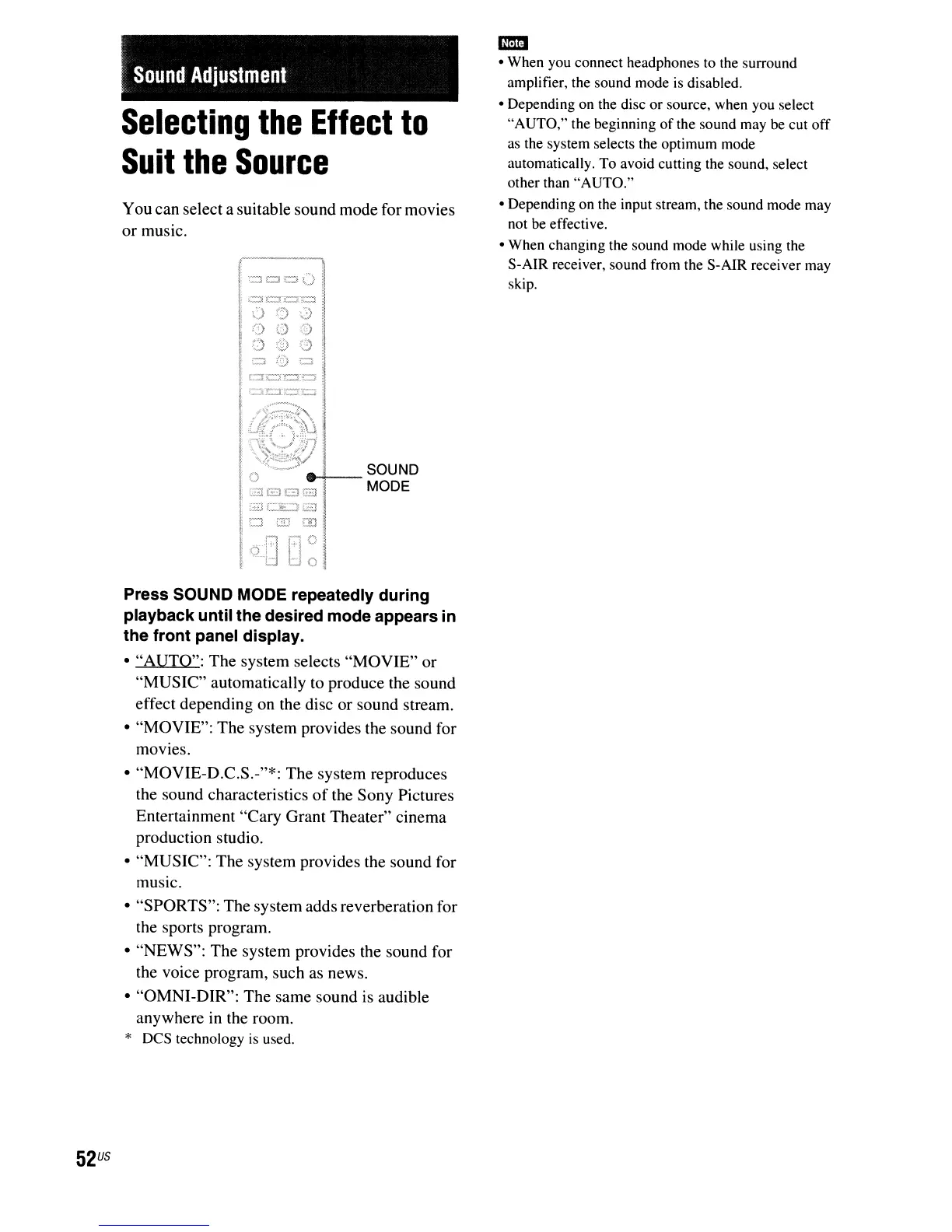
Press SOUND MODE repeatedly during
playback until the desired mode appears
in
the front panel display.
• "AUTO": The system selects "MOVIE" or
"MUSIC" automatically to produce the sound
effect depending on the disc or sound stream.
• "MOVIE": The system provides the sound for
movies.
• "MOVIE-D.C.S.-"*: The system reproduces
the sound characteristics
of
the Sony Pictures
Entertainment "Cary Grant Theater" cinema
production studio.
• "MUSIC": The system provides the sound for
music.
• "SPORTS": The system adds reverberation for
the sports program.
• "NEWS": The system provides the sound for
the voice program, such
as
news.
• "OMNI-DIR": The same sound is audible
anywhere
in
the room.
*
Des
technology
is
used.
1m
• When you connect headphones to the surround
amplifier, the sound mode
is
disabled.
• Depending on the disc or source, when you select
"AUTO," the beginning
of
the sound may be cut off
as
the system selects the optimum mode
automatically. To avoid cutting the sound, select
other than "AUTO."
• Depending on the input stream, the sound mode may
not be effective.
• When changing the sound mode while using the
S-AIR receiver, sound from the S-AIR receiver may
skip.



 To Next Page