92
US
On
moving
the
system
Before moving the system, make sure that there
is
no
disc inserted, and remove the AC power cord (mains
lead) from the wall outlet (mains).
About
S·AIR
function
• As the S-AIR function transmits sound by radio
waves, heed the following:
- Sound may skip when radio waves are obstructed.
This
is
a characteristic
of
radio waves and
is
not
malfunction.
- Equipment that generates electromagnetic energy,
such as a microwave oven, may interfere with
sound transmission.
• As the S-AIR function uses the radio waves that share
the same frequency as other wireless systems, such as
wireless LAN
or
Bluetooth, interference
or
poor
transmission may result. In this case, take the
following steps:
- Do not install the system near other wireless
systems.
- Do not use the system and the other wireless
systems at the same time.
• The transmission distance differs depending on the
usage environment. Find a location where
transmission between the S-AIR main unit and sub
unit
is
most effective, and install the S-AIR main unit
and sub unit there.
Notes
about
the
Discs
On handling
discs
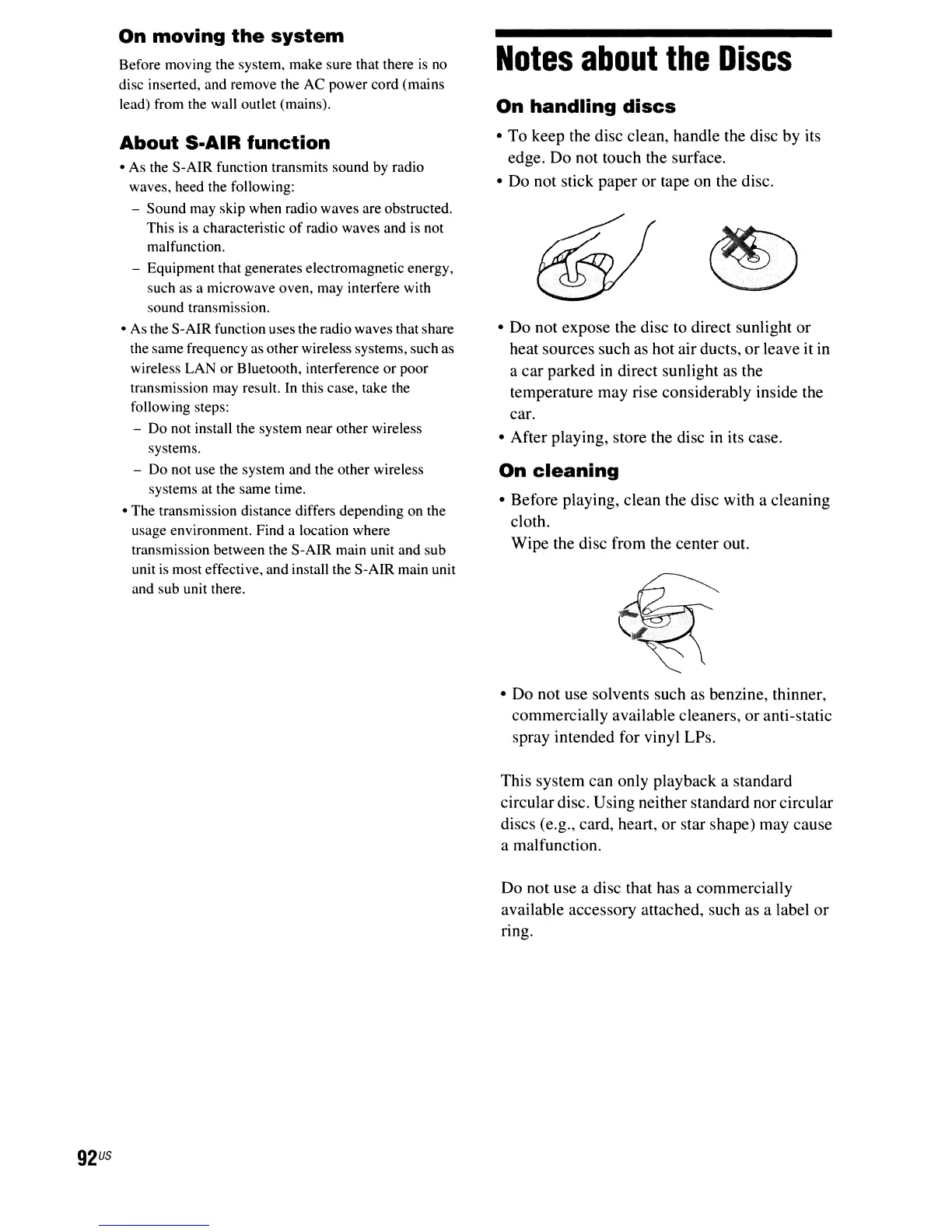
• To keep the disc clean, handle the disc by its
edge. Do not touch the surface.
• Do not stick paper or tape on the disc.
• Do not expose the disc to direct sunlight or
heat sources such as hot air ducts, or leave it
in
a car parked
in
direct sunlight as the
temperature may rise considerably inside the
car.
• After playing, store the disc
in
its case.
On
cleaning
• Before playing, clean the disc with a cleaning
cloth.
Wipe the disc from the center out.
• Do not use solvents such as benzine, thinner,
commercially available cleaners, or anti-static
spray intended for vinyl LPs.
This system can only playback a standard
circulardisc. Using neither standard nor circular
discs (e.g., card, heart, or star shape) may cause
a malfunction.
Do not use a disc that has a commercially
available accessory attached, such as a label
or
ring.



 To Next Page