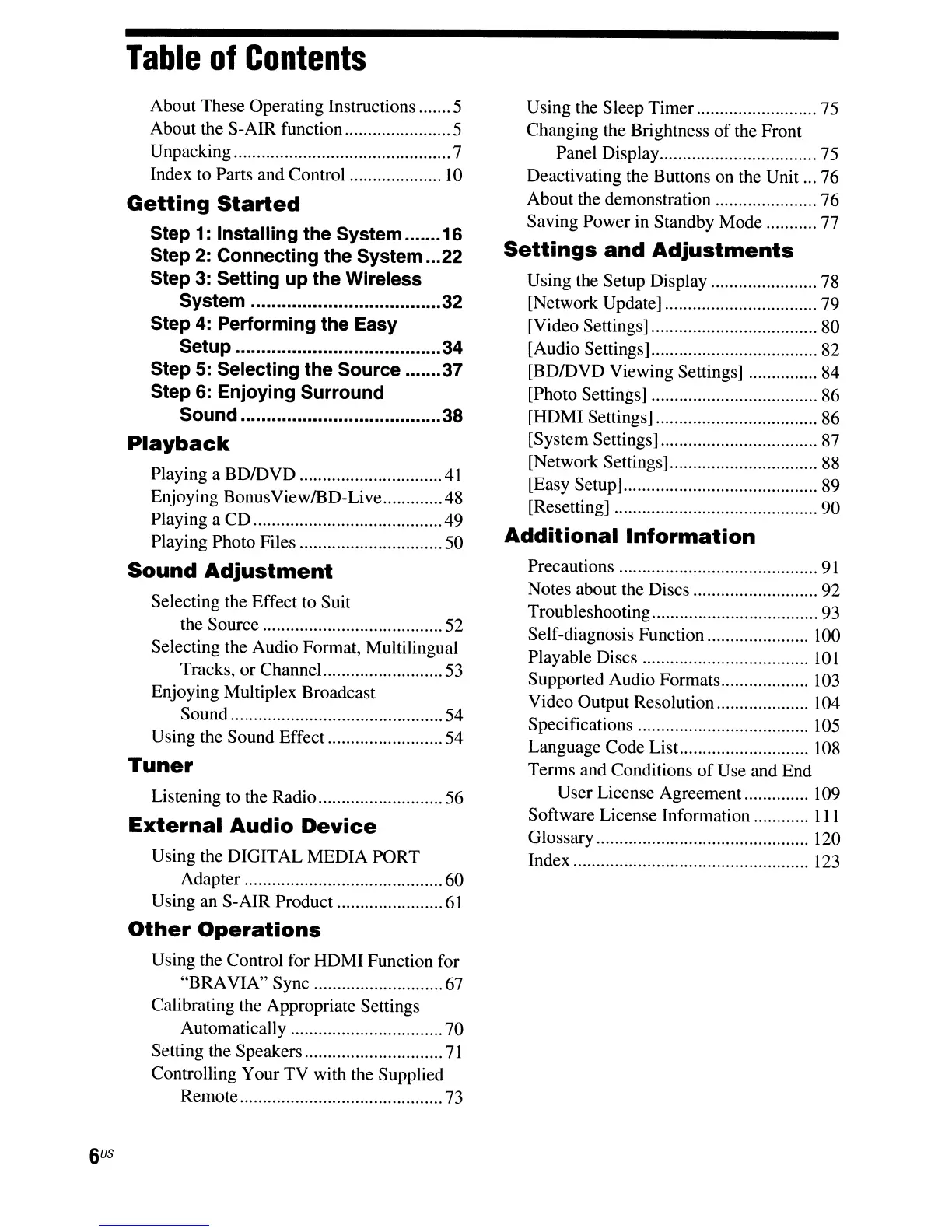
Table
of
Contents
About These Operating Instructions 5
About the S-AIR function 5
Unpacking 7
Index to Parts and Control
10
Getting
Started
Step
1:
Installing the System 16
Step
2:
Connecting the System 22
Step
3:
Setting up the Wireless
System
32
Step
4:
Performing the Easy
Setup
34
Step 5: Selecting the Source 37
Step 6: Enjoying Surround
Sound 38
Playback
Playing a BDIDVD .41
Enjoying BonusView/BD-Live .48
Playing a CO 49
Playing Photo Files 50
Sound
Adjustment
Selecting the Effect to Suit
the Source 52
Selecting the Audio Format, Multilingual
Tracks,
or
ChanneL
53
Enjoying Multiplex Broadcast
Sound 54
Using the Sound Effect 54
Tuner
Listening to the Radio 56
External
Audio
Device
Using the DIGITAL MEDIA PORT
Adapter 60
Using an S-AIR Product
61
Other
Operations
Using the Control for HOMI Function for
"BRAVIA" Sync 67
Calibrating the Appropriate Settings
Automatically 70
Setting the Speakers
71
Controlling Your TV with the Supplied
Remote 73
Using the Sleep Timer 75
Changing the Brightness
of
the Front
Panel Display 75
Deactivating the Buttons on the Unit 76
About the demonstration 76
Saving Power in Standby Mode 77
Settings
and
Adjustments
Using the Setup Display 78
[Network Update] 79
[Video Settings] 80
[Audio Settings] 82
[BDIDVD Viewing Settings] 84
[Photo Settings] 86
[HDMI Settings] 86
[System Settings] 87
[Network Settings] 88
[Easy Setup] 89
[Resetting] 90
Additional
Information
Precautions
91
Notes about the Discs 92
Troubleshooting 93
Self-diagnosis Function 100
Playable Discs
10
1
Supported Audio Formats 103
Video Output Resolution 104
Specifications
105
Language Code List.. 108
Terms and Conditions
of
Use and End
User License Agreement.............. 109
Software License Information
III
Glossary 120
Index
123



 To Next Page