Other
Operations
Using
the
Control
for
HDMI
Function
for
"BRA
VIA"
Sync
This function is available on TVs with the
"BRAVIA" Sync function only.
By connecting Sony components that are
compatible with the Control for HOMI function
with an HOMI cable, operation is simplified as
below:
- Theater Mode (page 68)
- One-Touch Play (page 68)
- System Power
Off
(page 68)
- Volume Limit (page 69)
- System Audio Control (page 69)
- Language Follow (page 69)
Control for HOMI is a mutual control function
standard used by CEC (Consumer Electronics
Control) for HOMI (High-Definition
Multimedia Interface).
The Control for HOMI function will not work in
the following cases:
- When you connect this system
to
a
component which
is
not compatible with the
Control for HOMI function.
- A component does not have an HOMI jack.
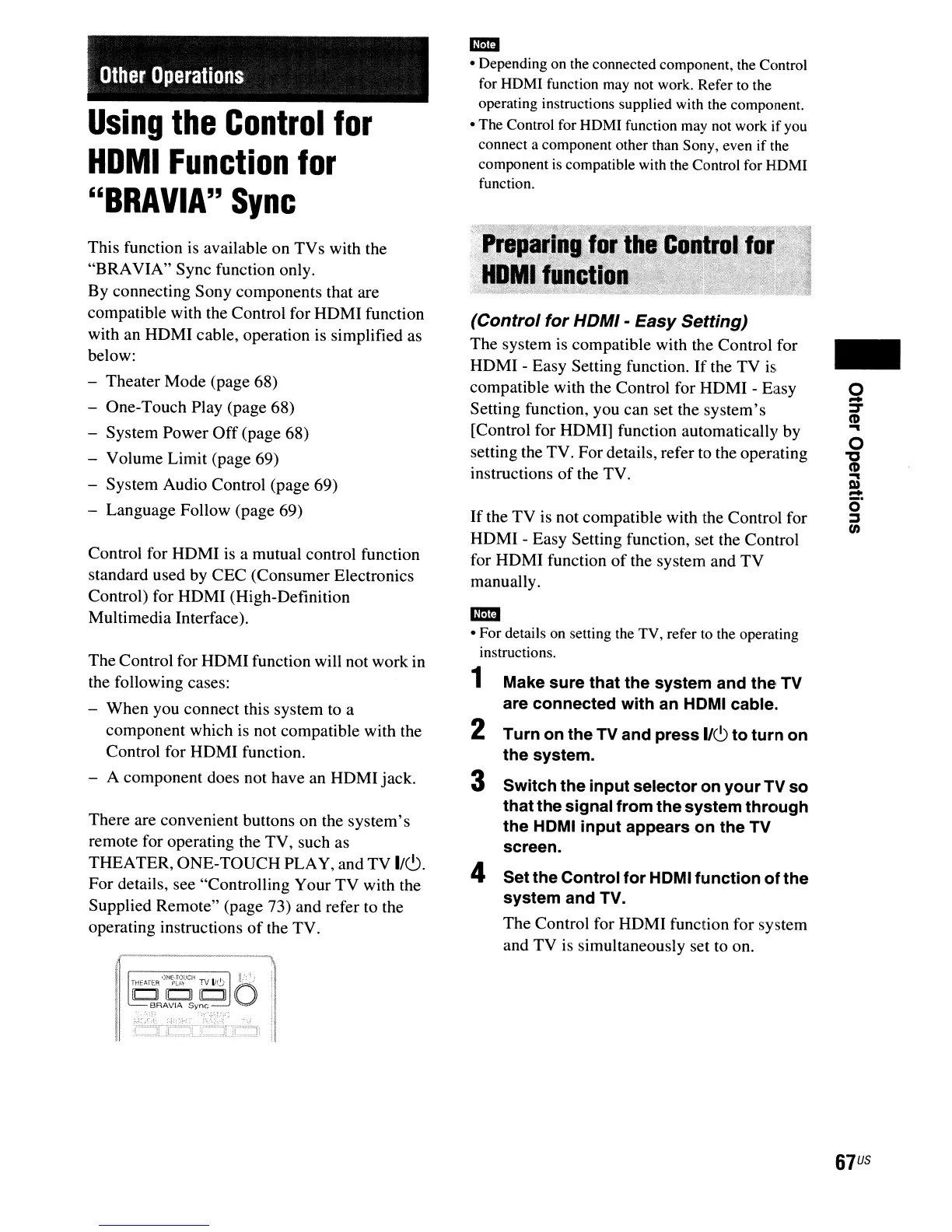
There are convenient buttons on the system's
remote for operating the TV, such as
THEATER, ONE-TOUCH PLAY, and TV
1/<9.
For details, see "Controlling Your
TV
with the
Supplied Remote" (page 73) and refer to the
operating instructions
of
the TV.
..
• Depending on the connected component, the Control
for HDMI function may not work. Refer to the
operating instructions supplied with the component.
• The Control for HDMI function may not work
if
you
connect a component other than Sony, even if the
component
is
compatible with the Control for HDMI
function.
(Control for HDMI - Easy Setting)
The system is compatible with the Control for
HOMI - Easy Setting function.
If
the TV is
compatible with the Control for HOMI - Easy
Setting function, you can set the system's
[Control for HOM
I]
function automatically by
setting the TV. For details, refer to the operating
instructions
of
the TV.
If
the TV is not compatible with the Control for
HOMI - Easy Setting function, set the Control
for HOMI function
of
the system and TV
manually.
em
• For details on setting the TV, refer to the operating
instructions.
1 Make sure that the system and the
TV
are connected with an HOMI cable.
2 Turn on the TV and press 1/6 to turn on
the
system.
3 Switch the input selector on your
TV
so
thatthe signal from the system through
the
HOMI input appears on the
TV
screen.
4 Set the Control for HOMI function of the
system and TV.
The Control for HOMI function for system
and TV is simultaneously set to on.
-
9
=r
CD
..
o
'tJ
CD
..
l»
-
O·
~
tn
67
US



 To Next Page