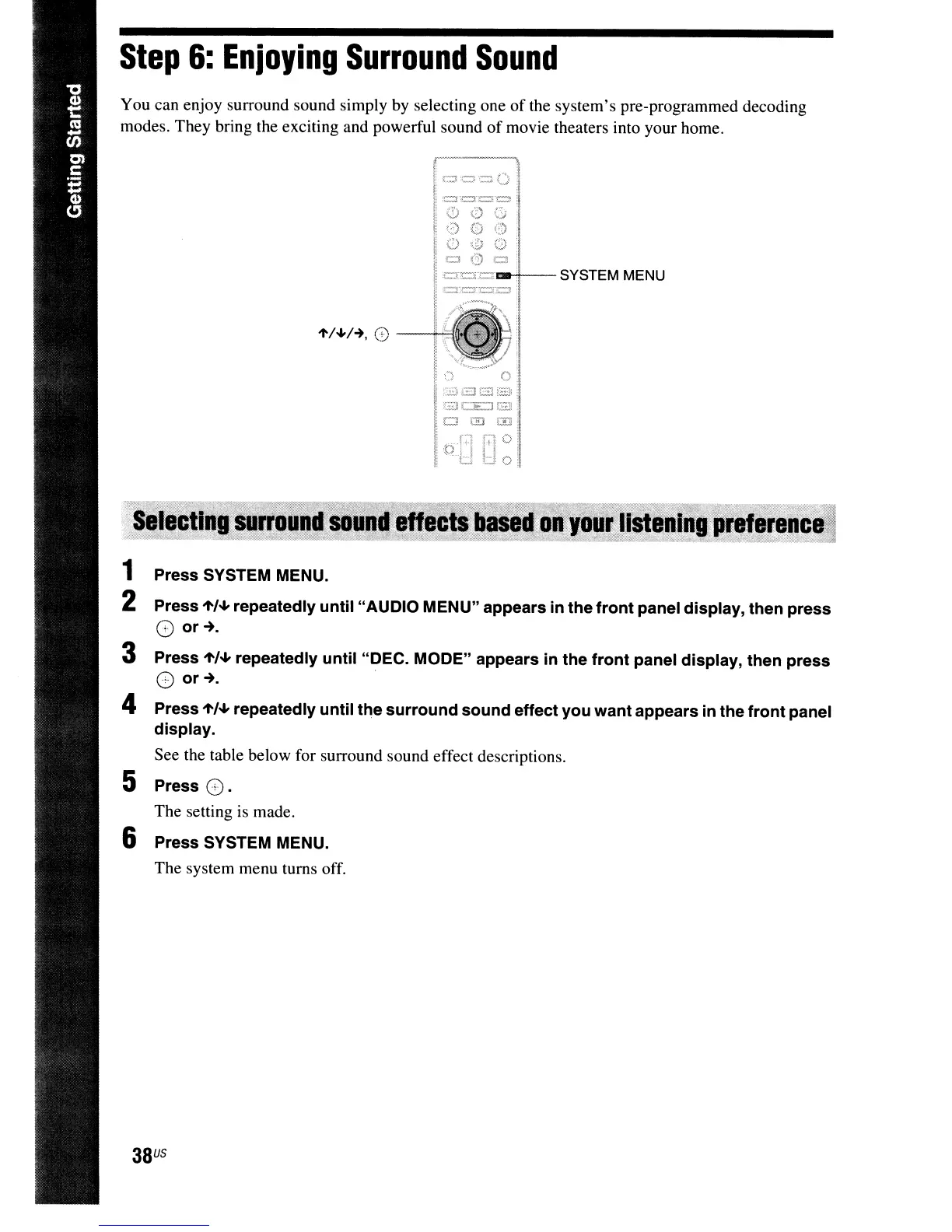
oc::n:::::r:::.;;:·ra-!-- SYSTEM MENU
38
US
ti
0
:::s:
EJG
~::E~
()
000
000
ClO=
Press SYSTEM MENU.
Press
"',.."
repeatedly until "AUDIO MENU" appears
in
the
front
panel display, then press
8
or~.
Press
"',.."
repeatedly until "DEC. MODE" appears in the front panel display, then press
G
or~.
.
4 Press
"',.."
repeatedly until the surround sound effect you want appears
in
the front panel
display.
See the table below for surround sound effect descriptions.
5 Press
G.
The setting
is
made.
6 Press SYSTEM MENU.
The system menu turns off.
You can enjoy surround sound simply by selecting one
of
the system's pre-programmed decoding
modes. They bring the exciting and powerful sound
of
movie theaters into your home.
Step
6:
Enjoying
Surround
Sound



 To Next Page