-
Press 0 or-+.
Create a name by using
+-J1'/+H.
Press
1'1+
to select a character, then press
-+
to move the cursor to the next position.
1'---
_"
,
Tl_"'NED
,,5;'---,=---=-
__
J
:.
:;
...
:!
~
.!
......
:
;i
6
7
TJNED
ST
J
C)'i)
t····"
I.,
,-------='
..
u---=--;-;;:.;.....i
....
..---.!
_
, I "
To
name
preset
stations
You can enter a name for preset stations. These
names (forexample, "ABC") appear in the front
panel display when a station
is
selected.
Only one name can be entered for each preset
station.
1 Press FUNCTION repeatedly until
"TUNER FM" or "TUNER AM" appears
in the front panel display.
The last received station is tuned in.
2 Press PRESET
+/-
repeatedly to select
the preset station you want to create an
index name for.
3 Press SYSTEM MENU.
4 Press 1'/+ repeatedly until "TUNER
MENU" appears in the front panel
display, then press
0 or-+.
5 Press 1'/+ repeatedly until "NAME IN"
appears in the front panel display.
Press SYSTEM MENU.
The system menu turns off.
Press 0 or-+.
Press
1'/+ to select "MONO."
• "STEREO": Stereo reception.
• "MONO": Monaural reception.
Press
O.
The setting is made.
Press 1'/+ repeatedly until "TUNER
MENU" appears in the front panel
display, then press
0 or-+.
Press
1'/+ repeatedly until "FM MODE"
appears
in
the front panel display.
7
6
1
...
_
...
_T~_i~E_;D_5_T_i;
_it
....;.=::::._'
"':;;'::::...""---=::::'....;::
_
4
5
3
If
an FM program
is
noisy, you can select
monaural reception. There will be no stereo
effect, but reception will improve.
1 Press SYSTEM MENU.
2
To
change
the
preset
number
Select the desired preset number by pressing
PRESET
+1-, then perform the procedure from
Step 3.
If
an
FM
program
is
noisy
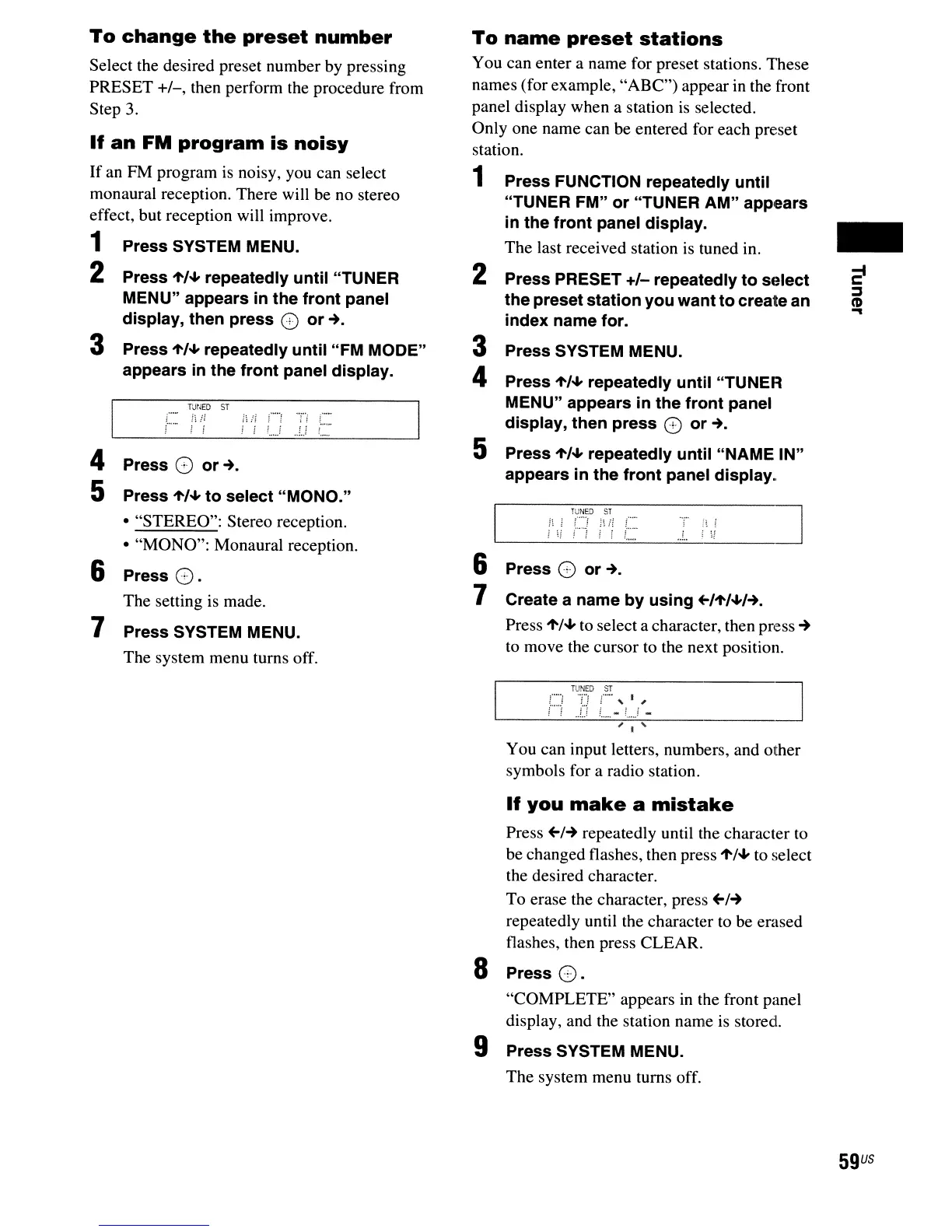
You can input letters, numbers, and other
symbols for a radio station.
If
you
make
a
mistake
Press
~/-+
repeatedly until the character to
be changed flashes, then press
1'/+ to select
the desired character.
To erase the character, press
~/-+
repeatedly until the character to be erased
flashes, then press CLEAR.
S Press
O.
"COMPLETE" appears
in
the front panel
display, and the station name is stored.
9 Press SYSTEM MENU.
The system menu turns off.
59
US



 To Next Page