3-44
BRC-300/300P
BRU-300/300P
3-8. BRBK-304 Output Video Check
After repairing the DV-33 board, check the output video.
3-8-1. Tools/Equipment
n
Select equipment according to the video system (NTSC/
PAL) used.
. Color monitor
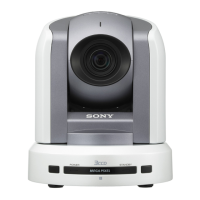
. 3CCD color video camera BRC-300/300P
NTSC: BRC-300
PAL: BRC-300P
. SIRCS remote commander (Supplied with the BRC-300/
300P)
. VTR with the DV input (i.LINK) connector
. IEEE1394 cable
n
Select according to the DV input (i.LINK) connector of
the VTR.
. Extension board EX-947
3-8-2. Output Video Check
Check Procedure
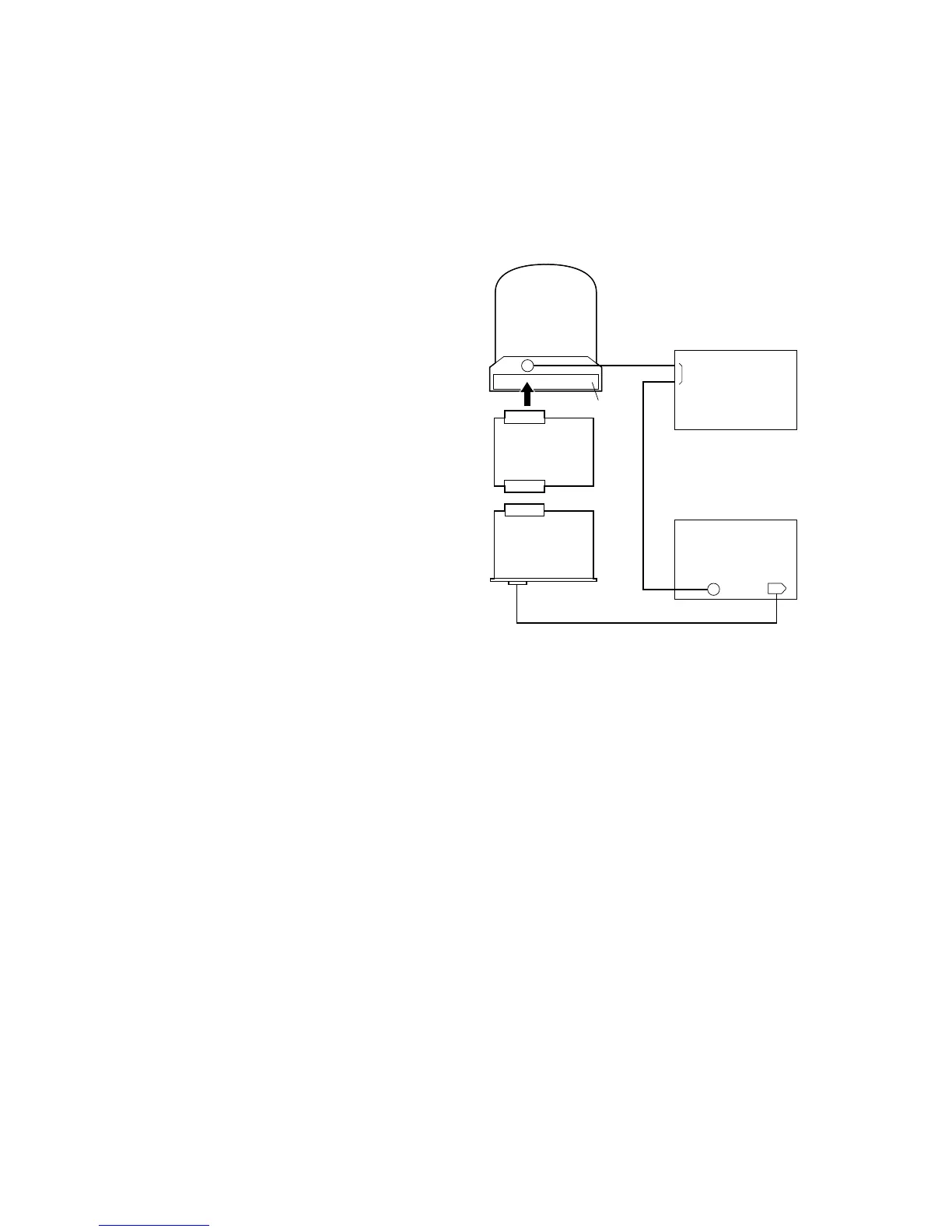
1. Connect the equipment and tools as shown in the
figure, and turn on the power of all the equipment.
2. Display the VIDEO OUT of the VTR on the color
monitor, and check that shooting images are correctly
output.
3. Check that the images are correctry recorded by the
VTR.
4. Display the VIDEO OUT of the BRC-300/300P on the
color monitor.
5. Press the DATA SCREEN button on the SIRCS
remote commander to display the main menu.
6. Check that “DV-Card” is displayed on the upper part
of the menu window.
7. Turn off the power of all the equipment.
BRC-300/300P
EX-947
Color monitor
Card slot
CN001
CN002
CN001
DV OUT
75 Z
IN
VTR
VIDEO OUT
IEEE1394 cable
DV IN
(i.LINK)
BRBK-304
(DV-33)
75 Z
VIDEO
OUT
3-8. BRBK-304 Output Video Check



 To Next Page