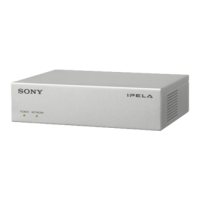
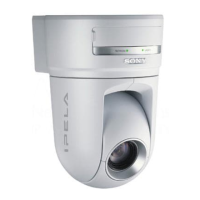
3-31
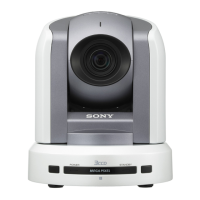
BRC-300/300P
BRU-300/300P
c. Data check
Order Page Address Data Procedure
1 Place the ND filter 1.5 (1.0 + 0.1
+ 0.4) on the lens.
2 0 03 06 Set the data.
3 1 Check the display data that the
specifcations are satisfied.
Specification: 8000 to 8BC0
Four-digit display data
1 : XX : XX
Display data
Settings after adjustment
Order Page Address Data Procedure
1 6 01 00 Set the data.
2 0 03 00 Set the data.
3 Remove the ND filter 1.5.
Fig. 3-2-3.
Fig. 3-2-4.
R-Y
B-Y
0.5 mm
1 mm
3 mm
3 mm
R-Y
2 mm
B-Y
2 mm
3-2. BRC-300/300P Camera Block Electrical Alignment
3-2-20. White Balance Check
Subject Clear chart
(Color reproduction adjustment frame)
Filter Color temperature correction filter C14
ND filter 1.0, 0.4 and 0.1
Measurement point Video terminal of AUDIO/VIDEO jack
(75 Z terminated)
Measuring instrument Vectorscope
Specification Refer to Fig. 3-2-3 and 3-2-4.
m
. Perform this adjustment after performing “3-2-19. Color
Reproduction Adjustment”.
. The data of page: 0, address: 10 must be “00”.
Control software setting
DIGITAL ZOOM: OFF
Checking procedures
a. Indoor white balance check
Order Page Address Data Procedure
1 Check that the lens is not
covered with either filter.
2 6 01 0F Set the data, and press
PAUSE button.
3 Check that the center of the
white luminance point is within
the circle shown Fig. 3-2-3.
4 6 01 00 Set the data, and press
PAUSE button.
b. Outdoor white balance check
Order Page Address Data Procedure
1 Place the filter C14 on the lens.
2 6 01 3F Set the data, and press
PAUSE button.
3 Check that the center of the
white luminance point is within
the circle shown Fig. 3-2-4.
4 Remove the filter C14.
5 6 01 00 Set the data, and press
PAUSE button.




 To Next Page