Warning indicators and messages
If indicators and messages appear in the viewfinder o1"tile LCD screen, check the
following:
See the page ill parentheses "( )" for more infornlation.
Warning indicators
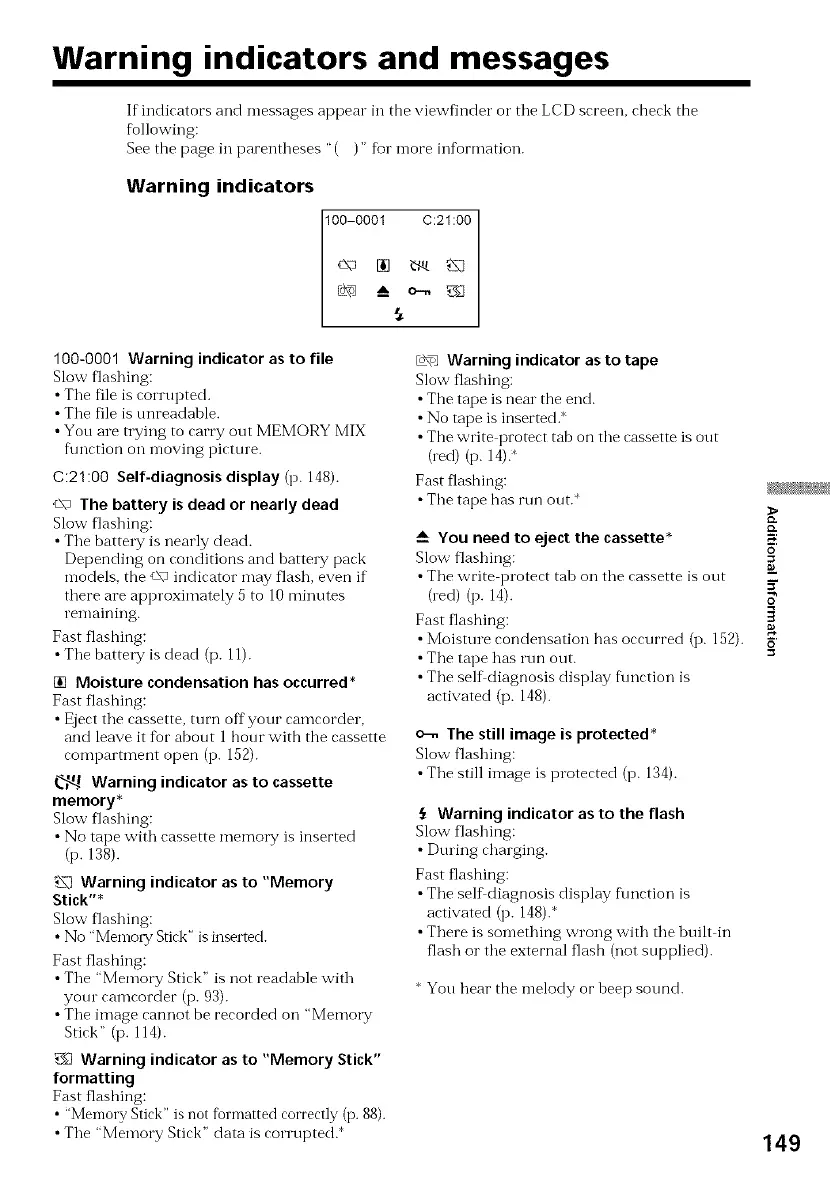
100-0001 C:21:00
100-0001 Warning indicator as to file
Slow flashing:
• Tile file is corrupted.
• Tile file is tmreadahle.
• You are trying to carry out MEMORY MIX
fimction oil moving picture.
C:21:00 Self-diagnosis display (p. 148).
c\- The battery is dead or nearly dead
Slow flashing:
• The battel T is nearly dead.
Depending on conditions and battel T pack
models, the c\" indicator may flash, even if
there are approximately 5 to 10 minutes
remaining.
Fast flashing:
• The battel T is dead (p. ll).
[] Moisture condensation has occurred*
Fast flashing:
• Eject the cassette, turn off your camcorder,
and leave it for about 1 hour with the cassette
compamnent open (p. 152).
Warning indicator as to cassette
memory*
Slow flashing:
• No tape with cassette memory is inserted
(p. 138).
Warning indicator as to "Memory
Stick"*
Slow flashing:
• No ' Mentol T Stick" is inserted.
Fast flashing:
• The "Memory Stick" is not readable with
yore camcorder (p. 93).
• The image cannot be recorded on "Memo1T
Stick" (p. 114).
_£ Warning indicator as to "Memory Stick"
formatting
Fast flashing:
• "Memory Stick" is not fbrmatted correctly (p. 88).
• The "Memory Stick" data is corrupted.
_ Warning indicator as to tape
Slow flashing:
• The tape is near the end.
• No tape is inserted.*
• The write protect tab on the cassette is out
0ed) (p. 14).
Fast flashing:
• The tape has run out.
_-- You need to eject the cassette*
Slow flashing:
• The write protect tah on the cassette is out
(red) (p. 14).
Fast flashing:
• Moisture condensation has occurred (p. 152).
•The tape has run out.
• The self diagnosis display f\mction is
activated (p. 148).
o-. The still image is protected*
Slow flashing:
• The still image is protected (p. 134).
Warning indicator asto the flash
Slow flashing:
•During charging.
Fast flashing:
•The self diagnosis display f\mction is
activated (p. 148).*
•There is something wrong with the huilt in
flash o1"the external flash (not supplied).
* You hear the melody or heep sound.
{D.
K
o
149















 To Next Page