Recording still images on "Memory Stick's
- Memory Photo recording
While you are recording a still image
You can neither turn off the power nor press PHOTO.
When you press PHOTO on the Remote Commander
Your camcorder immediately records the hnage that is oil the screen when you press
tile button.
When you press PHOTO lightly in step 2
The image momentarily flickers. This is not a malfimction.
When recording in MEMORY mode
Tile angle ofview is a little increased than one in CAMERA mode.
You can record still images continuously. Select one of the two moctes described below
before recording.
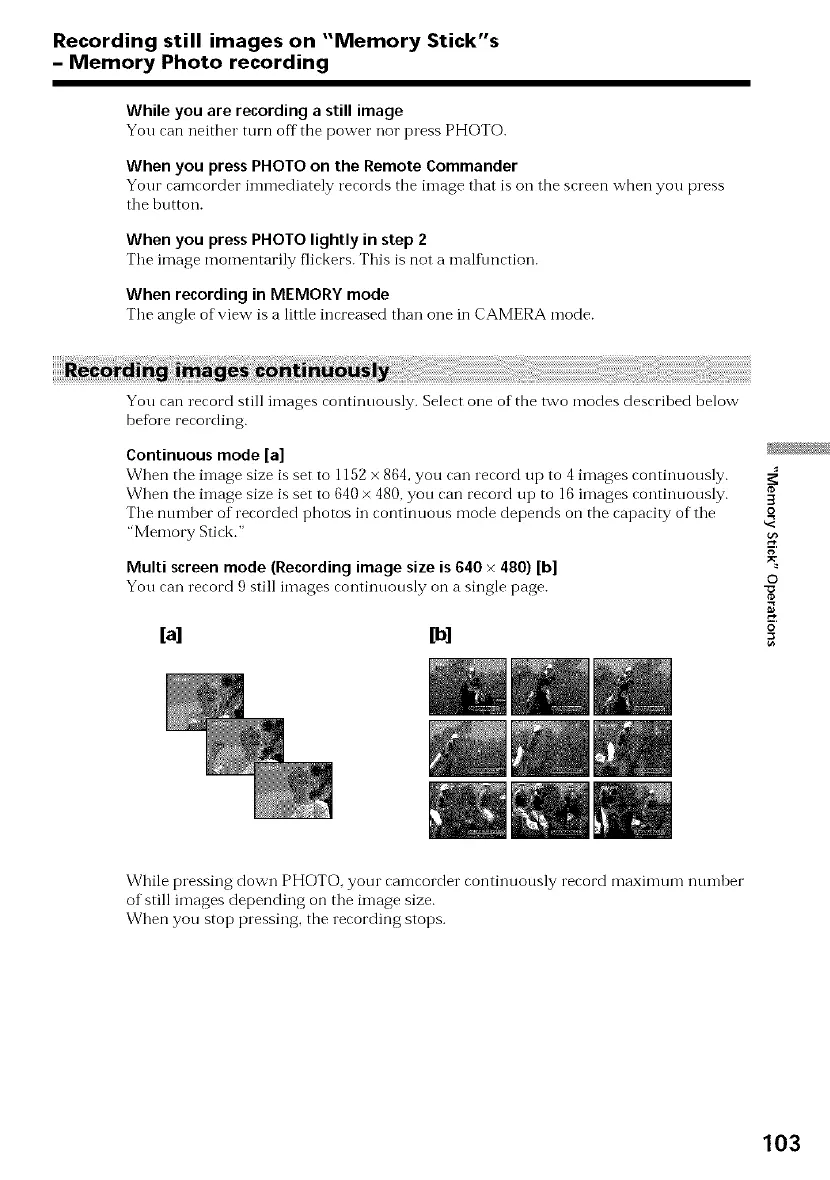
Continuous mode [a]
When the image size is set to 1152 x 864, you can record up to 4 images continuously.
When the image size is set to 640 × 480, you can record up to 16 images continuously.
The number of recorded photos in continuous mode depends on the capacity of the
"Memory Stick."
Multi screen mode (Recording image size is 640 × 480) [b]
You can record 9 still images continuously on a single page.
[a] [b]
3
R
g
©
o
While pressing down PHOTO, your camcorder continuously record maximum number
of still images depending on the image size.
When you stop pressing, the recording stops.
103















 To Next Page