Self.diagnosis display
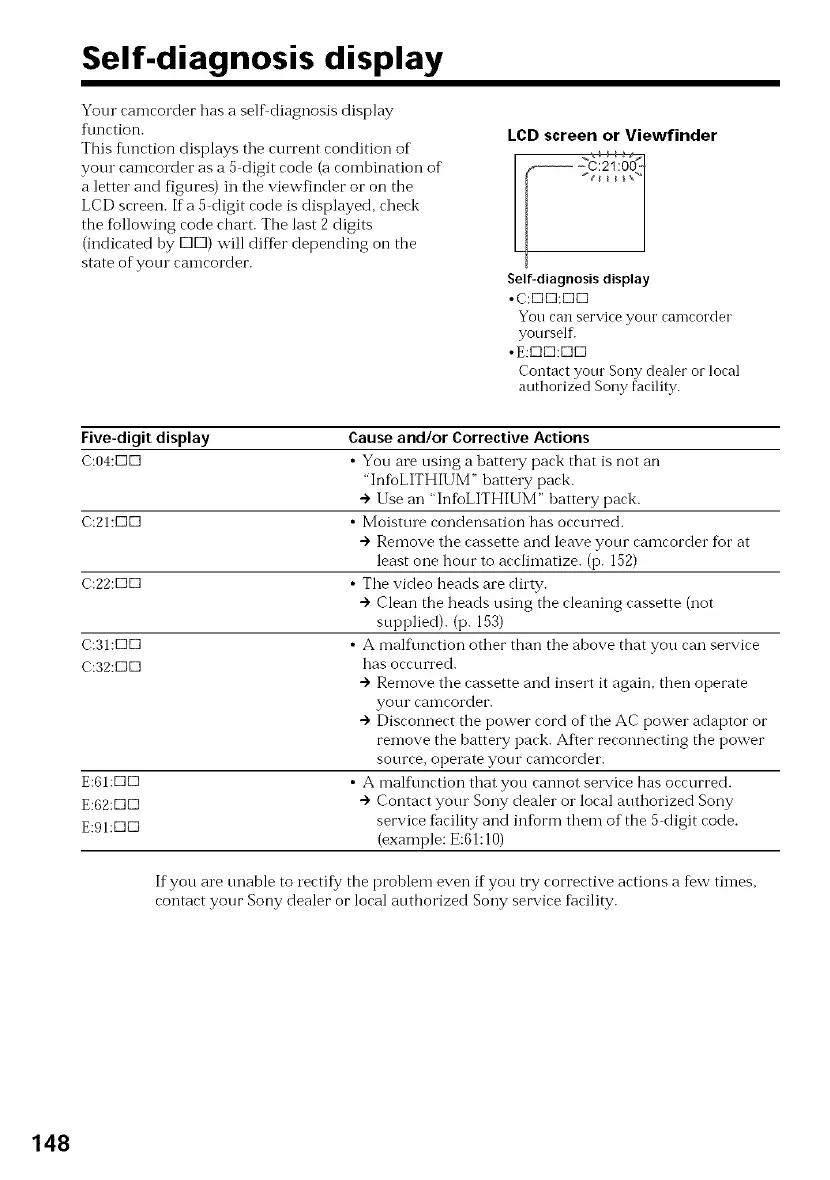
Your camcorder has a sell'diagnosis display
f\mction.
This fimction displays tile current condition of
your camcorder as a 5 digit code (a combination of
a letter and figures) in tile viewfinder or on the
LCD screen. If a 5 digit code is displayed, check
the fbllowing code chart. The last 2 digits
(indicated by KID) will differ depending on the
state ofyotu camcorder.
LCD screen or Viewfinder
Self-diagnosis display
•C:K]K]:K]KI
You can serviceyour camcorder
yourself.
•E:KIE]:E]KI
Contact your Sony dealer orlocal
authorized Sony facility.
Five-digit display
C:04:KIK]
C:21:KIK]
C:22:KIK]
C:31:DD
C:32:DD
E:61:DKI
E:62:DKI
E:91:DKI
Causeand/or Corrective Actions
• You are using a hattery pack that is not an
"InfbLITHIUM _'batte W pack.
") Use an "InfbLITHIUM" battery pack.
• Moisttue condensation has occurred.
") Remove the cassette and leave your camcorder fbr at
least one hour to acclimatize. (p. 152)
• The video beads are dilty.
") Clean the heads using the cleaning cassette (not
supplied). (p. 153)
• A malfunction other than the above that you can service
has occurred.
-) Remove the cassette and insert it again, tben operate
your calncorder.
--)Disconnect the power cord of the AC power adaptor or
remove the battery pack. After reconnecting the power
source, operate your canlcorder.
• A mall\ruction that you cannot selwice has occurred.
") Contact your Sony dealer o1"local authorized Sony
service fi_cility and infbrm them of the 5 digit code.
(example: E:61:10)
If you are unable to rectify the prohlem even ifyou try corrective actions a few times,
contact your Sony dealer or local autborized Sony service fhcility.
148















 To Next Page