Using the PROGRAM AE function
You can select PROGRAM AE (Auto Exposure) n-lode to suit your specific shooting
reqtlil ements.
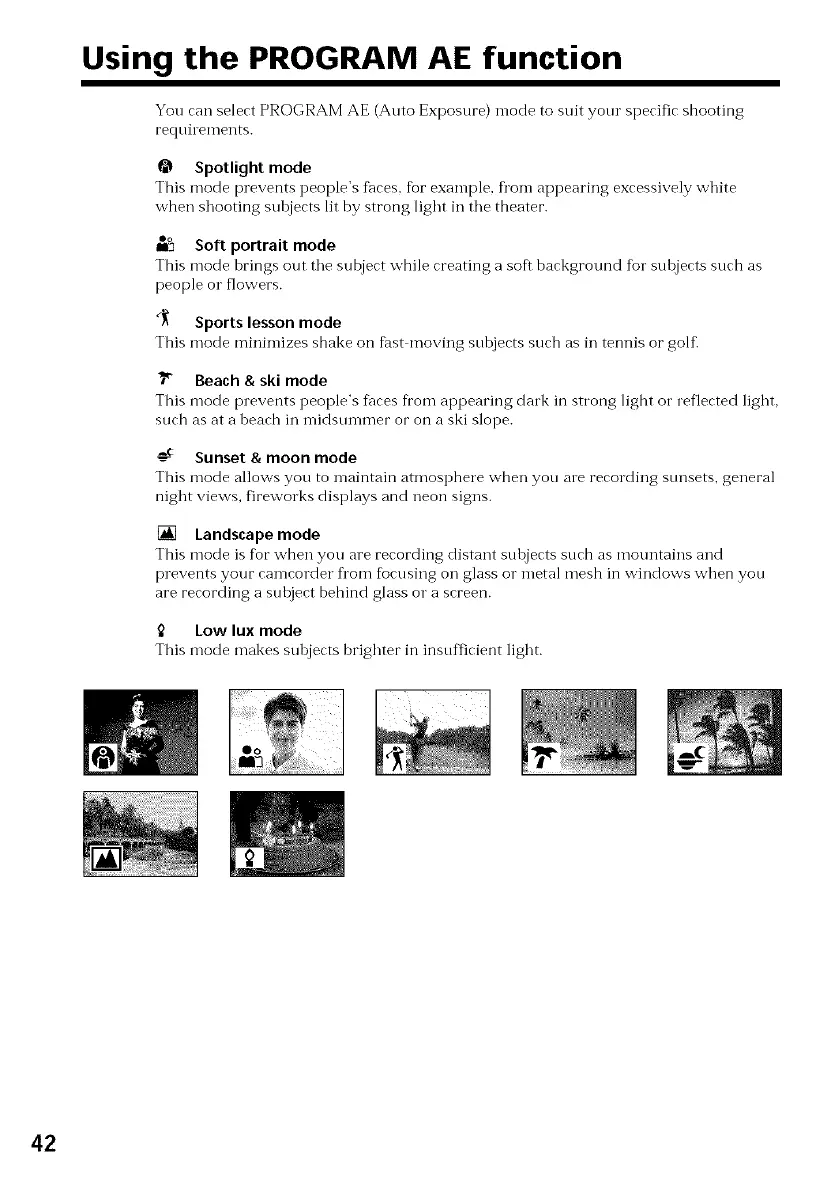
@ Spotlight mode
This mode prevents people's faces, %r example, fl'om appearing excessively white
when shooting subjects lit by strong light in tile theater.
oo
m_ Soft portrait mode
This mode brings out tile subject while creating a soft background fur sohjects such as
people o1" flowers.
_ Sports lesson mode
This mode minimizes shake on fast moving stlbjects such as in tennis or golf_
_" Beach & ski mode
This mode prevents people's f_ces Dora appearing dark in strong light or reflected light,
such as at a beach in midsummer or on a ski slope.
AC
-_ Sunset & moon mode
This mode allows you to n-laintain atmosphere when you are recording stmsets, general
night views, fireworks displays and neon signs.
[] Landscape mode
This mode is fbr when you are recording distant subjects such as mountains and
prevents your camcorder fl'om focusing on glass or metal mesh in windows when you
are recording a subject behind glass or a screen.
Low luxmode
This mode makes subjects brighter in insufficient light.
42















 To Next Page