Using the PROGRAM AE function
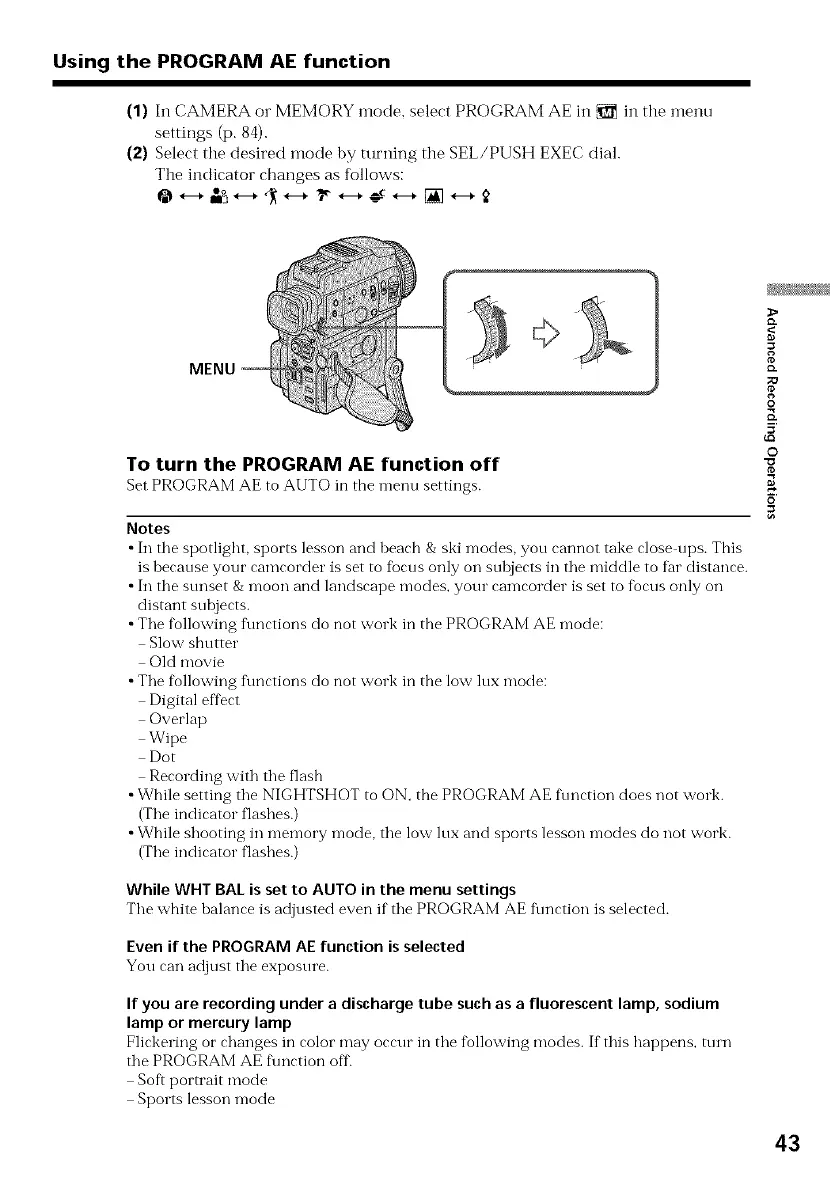
(1) In CAMERA or MEMORY mode, select PROGRAM AE in _ in the menu
settings (p. 84).
(2)Select the desired mode by turning the SEL/PUSH EXEC dial.
The indicator changes as follows:
MENU
To turn the PROGRAM AE function off
Set PROGRAM AE to AUTO in the menu settings.
Notes
•In tile spotlight, sports lesson and beach &ski modes, you cannot take close ups. This
is because your camcorder is set to fbcus only on sulojects in the middle to far distance.
• In the stmset & moon and landscape modes, your camcorder is set to f_ocusonly on
distant subjects.
•The f_ollowingf\mctions do not work in the PROGRAM AE mode:
Slow shutter
Old movie
•The following f\mctions do not work in the low lux mode:
Digital effect
Overlap
Wipe
Dot
Recording with the flash
•While setting the NIGHTSHOT to ON, the PROGRAM AE f\mction does not work.
(The indicator flashes.)
•While shooting in memory mode, the low lux and sports lesson modes do not work.
(The indicator flashes.)
While WHT BAL is set to AUTO in the menu settings
The white balance is adjusted even if the PROGRAM AE function is selected.
Even if the PROGRAM AE function is selected
You can adjust the exposure.
If you are recordingunder a discharge tube suchas a fluorescent lamp, sodium
lamp or mercurylamp
Flickering or changes in color may occur in the fkollowingmodes. If this happens, ttnn
the PROGRAM AE f\mction off
Soft portrait mode
Sports lesson mode
g
o.
O
©
43


 To Next Page
 Loading...












