Adjusting the exposure manually
You call manually adjust and set tile exposure. Adjust tile exposure manually in tile
fbllowing cases:
Tile subject is backlit
Bright st/bject and dark background
To record dark pictures (e.g. night scenes) fhithf\flly
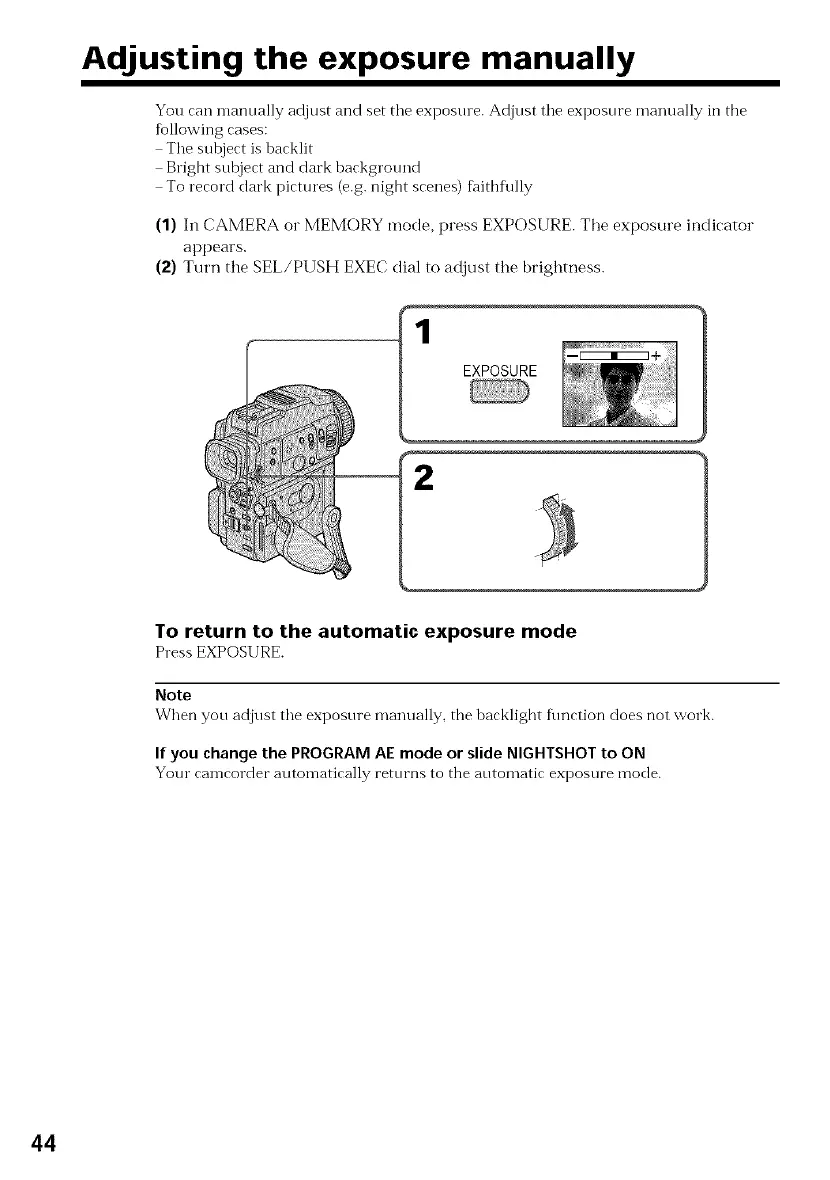
(1) 111CAMERA o1" MEMORY mode, press EXPOSURE. Tile exposure indicator
appears.
(:_) Turn the SEL/PUSH EXEC dial to adjust the brightness.
EXPOSURE
2
To return to the automatic exposure mode
Press EXPOSURE.
Note
When yon adjust tile exposnre manually, the backlight fimction does not work.
If you change the PROGRAM AE mode or slide NIGHTSHOT to ON
Your can-lcorder atlton-latically retnrns to tile antomatic expostlre mode.
44















 To Next Page