m "Memory Stick" Operations
Using a "Memory Stick" - introduction
You can record and play hack images on a "Memory Stick" supplied with your
camcorder. You can easily play hack, record or delete images. You can exchange image
data with other equipment such as a personal computer etc., using the USB cable for
"Memory Stick" supplied with yore camcorder.
On file format
Still image (JPEG)
Your ramrorder rompresses image data in JPEG fkorn-lat (extension .jpg).
Moving picture (MPEG)
Your ramrorder rompresses picture data in MPEG format (extension anpg).
Typical image data file name
Still image
100 0001: This file name appears on the LCD screen or in the viewfinder of your
can'Jcorder.
Dsc0000hjpg: This file name appears on the display of your personal computer.
Moving picture
MOV0000 l:This file name appears on the L CD screen o1"in the viewfinder of your
caIncorder.
Mov00001anpg: This file name appears on the display of your personal computer.
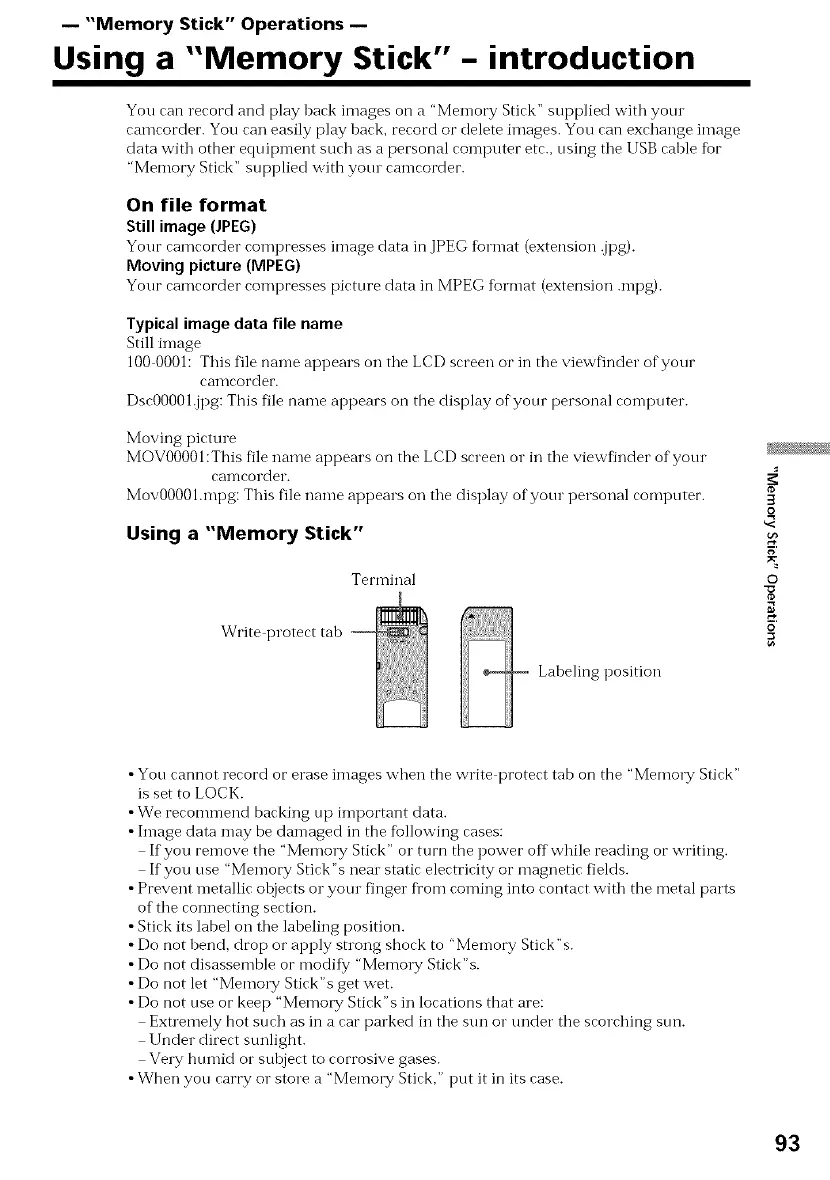
Using a "Memory Stick"
Terminal
Write protect tab
Labeling position
3
o
g
©
@
•You cannot record or erase images when the write protect tab on the "Memo17,/ Stick"
is set to LOCK.
•We recommend backing up important data.
• hnage data may be damaged in the following cases:
If you remove the "Memo1T Stick" or mrn the power off while reading or writing.
If you use "Memory Stick %neal static electricity or magnetic fields.
• Prevent metallic ohjects or yore finger fi'om coming into contact with the metal parts
of the connecting section.
• Stick its label on the laheling position.
• Do not hend, drop or apply snong shock to "Memory Stick"s.
• Do not disassemble or modif}? "Memo1T Stick"s.
• Do not let "Memo W Stick"s get wet.
• Do not use or keep "Me)no W Stick"s in locations that are:
Extremely hot such as in a car parked in the sun o1"under the scorching sun.
Under direct sunlight.
VeW humid or suhject to corrosive gases.
•When you carry or store a "Memory Stick," put it in its case.
93















 To Next Page