Recording a still image on a tape - Tape Photo recording
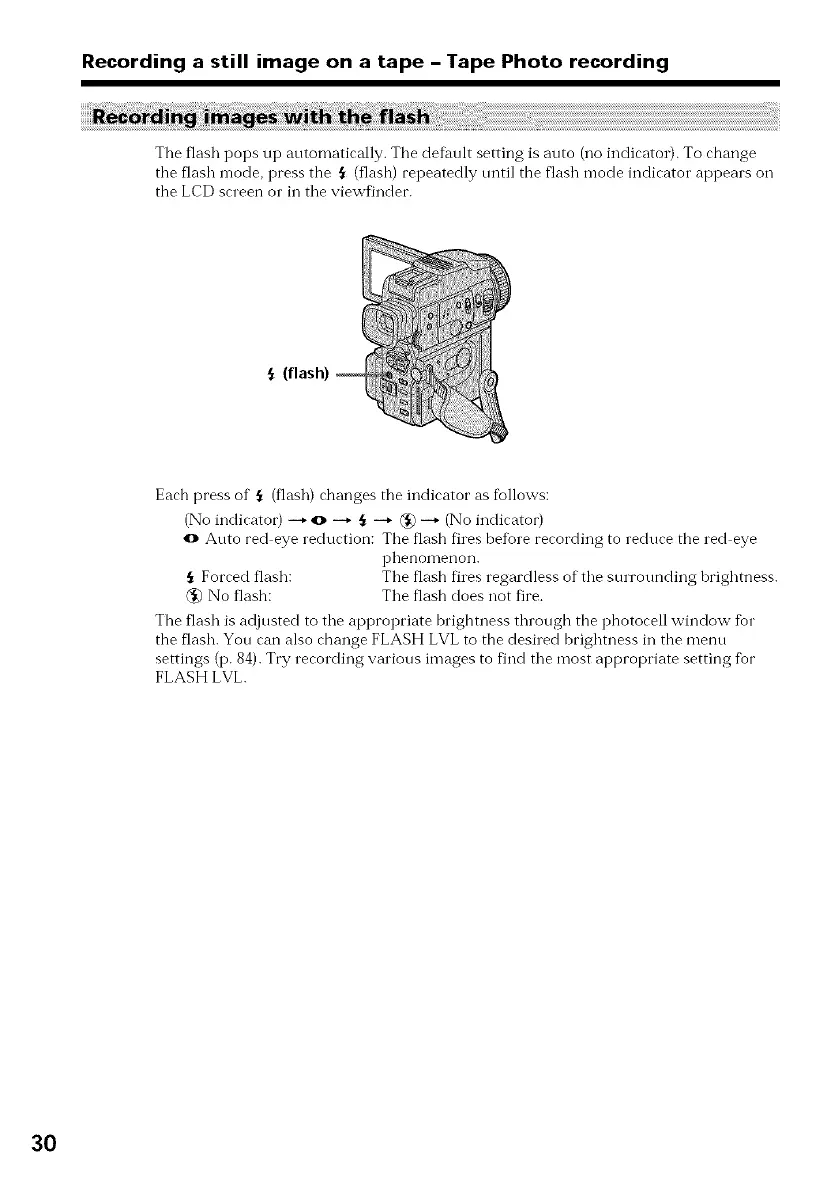
The flash pops up automatically. The defhult setting is auto (no indicator). To change
the flash mode, press the {_ (flash) repeatedly until the flash mode indicator appears oil
the LCD screen o1" in tile viewfinder.
Each press of ,_ (flash) changes the indicator as %llows:
(No indicator) --* o --_ _ --_ _ --_ (No indicator)
o Auto red eye reduction: The flash fires before recording to reduce the red eye
phenon]enon.
Forced flash: The flash fires regardless of the surrounding brightness.
(_) No flash: The flash does not fire.
The flash is adjusted to the appropriate brightness through the photocell window for
the flash. You can also change FLASH LVL to the desired brighmess in the menu
settings (p. 84). Try recording various images to find the most appropriate setting fbr
FLASH LVL.
3O


 To Next Page
 Loading...












