Using the fader function
(1) When fading in [a]
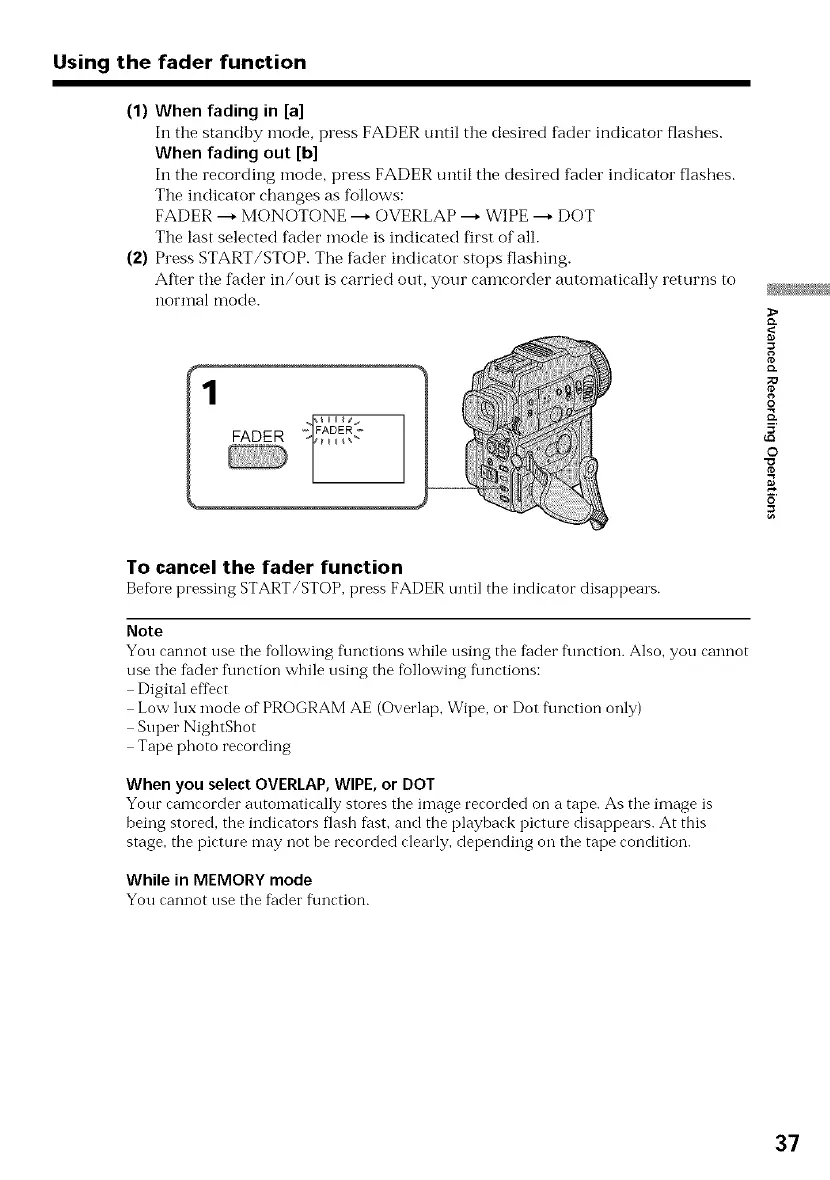
In the standhy mode, press FADER until the desired fader indicator flashes.
When fading out [b]
In the recording mode, press FADER until ttle desired fader indicator flashes.
The indicator char_ges as follows:
FADER ---* MONOTONE ---* OVERLAP ---* WIPE ---* DOT
The last selected fader mode is indicated first of all.
(2) Press START/STOP. The fader indicator stops flashing.
After tlle fader in/out is carried out, your camcorder automatically returns to
noITtlal mode.
g
{D.
O
5'
©
_=
To cancel the fader function
Befiorepressing START/STOP, press FADER until the indicator disappears.
Note
You cannot use the following f\mctions while using the fader f\metion. Also, you cannot
use the fader fkmction while using the following f_mctions:
Digital effect
Low ]ux mode of PROGRAM AE (Overlap, Wipe, or Dot fkmction only)
Super NightShot
Tape photo recording
When you select OVERLAP, WIPE, or DOT
Your camcorder automatically stores the image recorded on a tape. As the image is
being storecL the indicators flash fhst, and the playback picture disappears. At this
stage, the picture may not be recorded clearly, depending on the tape condition.
While in MEMORY mode
You cannot use the fader f\mction.
37















 To Next Page