Audio dubbing
Choose a connection mentioned before, and connect audio equipment or microphone to
your camcorder. Then follow tile procedure below.
(1) Insert the recorded tape into your camcorder.
(2) Set the POWER switch to VCR on your camcorder.
(3) Locate the recording start point by pressing _ on the Remote Commander.
Then press I I at the point where you want to start recording to set your
camcorder to the playback pause mode.
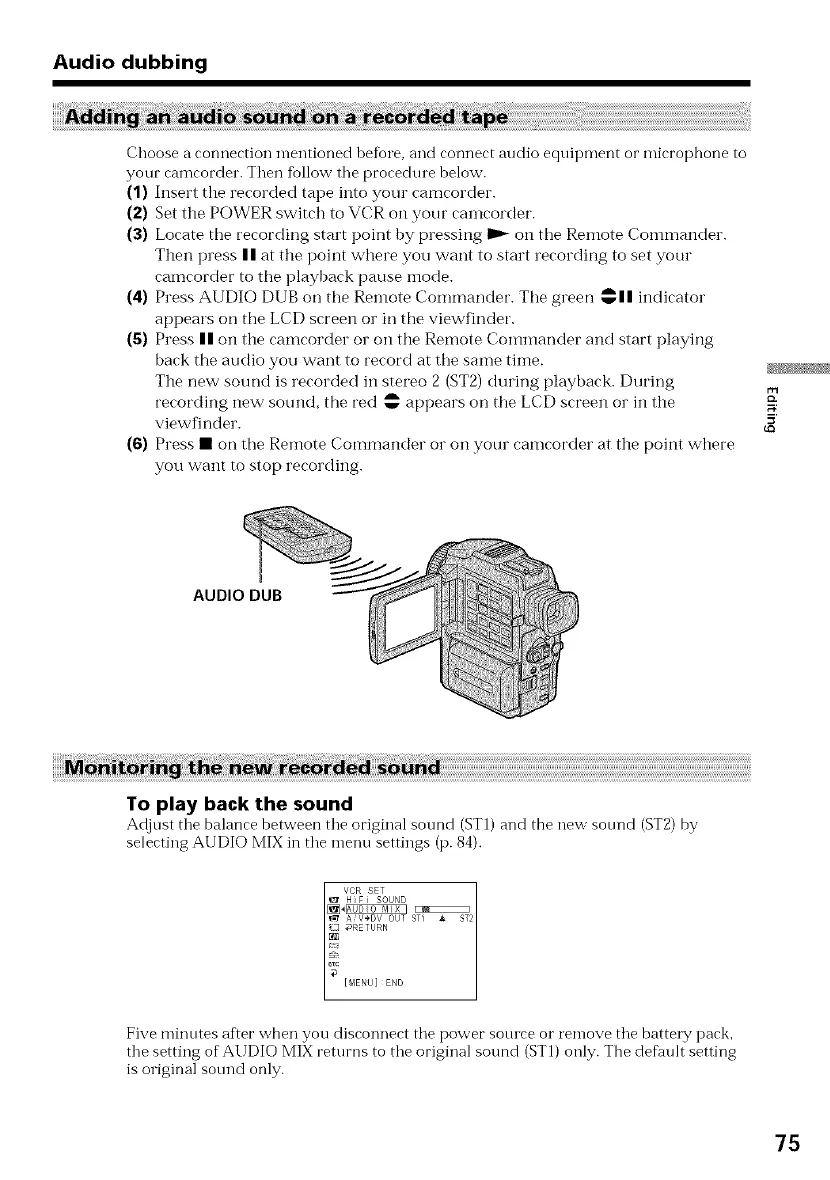
(4) Press AUDIO DUB on the Remote Commander. The green wall indicator
appears on the LCD screen or in the viewfinder.
(5) Press II on the camcorder or on the Remote Commander and start playing
back the audio you want to record at the same time.
The new sound is recorded in stereo 2 (ST2) during playback. During
recording new sound, the red _ appears on the LCD screen or in the
viewfinder.
(6) Press • on the Remote Commander or on your camcorder at the point where
you want to stop recording.
AUDIO DUB
To play back the sound
Adjust the balance between the original sound (STI) and the new sotmd (ST2) by
selecting AUDIO MIX in the nlenu settings (p. 84).
Five minutes af'.er when you disconnect the power sotuce or ren-love the battery pack,
the setting of AUDIO MIX returns to the original sound (ST1) only. The default setting
is original sotmd only.
75















 To Next Page