Chapter 5 Editing Using the Built-in Hard Disk 5-7
Chapter 5 Editing Using the Built-in Hard Disk
5-2-6 Setting Edit Points
Set the edit points for editing between the recorder and
player.
To set an edit point
Note
When MASTER is specified as the player, it is not
possible to specify a pair of IN and OUT points over
different files.
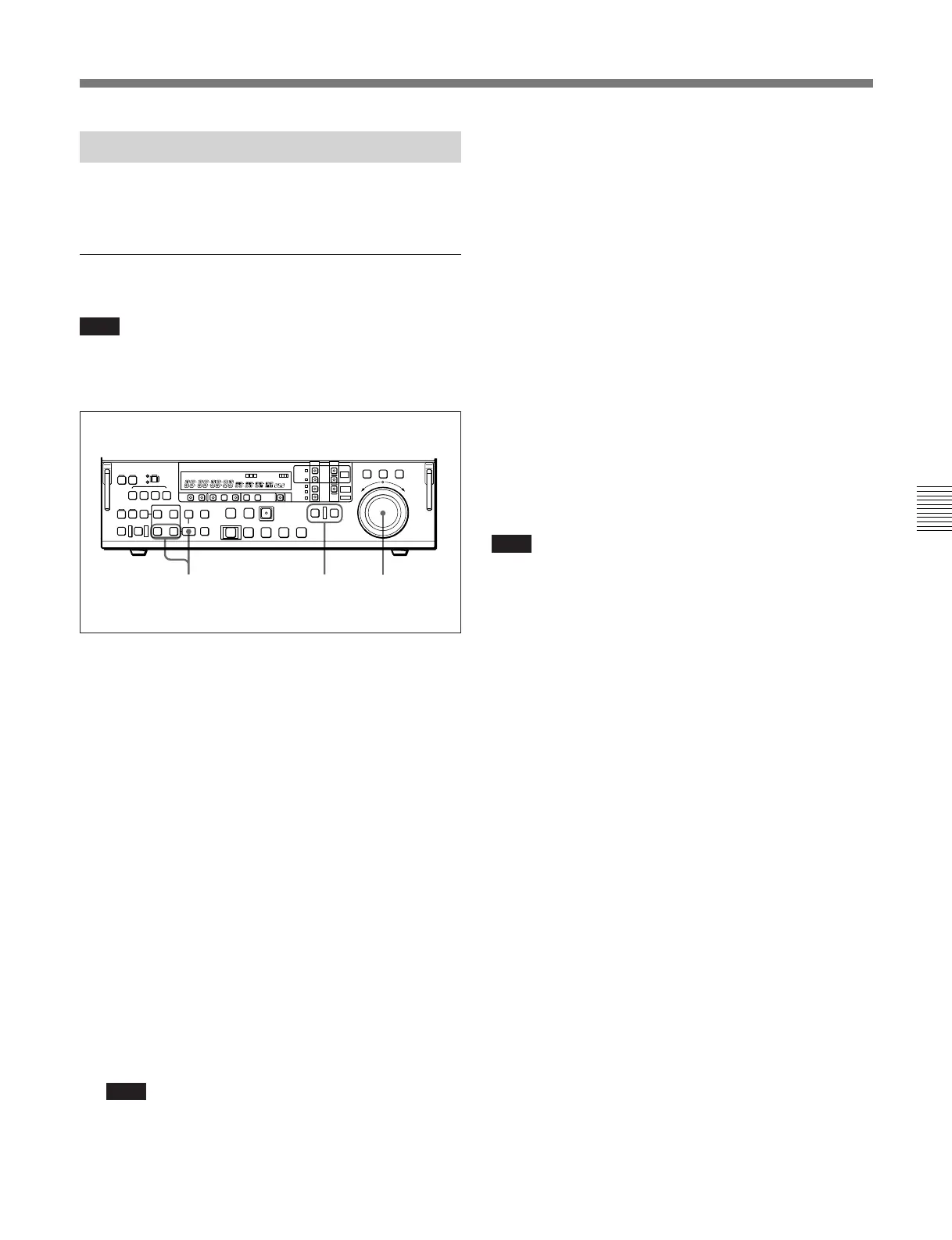
1 Press the RECORDER button or PLAYER button
to select the device on which you will set the edit
point.
The button which you have pressed lights.
2 Turn the search dial in jog or shuttle mode, and cue
up to the required edit point.
For details of playback in jog or shuttle mode, see the
sections “Playback in jog mode” (page 4-8) and
“Playback in shuttle mode” (page 4-9).
3 At the point at which you wish to set the IN point
or OUT point, hold down the ENTRY button and
press the IN button or OUT button as the case may
be.
When the IN point or OUT point is set, the IN
button or OUT button respectively lights.
Note
When the hard disk (MASTER or PROGRAM) is
specified as the player or recorder, be sure to set
the IN and OUT points so that the duration
between them is at least 16 frames.
132
4 Repeat steps 1 to 3 until all the necessary edit
points are set.
When the IN points on both the recorder and
player are set, the PREVIEW/REVIEW button and
AUTO EDIT button flash, and it becomes possible
to carry out a preview or editing operation.
However, when editing an event for the first time
for the purpose of creating a program, it is not
necessary to specify the recorder IN point.
Automatic setting of edit points
Editing requires four edit points: the IN and OUT
points on both the recorder and player. However, once
any three of these points are defined, the last point is
set automatically. For example, if you set the recorder
IN and OUT points, and the player IN point, the player
OUT point is set automatically.
Note
In the following cases, the DELETE button or either
the IN button or the OUT button begins to flash and
you cannot carry out editing:
When the DELETE button flashes
•The OUT point is before the IN point.
• All four of the recorder IN and OUT points and the
player IN and OUT points have been set.
• MASTER is selected as the player and the player IN
and OUT points are in different files.
• The following conditions regarding event durations
are not met.
(Before Version 2.00): Every event has at least 16
frames.
(Version 2.00 or later): Every event has at least 4
frames and any two adjacent events have a total of
32 frames or more.
Use the DELETE button to delete a redundant edit
point, or set the edit points correctly.
For details of deleting edit points, see Section 5-2-7,
“Modifying and Deleting Edit Points” (page 5-8).



 To Next Page