5-10 Chapter 5 Editing Using the Built-in Hard Disk
Chapter 5 Editing Using the Built-in Hard Disk
5-2 Basic Editing Operations
5-2-9 Preview
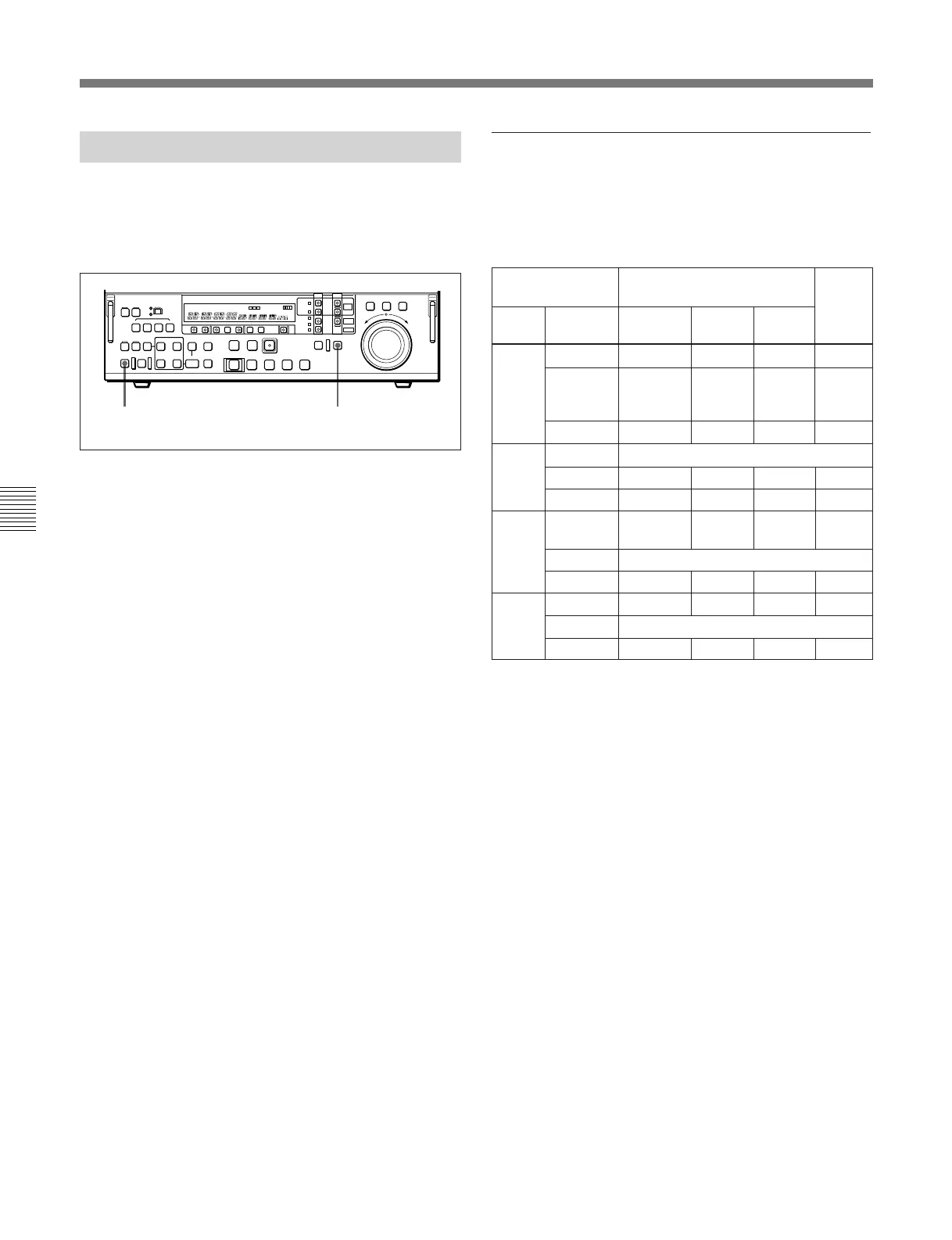
When you have set the edit points, the PREVIEW/
REVIEW button flashes, indicating that you can carry
out a preview.
To carry out a preview, use the following procedure.
1 Press the RECORDER button, turning it on.
2 Press the PREVIEW/REVIEW button.
The PREVIEW/REVIEW button changes from
flashing to continuously lit, and the preview is
carried out.
At the end of the preview, the PREVIEW/
REVIEW button goes off.
To stop the preview
Press the STOP button.
To return to the IN point or OUT point
Press the PREROLL button and the IN button or OUT
button simultaneously.
To return to the preroll point
Press the PREROLL button.
After the preview, make adjustments to the edit points,
then repeat the preview as necessary.
For details of how to modify or delete edit points, see
Section 5-2-7, “Modifying and Deleting Edit Points” (page
5-8).
12
Monitor output
During previews and editing, the monitor output video
depends on the settings shown in the following table.
Monitor output video during previews and editing
a) Only when the external input is other than SDDI.
b) Assemble mode editing only.
c) When an OUT point is set, program information is saved
to the hard disk but there is no output to the monitor.
If you execute an edit before setting the OUT point and
set the OUT point during the edit, the editing mode
becomes R-P- - (no postroll).
d) Monitor output switching from R to P will not exactly
represent the results of editing.
e) When audio editing only is performed in SELF mode,
monitor output will be R-P-R.
f) When audio editing only is performed on Version 2.00
or later units, monitor output will be R-P-R.
Device
specification
During previews
Player Recorder
RECORDER
mode
SELF
mode
EXT
a)
TAPE
b)
R-P-P
R-P-P R-P-P
d)
MASTER B-P-B B-P-B Editing
not
possible
P-P-P
PROGRAM R-P-P B-P-B P-P-P P-P-P
e)
TAPE TAPE Editing not possible
During
editing
PLAYER
mode
B-P-B
MASTER B-P-B P-P-PB-P-B –
PROGRAM R-B-B B-P-B – P-P-P
f)
PRO-
GRAM
TAPE
b)
R-B-B B-P-B – P-P-P
MASTER Editing not possible
PROGRAM R-P-R - -P-B
c)
MASTER TAPE
b)
R-B-B B-P-B – P-P-P
MASTER Editing not possible
PROGRAM R-P-R - -P-B –
c)
–



 To Next Page