Chapter 5 Editing Using the Built-in Hard Disk 5-17
Chapter 5 Editing Using the Built-in Hard Disk
5-4 Special Nonlinear Editing Operations
This section describes the following special editing
operations which you can use for nonlinear editing on
the unit:
• Modifying edit points after carrying out editing
• Deleting an arbitrary segment after carrying out
editing
• Reordering events after carrying out editing
5-4-1 Modifying Edit Points After
Carrying Out Editing
You can recall an event from a created program and
modify the edit points.
With PROGRAM specified as the recorder, and with
both the PLAYER button and RECORDER button off
(the SELF mode), carry out the following procedure.
1 Select the editing mode.
•For assemble editing or all-channel insert
editing
Press the ASSEMBLE/ALL button, turning it on.
•For separate channel insert editing
Press one of the VIDEO, and AUDIO CH-1 to
AUDIO CH-4 buttons, turning it on.
When the ASSEMBLE/ALL button is lit, you can
select INS (insert) or OVL (overlay) mode. In
other cases, OVL is selected automatically. The
editing results depend on which of INS and OVL is
selected.
For details, see the section “Nonlinear editing and the
setting of the EDITING MODE button” (page 5-6).
2 Press the PLAY button to start playing back the
program.
3 At any point in the event of which you wish to
modify an edit point, press the STOP button or
press the search dial to stop the playback.
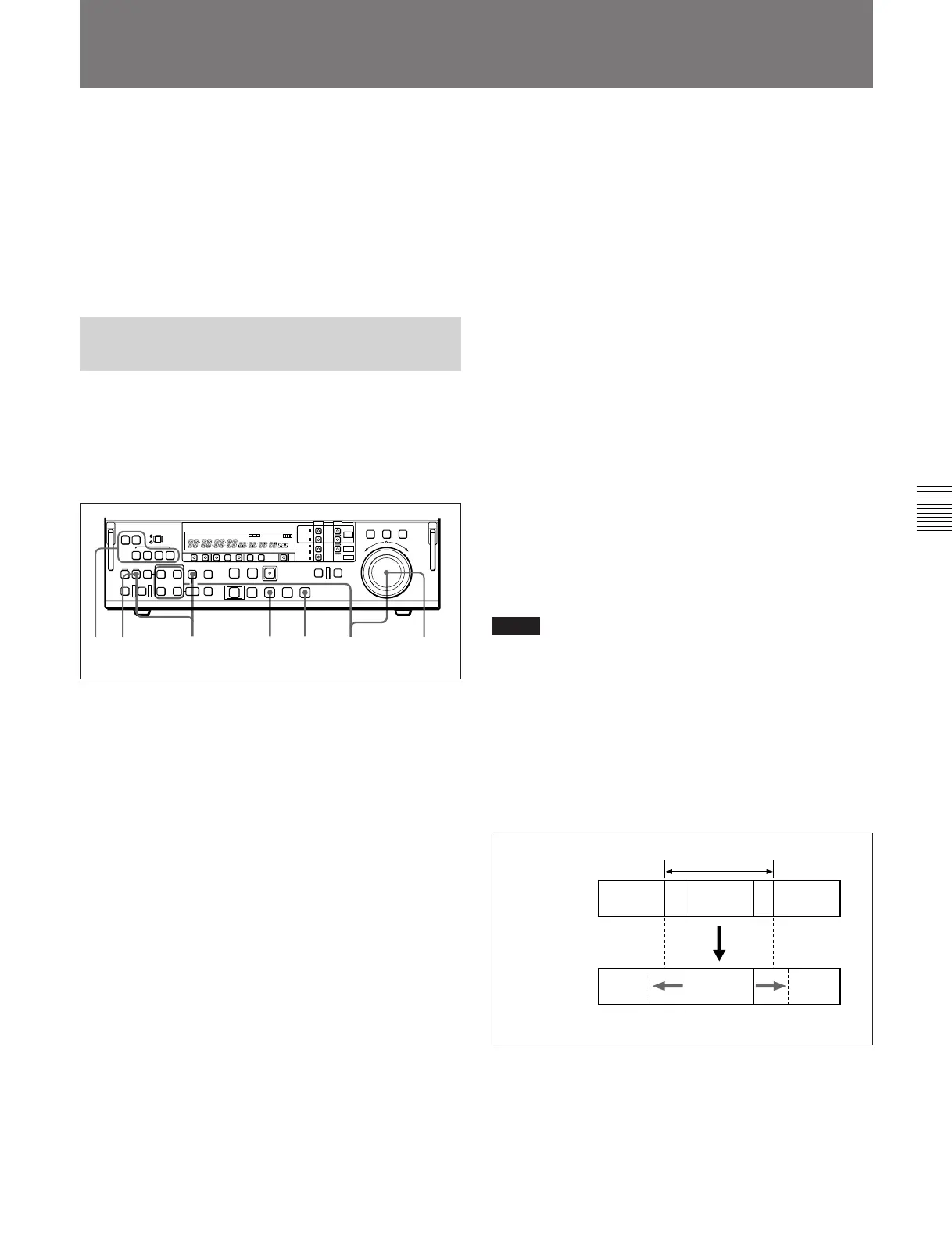
4253 (3)61
4 Holding down RECALL button, press the EVENT
button, turning it on.
The IN and OUT points of the event you selected
in step 3 are recalled and the IN button and OUT
button come on.
Aborting the modification of the edit points
Press the RECALL button once more, turning it
off.
5 Carry out either of the following operations.
•Hold down the IN button or OUT button (or
AUDIO IN button or AUDIO OUT button)
according to the edit point you wish to modify,
and turn the search dial to adjust the edit point.
•Hold down the ENTRY button, and press the IN
button or OUT button (or AUDIO IN button or
AUDIO OUT button) according to the edit point
you wish to modify, and set a new value.
6 Press the AUTO EDIT button, carrying out edit
point modification.
Notes
• For an event which has different edit points specified
for different channels, when you have selected
assemble editing or all-channel insert editing (the
ASSEMBLE/ALL button is lit), it is not possible to
modify the edit points.
• Events within a program comprise data recorded as
files on the hard disk MASTER. It is not possible to
modify the edit points outside the range of data
physically present.
Data on hard
disk MASTER
Events
within the
program
Extension of events in this way is not possible.
Event
Event
File



 To Next Page