Chapter 5 Editing Using the Built-in Hard Disk 5-19
Chapter 5 Editing Using the Built-in Hard Disk
3 Specify the OUT point of event 3 as the recorder
IN point.
The AUTO EDIT button and PREVIEW/REVIEW
button light.
4 Carry out automatic editing.
This records event 2 at the recorder IN point.
5 Use the procedure described in Section 5-4-2,
“Deleting an Arbitrary Segment After Carrying
Out Editing” to delete original event 2 between
events 1 and 3.
5-4-4 Simultaneous Recording
on Tape and the Hard Disk
An external signal input to the unit can be recorded on
tape and on the hard disk simultaneously. To do this,
specify EXT as the player and MASTER as the
recorder, then proceed as follows.
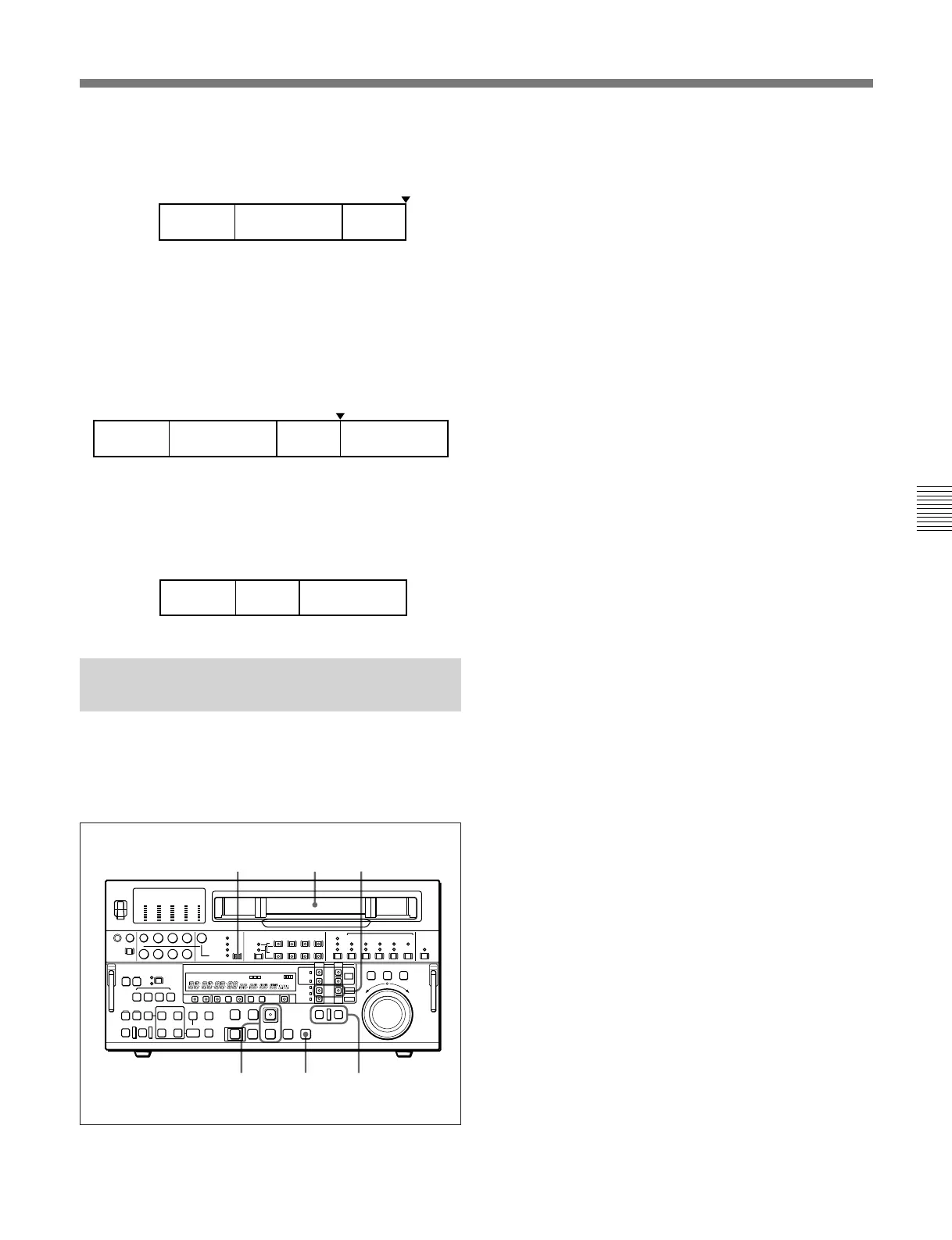
Recorder IN point
Event 2 Event 3 Event 2Event 1
Event 1
Event 3 Event 2
1 Make sure the PLAYER button and RECORDER
button are both off. (SELF mode)
If either or both of them are on, press them, turning
them off.
2 Use the VIDEO INPUT SELECT switch to select
the input signal.
3 Insert a cassette.
4 Hold down the PLAY button and press the REC
button.
Recording on the hard disk (DISK MASTER)
starts.
5 Press the TAPE button in the PLAYER row or
RECORDER row.
The TAPE button starts flashing.
While the TAPE button is flashing, the tape/disk
transport control section on the lower control panel
is operable to control the tape transport.
6 Hold down the PLAY button and press the REC
button.
Recording on the tape starts.
7 To stop recording, operate as follows.
• To stop recording on the tape
Press the STOP button.
•To stop recording on the hard disk
Press the PLAYER button or RECORDER
button, turning the flashing TAPE button off, then
press the STOP button.
To eject the cassette
Press the TAPE button, causing it to start flashing,
then press the EJECT button
4,6 7
3
2 5
1,(7)
Recorder IN point
Event 1 Event 2 Event 3



 To Next Page