101
GB
Printing from a PC (PC mode)
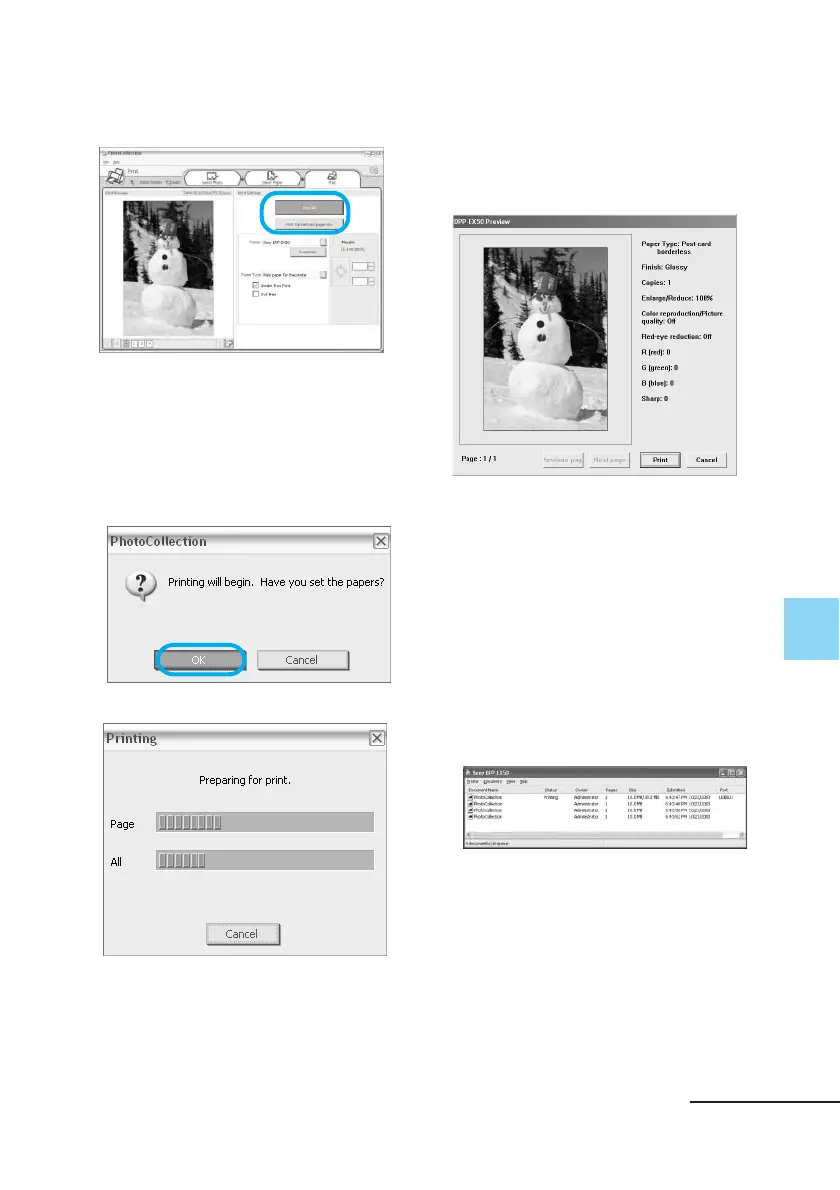
11Click “Print All” or “Print the
selected page only”.
The confirmation dialog box for
printing is displayed.
12Make sure that the specified
print paper and print cartridge
are loaded and click “OK”.
Printing starts.
Continued
When
“Print preview” is checked in
step 8
The preview window is displayed.
Check the adjustment results and
then click “Print.”
Printing resumes.
To stop printing
1 Open the “Print” dialog box
from the desktop.
2 Click the document name that
you want to cancel printing of
and then click “Cancel” from
the “Document” menu.
The dialog box used for confirming
the deletion is displayed.



 To Next Page