30
GB
Editing an image
You can display the EDIT menu on the
TV monitor and edit or add an effect to
an image.
This section explains how to edit an
image as follows:
Displaying the EDIT menu (page
31)
x
Editing an image
• Enlarging or reducing the size
of an image (page 32)
• Moving an image (page 32)
• Rotating an image (page 33)
• Adjusting an image (page 33)
• Adding a special filter to an
image (page 34)
• Reducing red-eye phenomenon
(page 35)
• Superimposing characters (page
36)
x
Saving and printing an edited
image (pages 40 and 41)
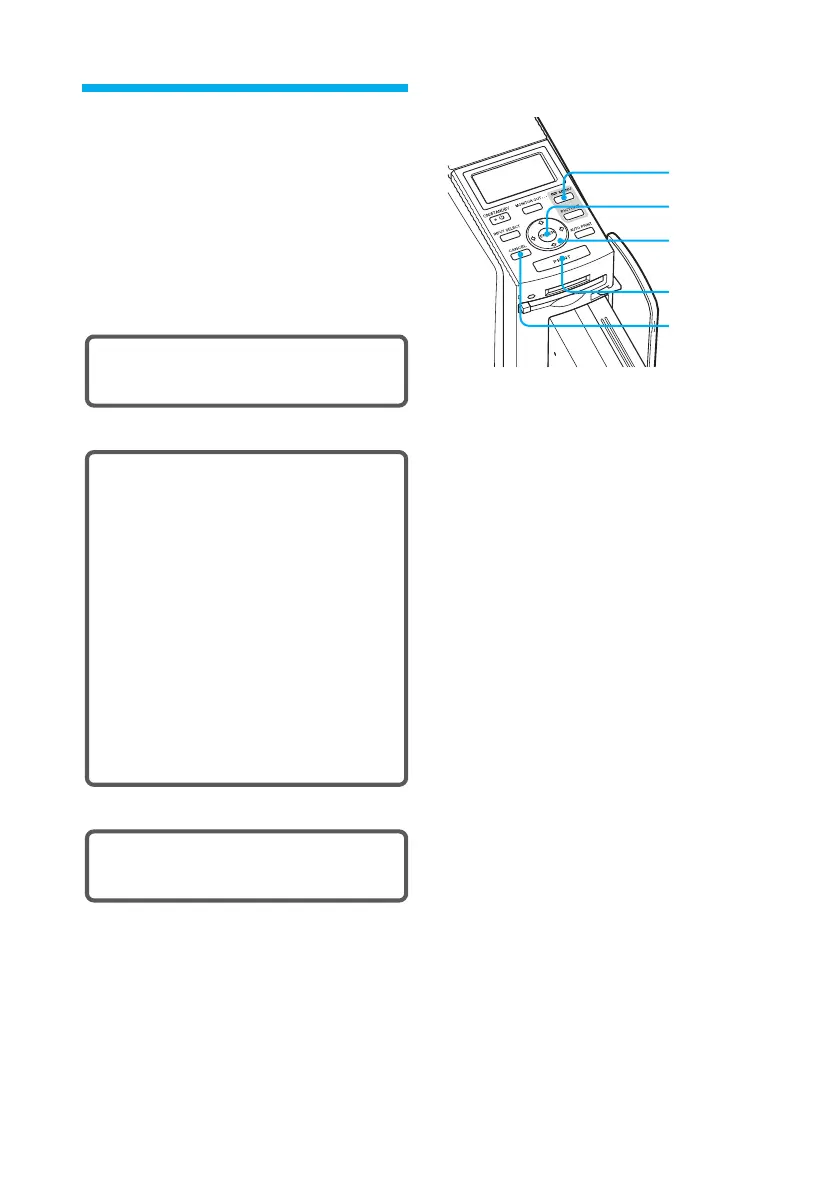
Buttons to be used in this section
MENU
ENTER
Arrow (B/b/
V/v) button
PRINT
CANCEL



 To Next Page