6
GB
Before you begin
Overview
What you can do with this printer
The Digital Photo Printer DPP-EX50 provides the following four operation modes,
depending on the medium or device you use for printing.
When you print an image on a “Memory Stick” or a CompactFlash card
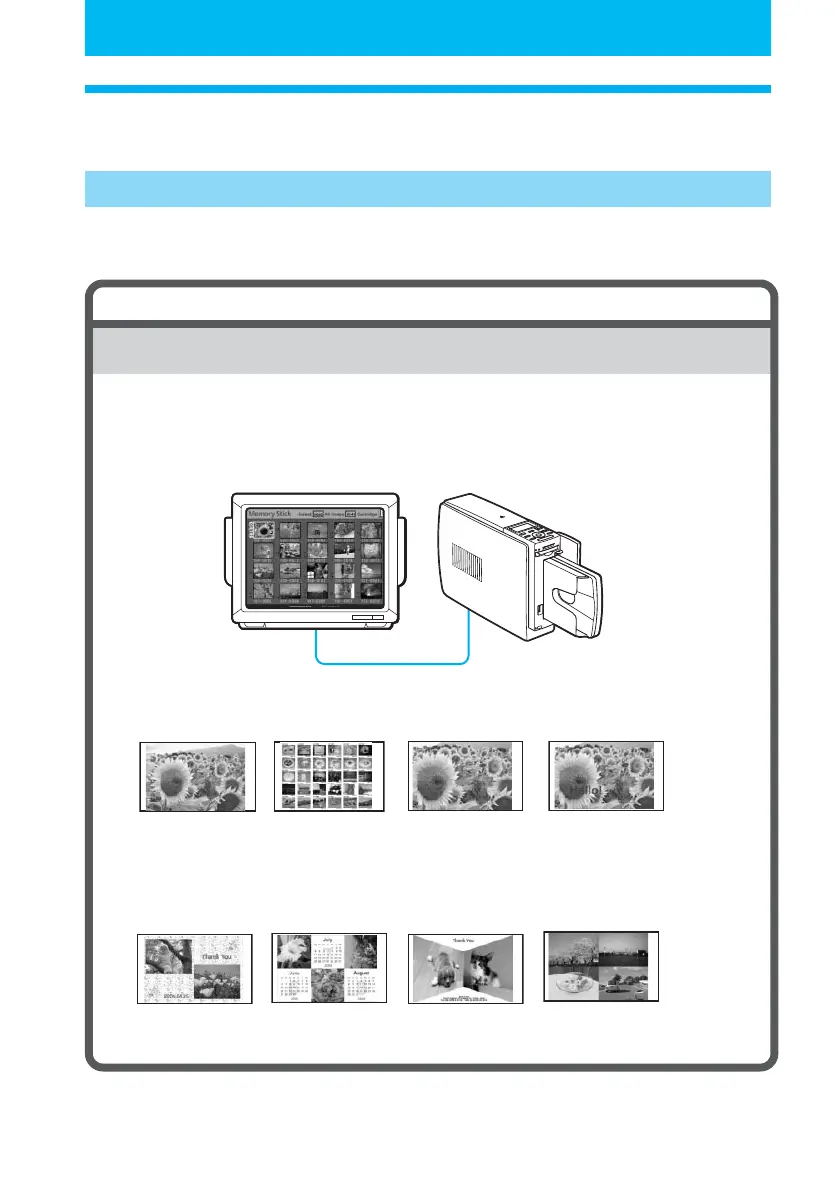
Printing using a TV monitor (MONITOR OUT mode) c Page 18
Connect the printer to a TV monitor to view the images and monitor operations
for printing an image. You can enjoy a variety of printing and editing features.
Basic one-image
prints (p.22)
INDEX/DPOF/ALL
prints (p.27)
Enlarged/Reduced/
Moved/Rotated
image prints
(pp.32, 33)
A variety of prints you can make
Superimposed
images (p. 36)
Free layout
prints (p.43)
Calendar prints
(p.50)
Card prints (p.53) Split images
prints (p.56)



 To Next Page