13
GB
Preparations
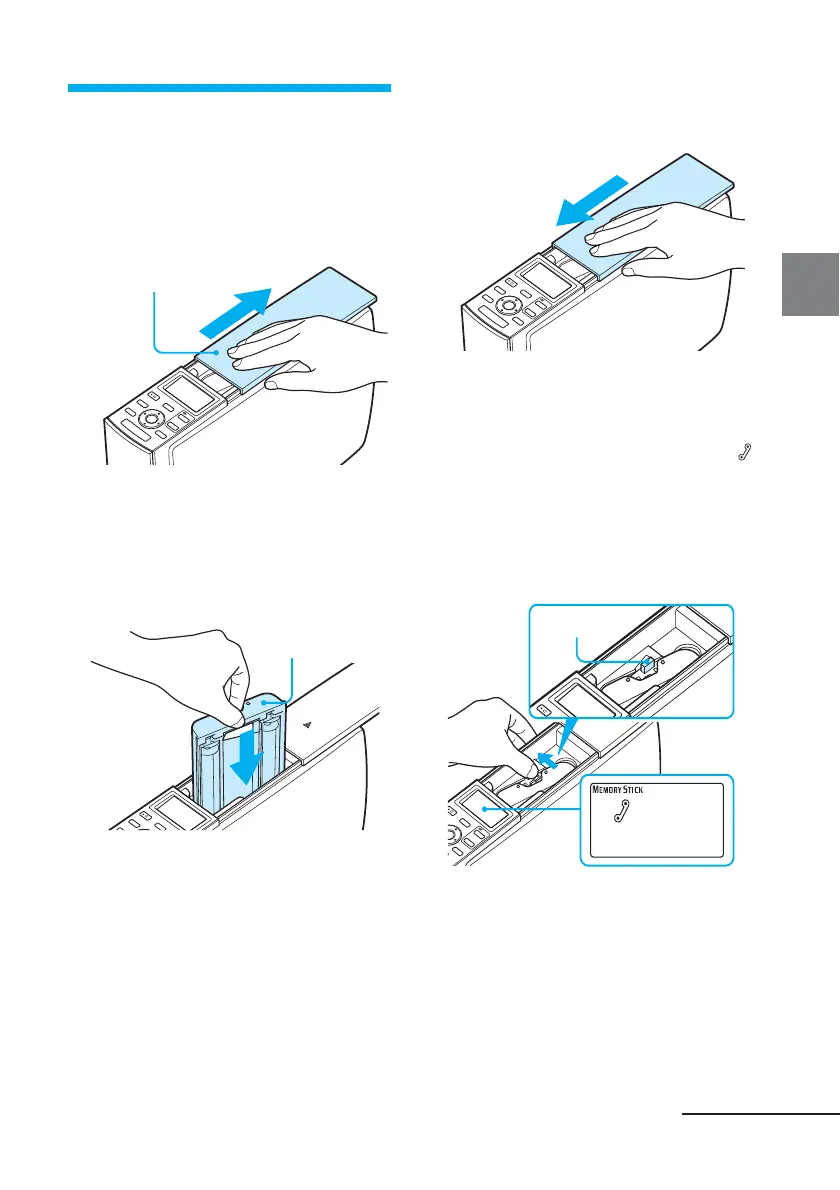
3 Loading the print
cartridge
1
Slide open the cartridge
compartment cover.
Cartridge cover
2 Insert the print cartridge.
Insert the print cartridge, with the
Sony logo side up, until it clicks into
place.
Sony logo
3 Close the cartridge
compartment cover.
Removing the print cartridge
When the print cartridge runs out, the
(cartridge error) indicator appears on
the printer‘s LCD display.
Open the cartridge compartment cover,
push the green eject lever outsides, and
remove the used print cartridge.
Eject lever
Continued



 To Next Page