32
GB
Editing an image
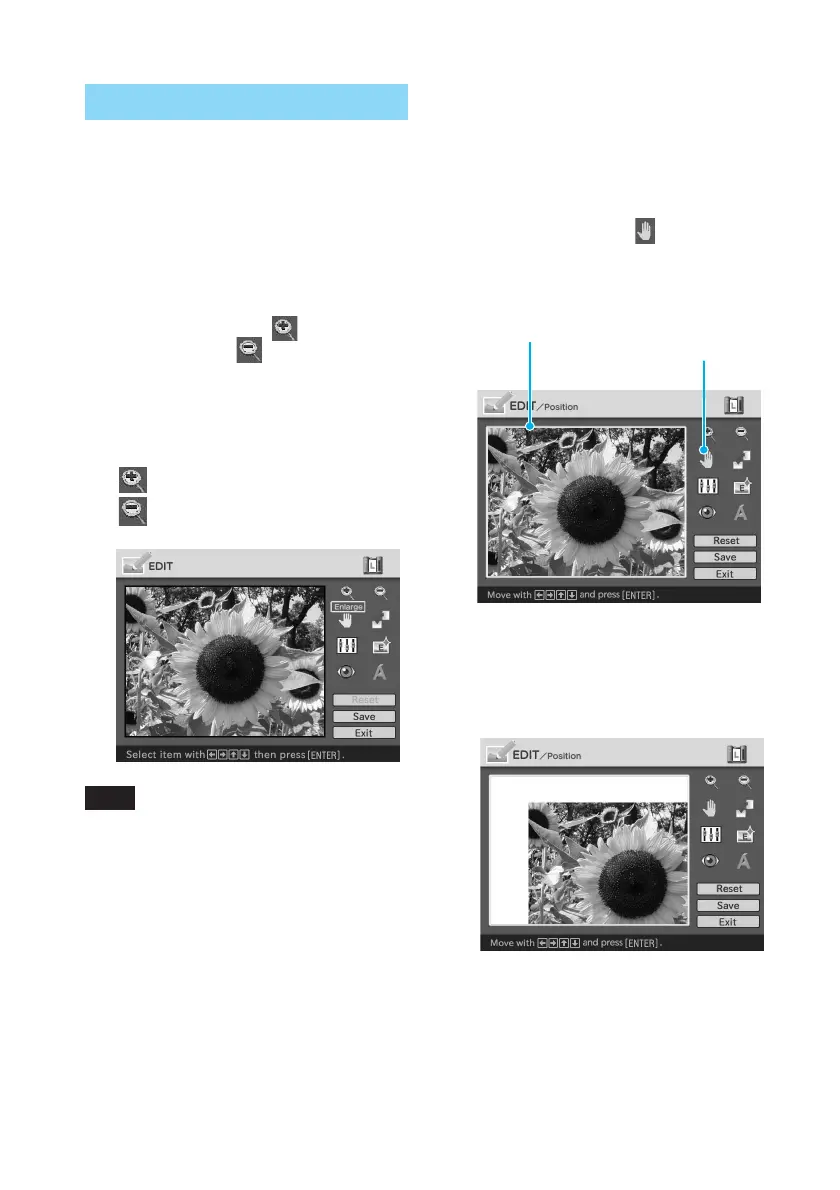
Enlarging and reducing the size
of an image
1
Display the EDIT menu (page
31).
2
Press the arrow (B/b/V/v)
button to select to enlarge
an image or to reduce the
size of it and then press
ENTER.
Each time you press ENTER, the
image becomes larger or smaller:
: up to 200%
: up to 60%
Note
The picture quality of an enlarged image may
be deteriorated depending on its size.
Moving an image
1
Display the EDIT menu (page
31).
2
Press the arrow (B/b/V/v)
button to select (Position)
and then press ENTER.
The image frames become yellow
and you can move an image.
Image frame becomes yellow.
Position tool
3
Move the image with the
arrow (B/b/V/v) button.
The image moves to the selected
direction.



 To Next Page