42
GB
Making various prints
(Creative Print)
You can display the Creative Print
menu on the TV monitor and make a
card, calendar, split images prints using
the image of the “Memory Stick” or
CompactFlash card.
This section explains how to make a
print as follows:
Displaying the Creative Print
menu (page 43)
x
Making a Creative print
• Making a free layout print
(page 43)
• Making a calendar (page 50)
• Making a card (page 53)
• Making split images (page 56)
x
Saving and printing a Creative
print image (page 58)
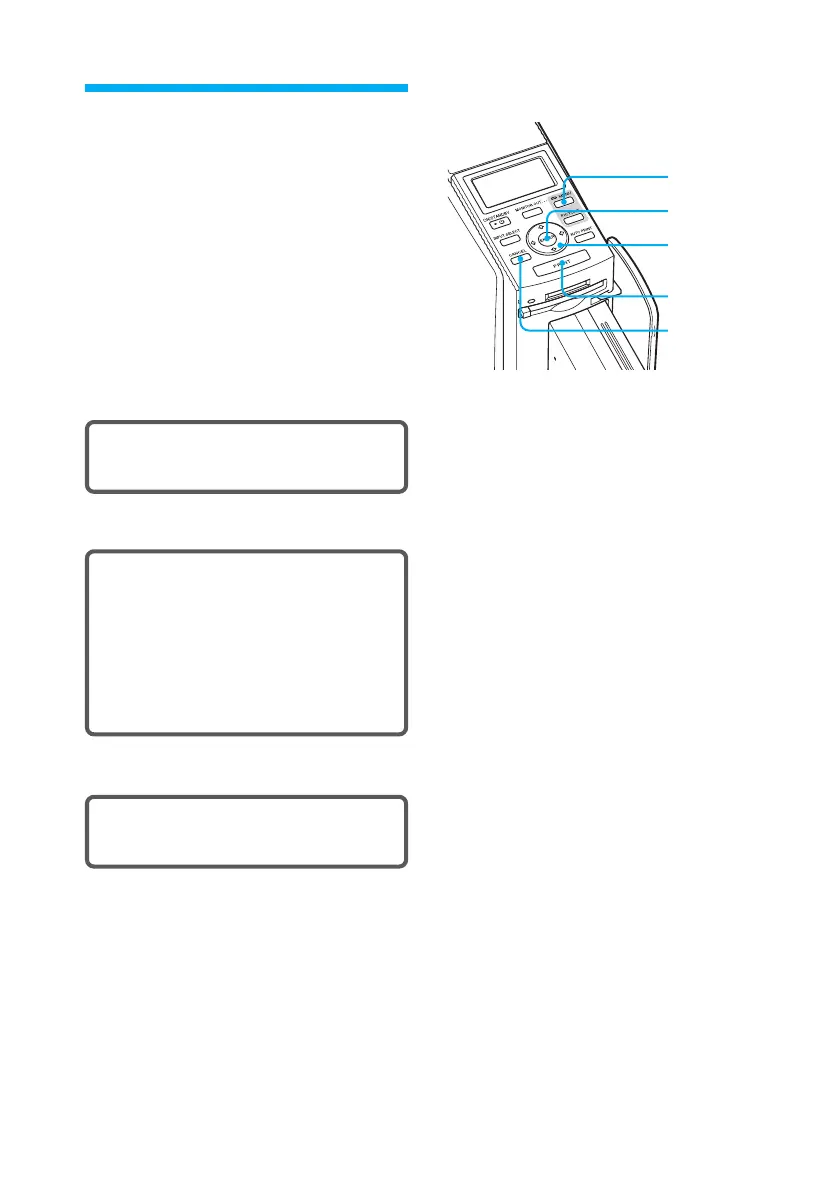
Buttons to be used in this section
MENU
ENTER
Arrow (B/b/
V/v) button
PRINT
CANCEL



 To Next Page