63
GB
Printing using a TV monitor (MONITOR OUT mode)
Changing the printer
preferences (OPTION)
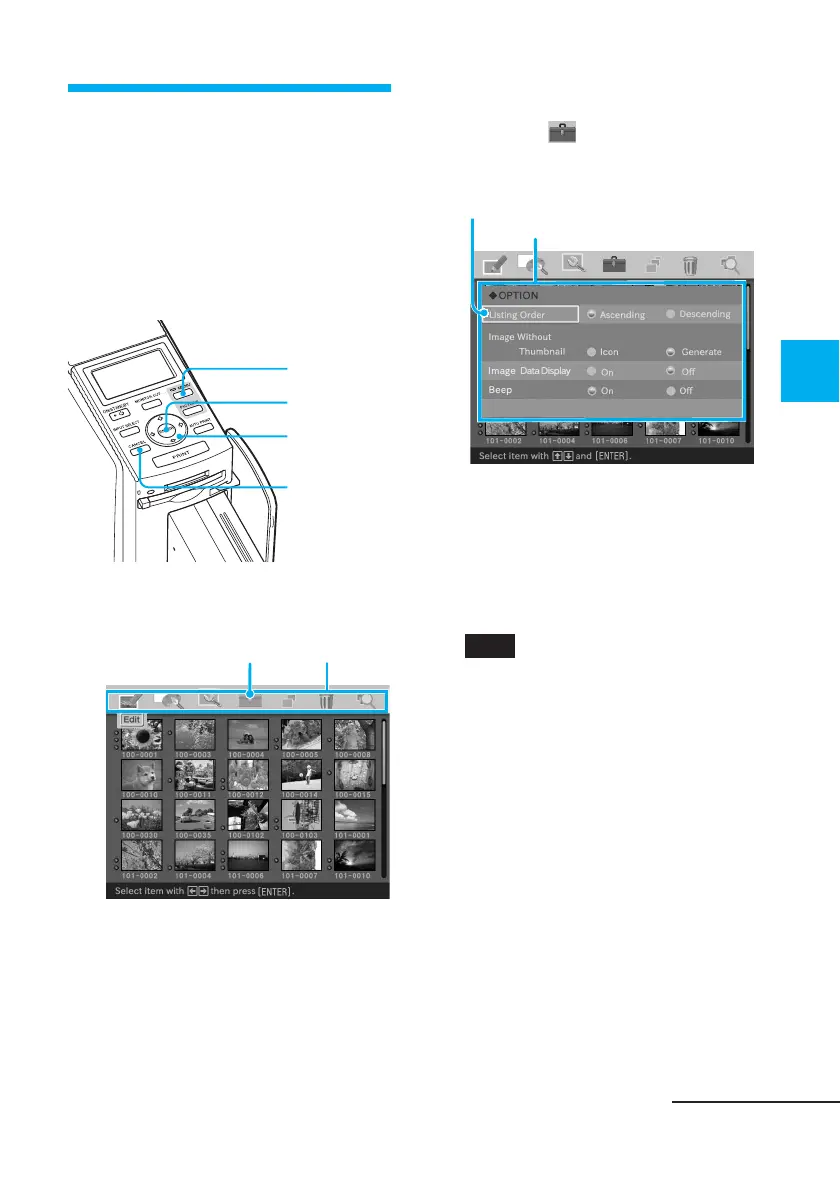
The OPTION menu allows you to
change the preferences listed on page
64.
Buttons to be used in this section
MENU
ENTER
Arrow (B/b/
V/v)
CANCEL
1
Press MENU.
The menu bar is displayed.
OPTION menu icon Menu bar
To exit the menu mode
Press MENU. The previous
window is displayed.
2
Press the arrow (B/b) button
to select (OPTION) and
then press ENTER.
The OPTION menu is displayed.
Cursor
OPTION menu
3
Press the arrow (V/v) button
to select the desired setting
item, press the arrow (B/b)
button to change the option,
and then press ENTER.
Note
Items which cannot be changed are
displayed in gray and cannot be
selected.
Continued



 To Next Page