8
GB
MONITOR
OUT mode
LCD mode PictBridge mode PC mode
Get the printer ready for printing
• Prepare the printing pack (not supplied) (page 12)
• Load the print cartridge (page 13)
• Insert the print paper (page 15)
Connect to a TV
monitor (page 18)
Connect to an AC outlet
Print an image
while viewing it
on a TV monitor
(page 22)
Print an image
using the
printer‘s LCD
display (page 74)
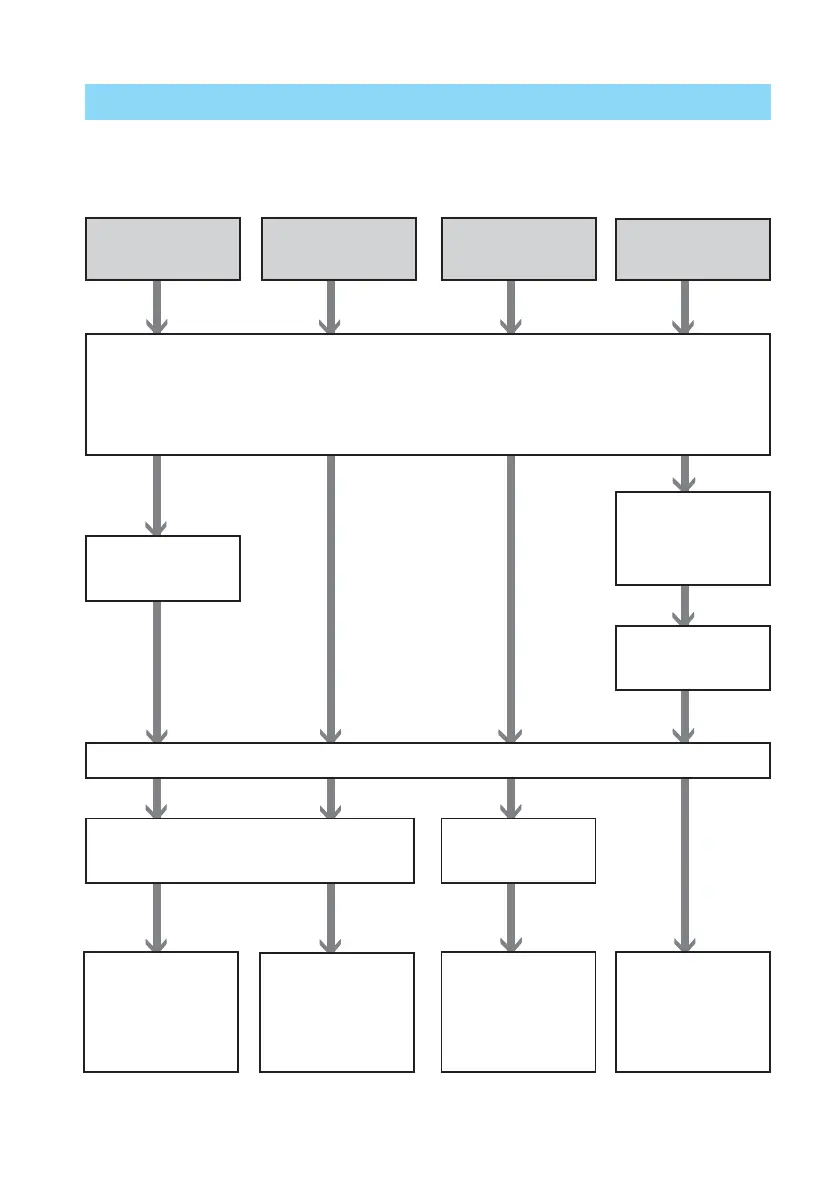
Operation flows
Depending on the operation mode you choose, follow the operation flow below:
Connect to a PC
(page 89)
Insert the “Memory Stick” (pages 19,
73) or CompactFlash card (pages 20, 73)
Connect to a
camera (page 82)
Use the camera
to print an
image (page 81)
Use the PC to
print an image
(page 96)
Install the supplied
software on the PC
(page 87)



 To Next Page