22
GB
Basic printing
operations
Printing a selected image
This section explains
how to select an image
and print it in full size.
Borderless standard print
1
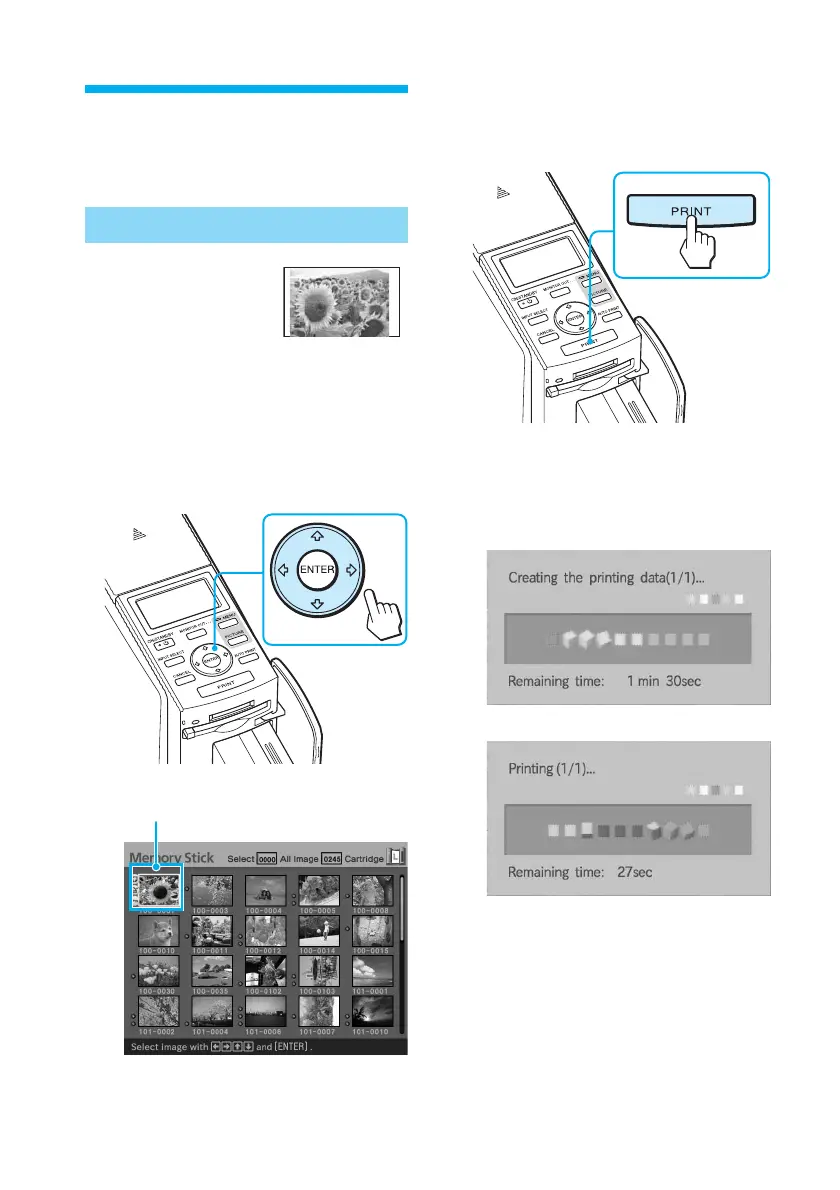
Press the arrow (B/b/V/v)
button to move the yellow
frame (cursor) to the image
you want to print.
Yellow frame
2
Press PRINT.
Printing of the image selected with
the cursor starts.
During printing, the printing
process is displayed on the TV
monitor.
v



 To Next Page