43
GB
Printing using a TV monitor (MONITOR OUT mode)
Displaying the Creative Print
menu
1
Press MENU.
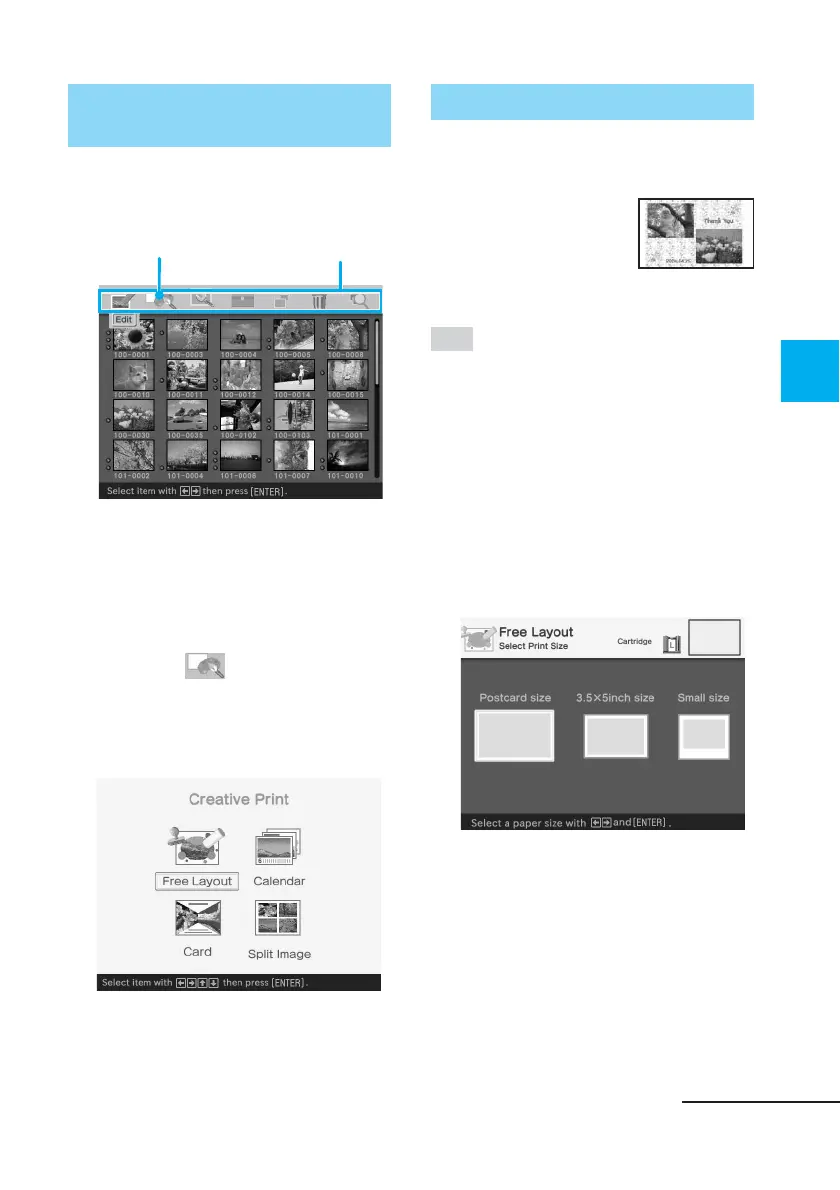
The menu bar is displayed.
Creative Print menu icon Menu bar
To exit the menu mode
Press MENU. The previous
window is displayed.
2
Press the arrow (B/b) button
to select (Creative Print)
and then press ENTER.
The Creative Print menu is
displayed.
Making a Creative print
Making a free layout print
You can add an image,
wallpaper, a message,
characters, a calendar, or
stamps to make an
original free layout print.
Tip
For the list of wallpaper, frames, or
templates, see pages 136 and 137.
1
Display the Creative Print
menu (page 43).
2
Press the arrow (B/b/V/v)
button to select “Free Layout”
and then press ENTER.
The print size selection window is
displayed.
Continued



 To Next Page