33
GB
Printing using a TV monitor (MONITOR OUT mode)
4
Press ENTER.
The image is fixed to the position.
Rotating an image
You can rotate an image clockwise or
counterclockwise.
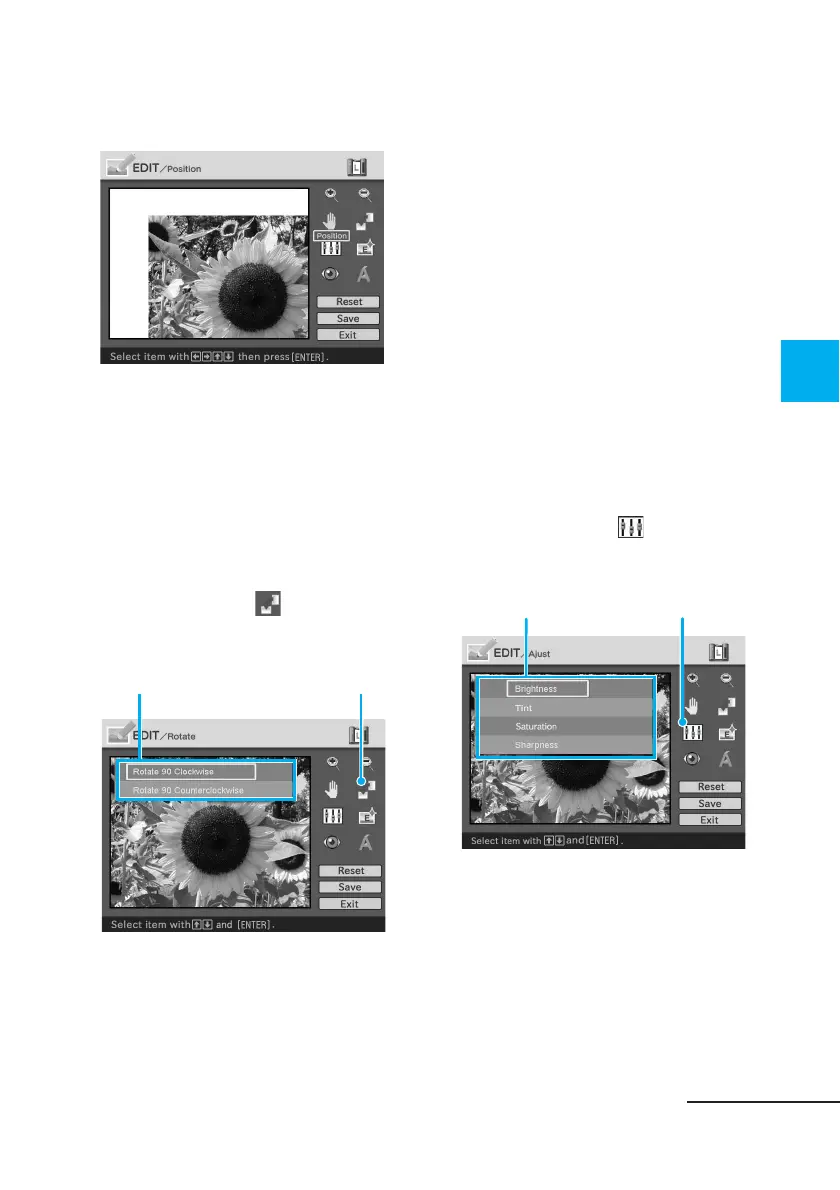
1
Display the EDIT menu (page
31).
2
Press the arrow (B/b/V/v)
button to select (Rotate)
and then press ENTER.
The Rotate menu is displayed.
Rotate menu Rotate tool
3
Press the arrow (V/v) button
to select the direction to
rotate the image and then
press ENTER.
• Rotate 90° Clockwise: Each time
you press ENTER, the image
rotates 90° clockwise.
• Rotate 90° Counterclockwise:
Each time you press ENTER, the
image rotates 90°
counterclockwise.
Adjusting an image
1
Display the EDIT menu (page
31).
2
Press the arrow (B/b/V/v)
button to select (Adjust)
and then press ENTER.
The Adjust menu is displayed.
Adjust menu Adjustment tool
Continued



 To Next Page