28
GB
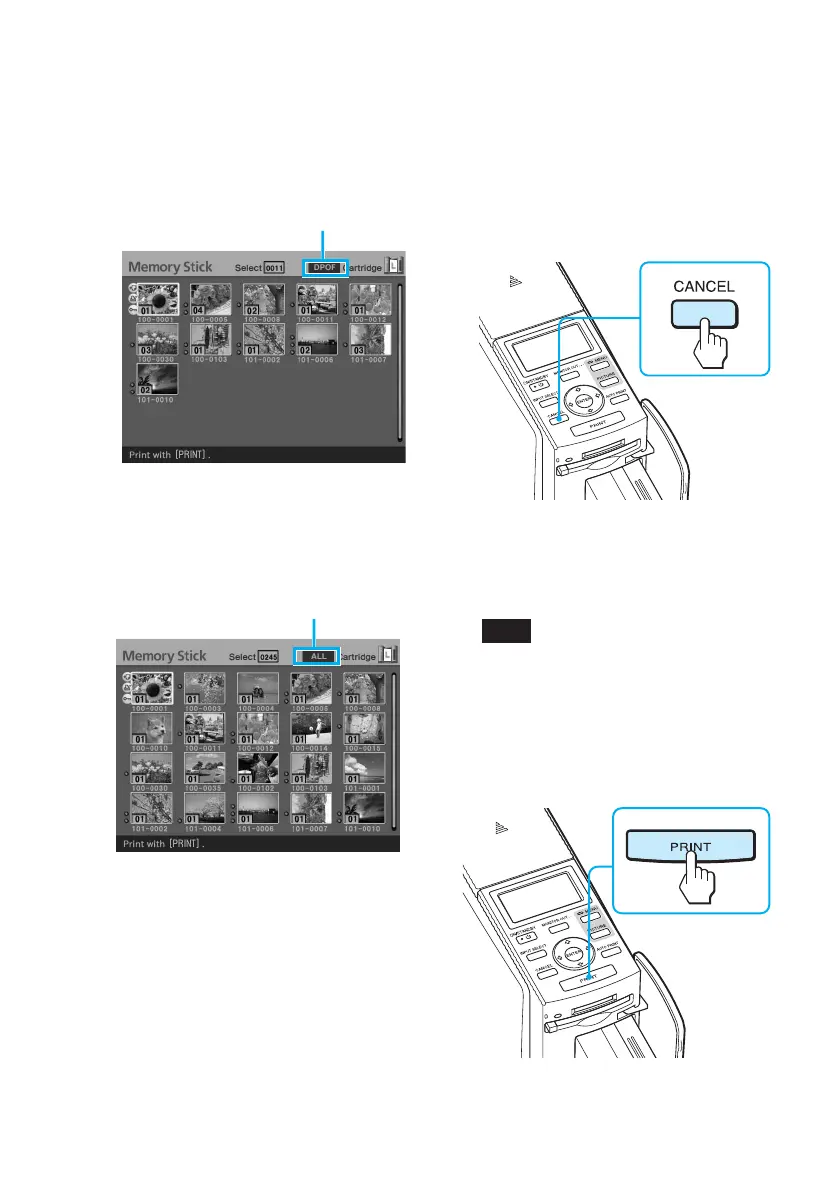
To print DPOF-preset images:
DPOF
Only the DPOF-preset images are
displayed with orange frames, each
with the preset print quantity.
DPOF indication
To cancel selection (except for
the DPOF printing)
Press the arrow (B/b/V/v) button
to move the yellow frame (cursor)
to the image of which you want to
cancel selection in the image list
and press CANCEL.
The orange frame disappears and
the selection is canceled.
Note
You cannot cancel the selection of the
DPOF preset images.
2
Press PRINT.
Printing starts.
To print all the images in a
memory card: ALL
All the images are selected with
orange frames.
ALL indication



 To Next Page