49
GB
Printing using a TV monitor (MONITOR OUT mode)
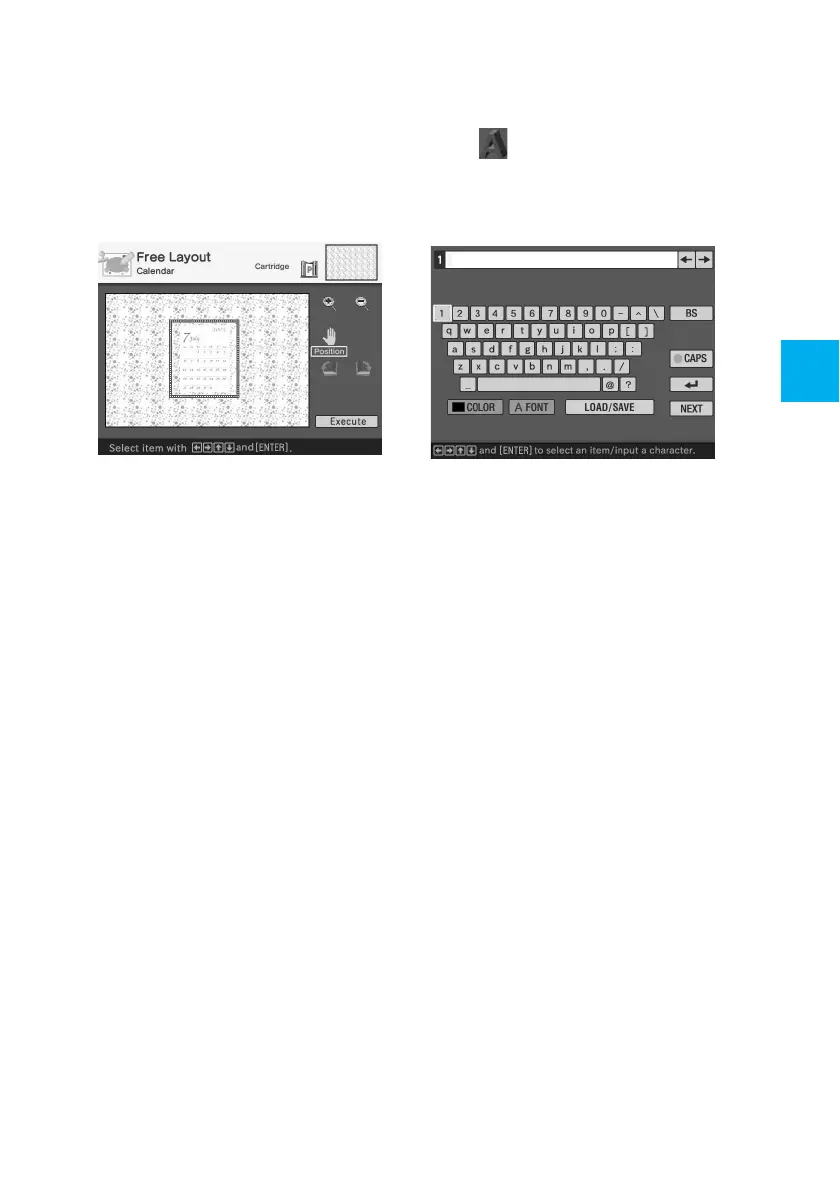
4 Press the arrow (B/b/V/v) button
to select “Execute” and then press
ENTER.
The window used for adjusting the
calendar size and position is
displayed.
5 Adjust the size and position of the
calendar.
For information on adjustment, see
step 8 on page 45.
6 Press the arrow (B/b/V/v) button
to select “Execute” and then press
ENTER.
The selected calendar is pasted on
the image.
x Superimposing characters
Press the arrow (B/b/V/v) button to
select
(Text) and press ENTER.
The keyboard is displayed. For how to
enter characters, see “Superimposing
characters” on pages 36 to 39.



 To Next Page