56
GB
Making split images
You can make a print
with 2-split, 4-split, 9-
split, 13-split, or 16-
split images.
1
Display the Creative Print
menu (page 43).
2
Press the arrow (B/b/V/v)
button to select “Split Image”,
then press ENTER.
The print size selection window is
displayed.
3
Press the arrow (B/b) button
to select the print size, then
press ENTER.
The split image templates are
displayed.
When you select “Small size”
4
Press the arrow (B/b/V/v)
button to select the desired
template, then press ENTER.
The preview of the selected
template is displayed.
Image area
Tip
You can select and set each area in any
order.
5
Press the arrow (B/b/V/v)
button to select the desired
area and press ENTER.
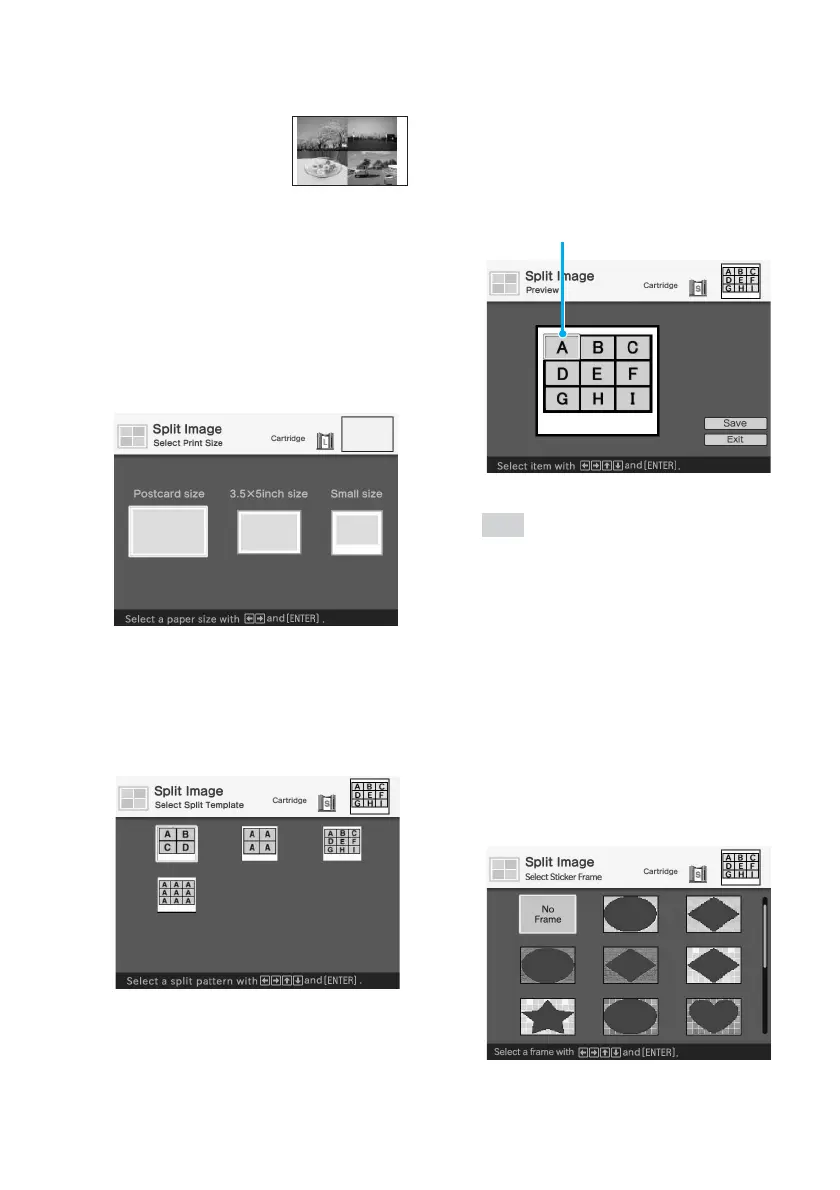
When you have selected a template
with frames (a 9-split “Small size”
template), the window for selecting
a frame is displayed. In other cases,
the window for selecting an image
shown in step 6 is displayed.



 To Next Page