71
GB
Printing using a TV monitor (MONITOR OUT mode)
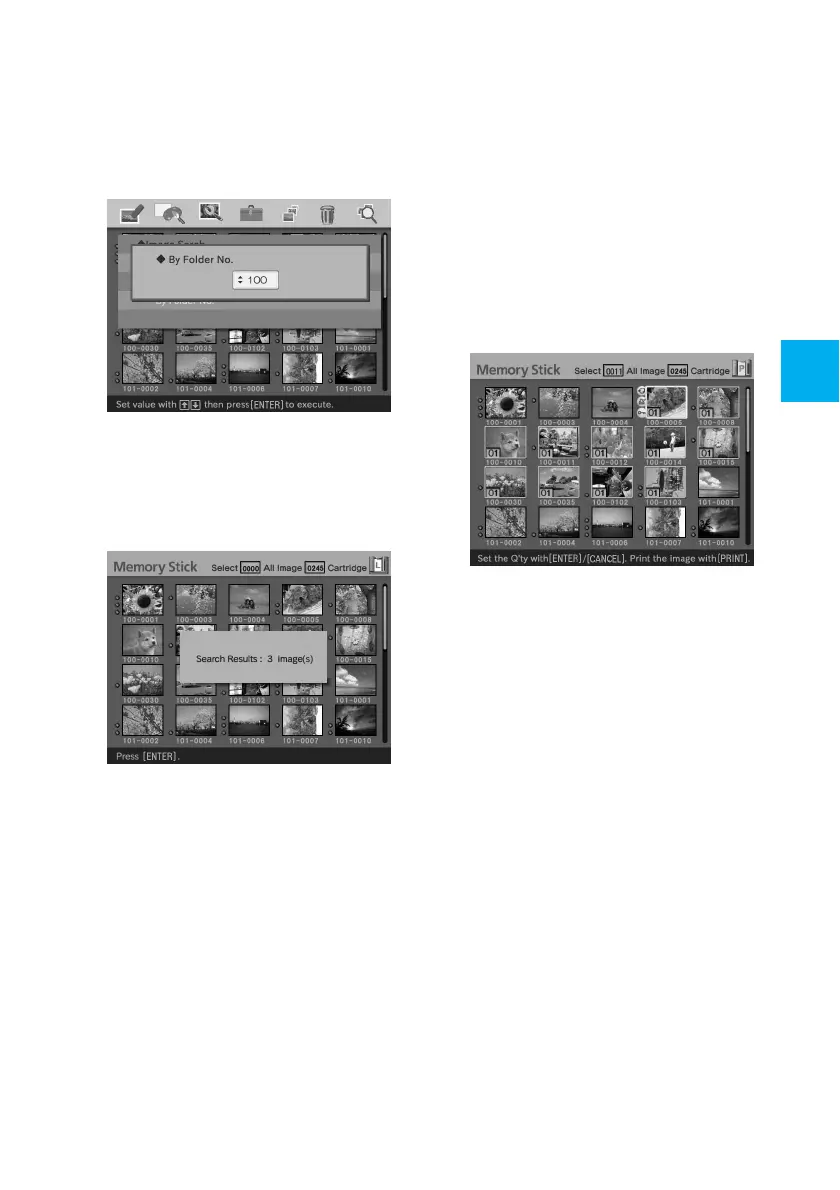
• When you select “By Folder
No.”:
Specify the folder number of the
images you want to search for:
5
Press ENTER.
Searching starts. When the search is
complete, the search results will be
displayed.
If no images have been found
“No images were found” will be
displayed.
6
Press ENTER.
The image list is displayed.
• When you have selected “By File
No.” and “By Data,” the images
found are selected with an
orange frame.
• When you have selected “By
Folder No.,” the first image in
the selected folder is selected
with the cursor.



 To Next Page