5-29
DSR-2000A/2000AP
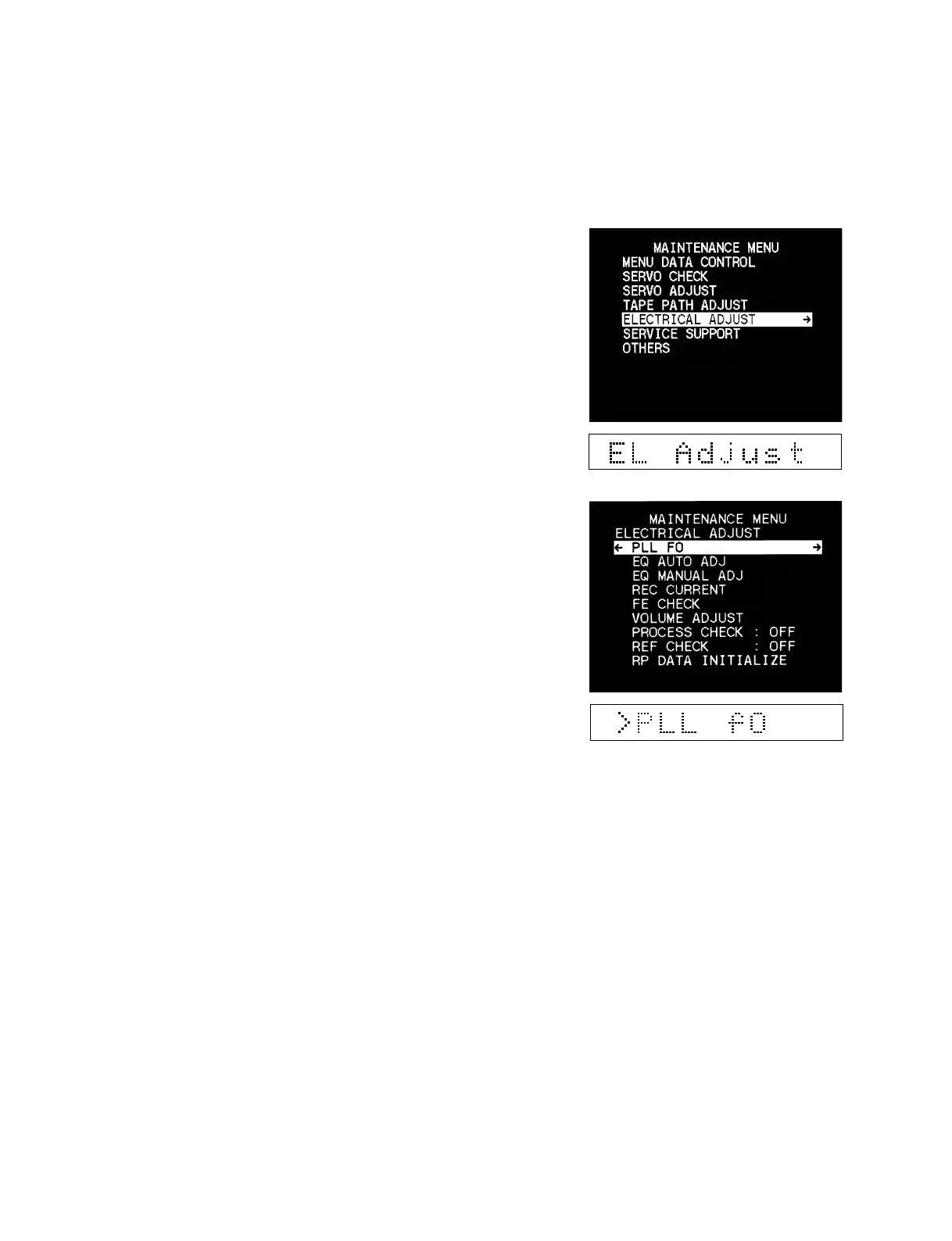
5-3-5. Electrical Adjust
Executes the electrical adjustment.
Operating procedure
1. Enter the maintenance menu.
2. Move the cursor to “ELECTRICAL ADJUST” which is
displayed with a white background using the [AUDIO|IN]
(↑), [IN] (↓) keys.
3. Press the [ENTRY] (→) key.
“ELECTRICAL ADJUST” is selected and its lower-layer
submenu appears.
4. Move the cursor displayed with a white background to a
desired item using the [AUDIO|IN] (↑) and [IN] (↓) keys.
5. Press the [ENTRY] (→) key to select the desired item.











 To Next Page