2-14
DSR-2000A/2000AP
S200
A
B C
D
E F G H J K L
M
N
P
1
2
3
4
5
6
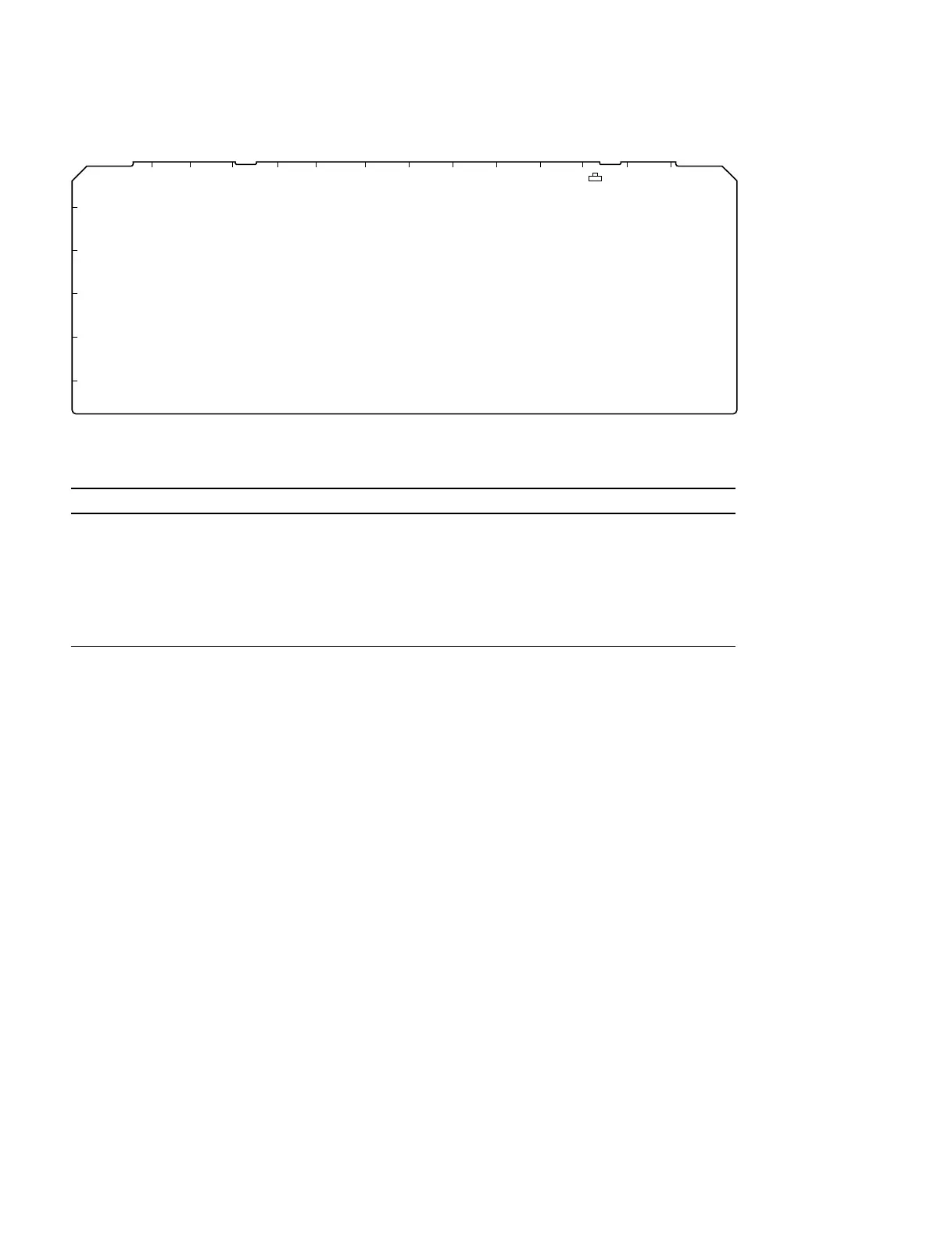
VPR-62 BOARD (A SIDE)
VPR-62 board
Ref No. Name Description Factory Setting
S200 A/D LEVEL REF . Use this switch when performing the A/D level adjustment. OFF
. When this switch is set to ON, the standard-level signal
generated based on the internal data is output for adjusting
the A/D level.
Return the setting of the switch (S200) to OFF position.
n
The switch (S200) on the VPR-62 board functions only when
the switch (S101-1) on the SV-212 board is set to ON position
2-9-4. System Adjustment After Installation
Observe the following precautions when this equipment is used for editing system.
. The REF. VIDEO INPUT requires video signal which is in comfomity with the RS-170A.
. Adjust the sync phase of this equipment to the system sync with [SYNC PHASE] control on the sub
control panel.
. Adjust the SCH phase of this equipment to the system SCH with [SC PHASE] control on the sub
control panel.
. When this unit is connected to a switcher that does not have the sync switching function, the SYNC/
BURST level adjustment is required.











 To Next Page