5-37
DSR-2000A/2000AP
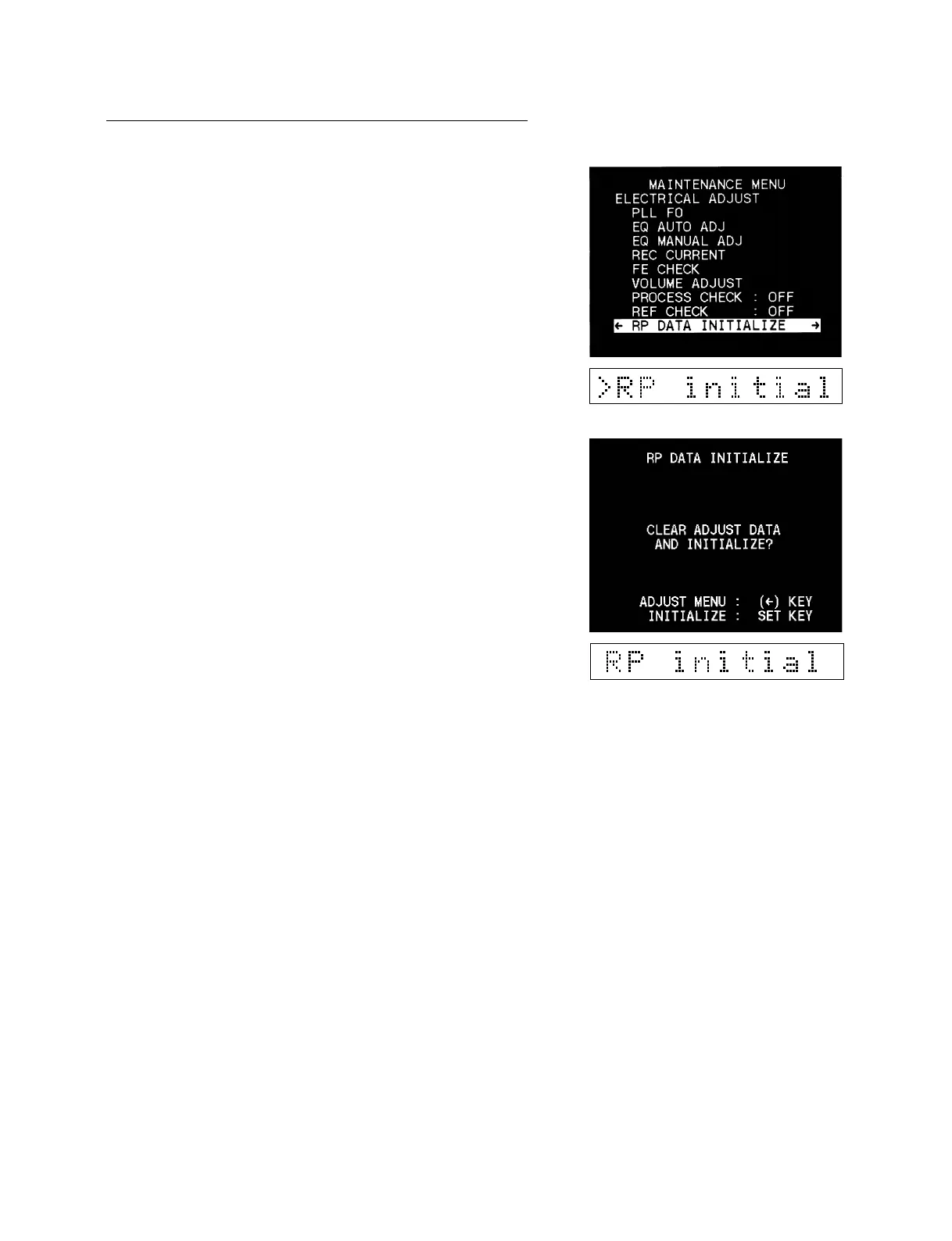
9. RP DATA INITIALIZE
1. Select the RP DATA INITIALIZE.
2. As “RP DATA INITIALIZE” will be displayed on the screen,
press the [SET] key when initializing the adjusted data.
n
After initialization, be sure to perform the following three
adjustments in Section “5-3-5. Electrical Adjust.”
1. PLL F0
2. EQ AUTO ADJ
4. REC CURRENT











 To Next Page