5-5
DSR-2000A/2000AP
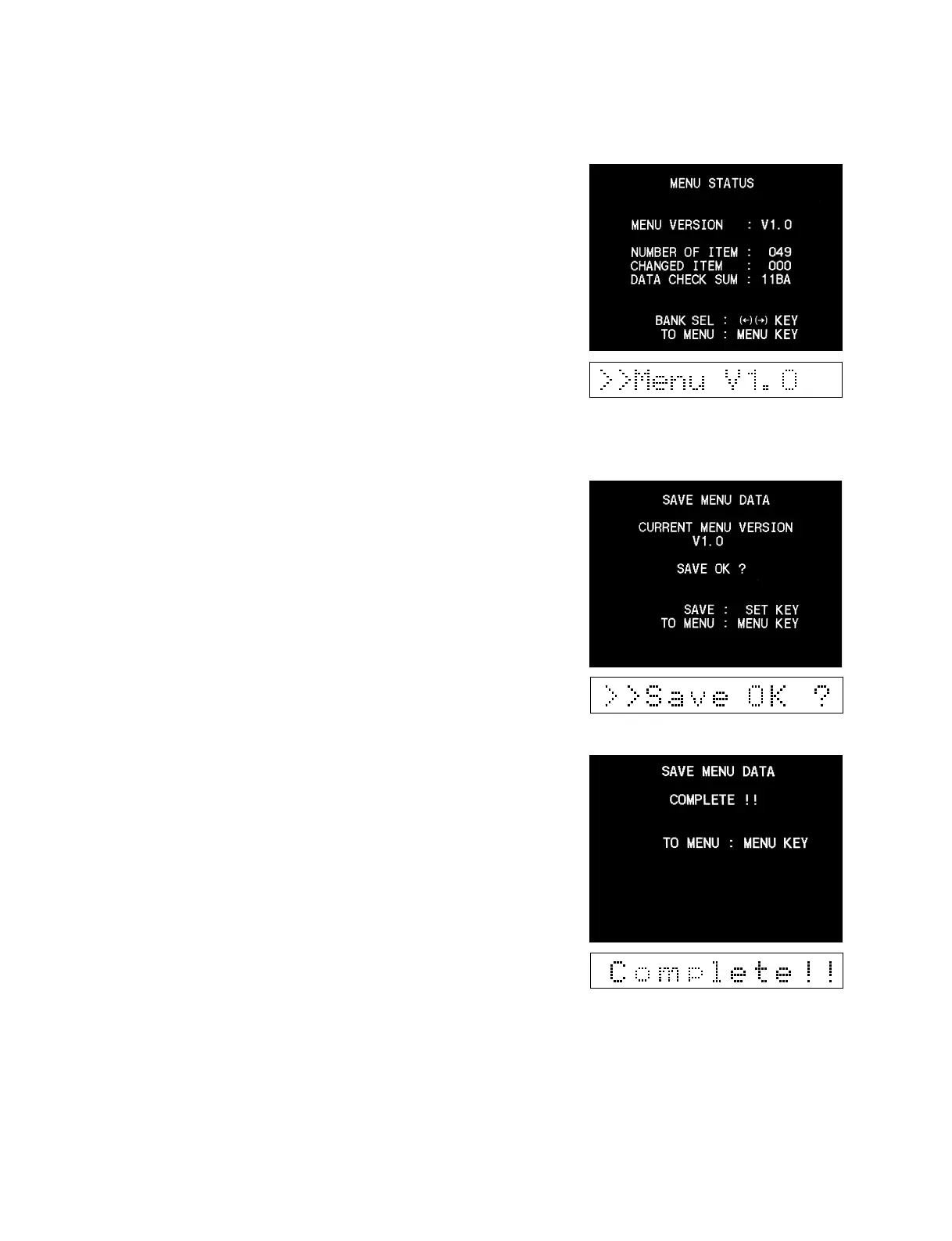
(1) MENU STATUS DISPLAY
Displays the current status of the SET UP MENU data.
MENU VERSION : Version number of the SET UP MENU
NUMBER OF ITEM : Numbers of the SET UP MENU items
CHANGED ITEM : Numbers of the items which were
changed from the factory default
settings
DATA CHECK SUM : Data check sum
Pressing [ENTRY] (→) key displays the status of the SET UP
MENU stored in the menu bank 1 to 4.
(2) SAVE MENU DATA
This is used to temporarily save the user’s setup menu data. A
temporary saved data can be reset later.
1. The version of the current setup menu is displayed, and it is
waiting to press the [SET] key.
*
Pressing the [MENU] key returns to the main menu.
2. Press the [SET] key.
The SET UP MENU data is stored in EEPROM.
Confirm that [COMPLETE] appears and data saving is
complete.
m
. Data which has once been saved will not be deleted by turning
the main power on and off, or by upgrading the ROM version.
However, the saved data is deleted when the MS-64 board or the
EEPROM is replaced because the data is saved in the EEPROM
in the MS-64 board.
. When the SET UP MENU is upgraded by ROM’s version
upgrade, an alarm message appears after the ROM is replaced.
Either initialize the SET UP MENU or execute “LOAD MENU
DATA” when the alarm appears.











 To Next Page