5-15
DSR-2000A/2000AP
44
44
4 CASS-COMPARTMENT
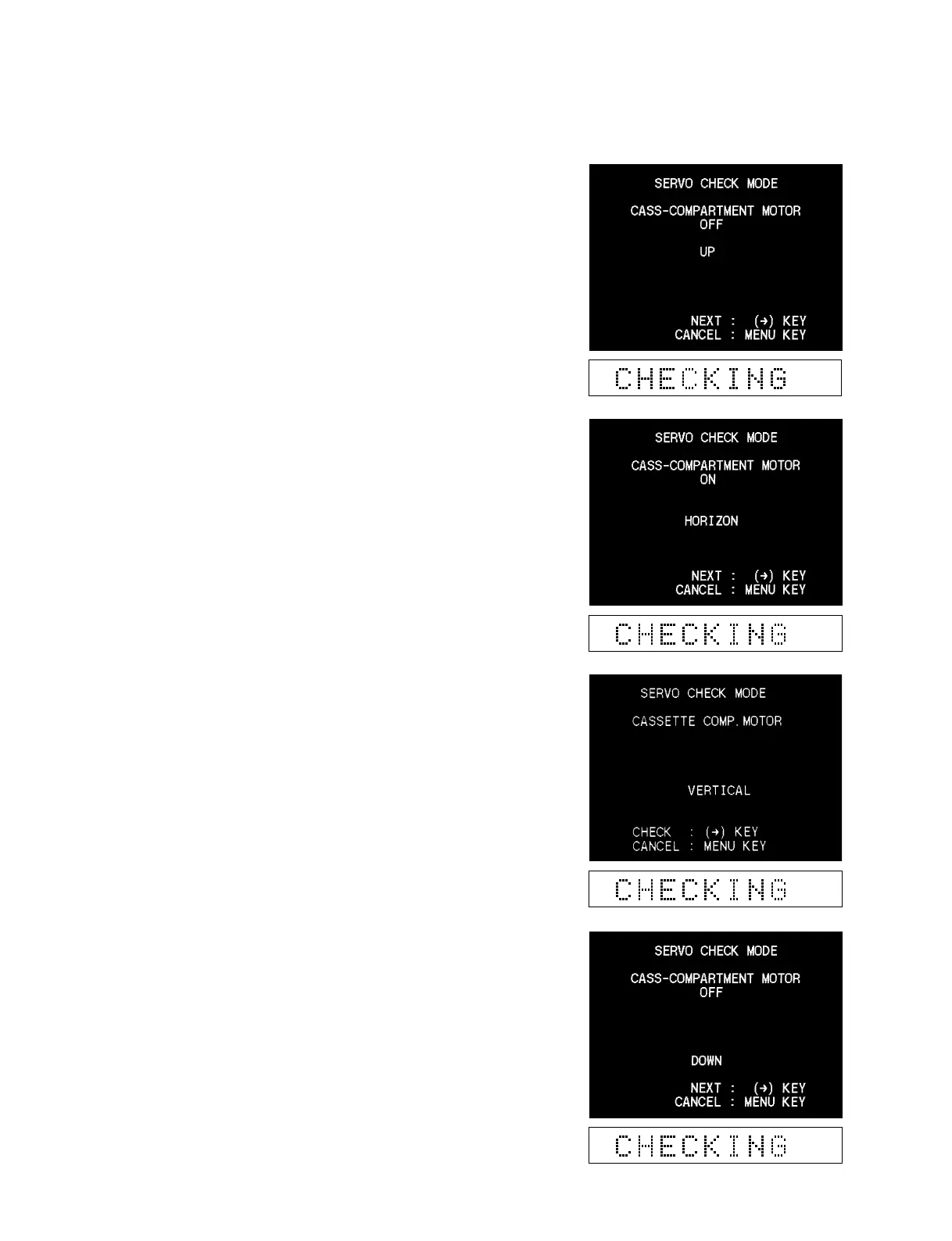
Check the cassette compartment motor.
1. Execute the CASS-COMPARTMENT.
2. Press the [ENTRY] (→) key.
Confirm that the cassette compartment moves down.
3. Press the [ENTRY] (→) key again, and confirm that the
cassette compartment moves up.
(The monitor display changes in the reverse order of the
steps for moving down the cassette compartment.)
In the case of trouble :
If the monitor display does not change, check the cassette
compartment motor, the SV-212 board (the sensor input circuit)
and the CC-83 board (the sensor).











 To Next Page