Help Guide
IC Recorder
ICD-TX800
Adding track marks automatically
You can add track marks automatically at specified intervals while regular recording is in progress.
Operate the remote control and follow the steps below:
Hint
To cancel the Auto Track Marks function setup process, select “OFF” in step 2.
While the Auto Track Marks function is turned on, you can still press T-MARK during recording to add a track mark at any point.
Related Topic
Adding a track mark
Deleting a track mark
4-699-323-32(1) Copyright 2017 Sony Corporation
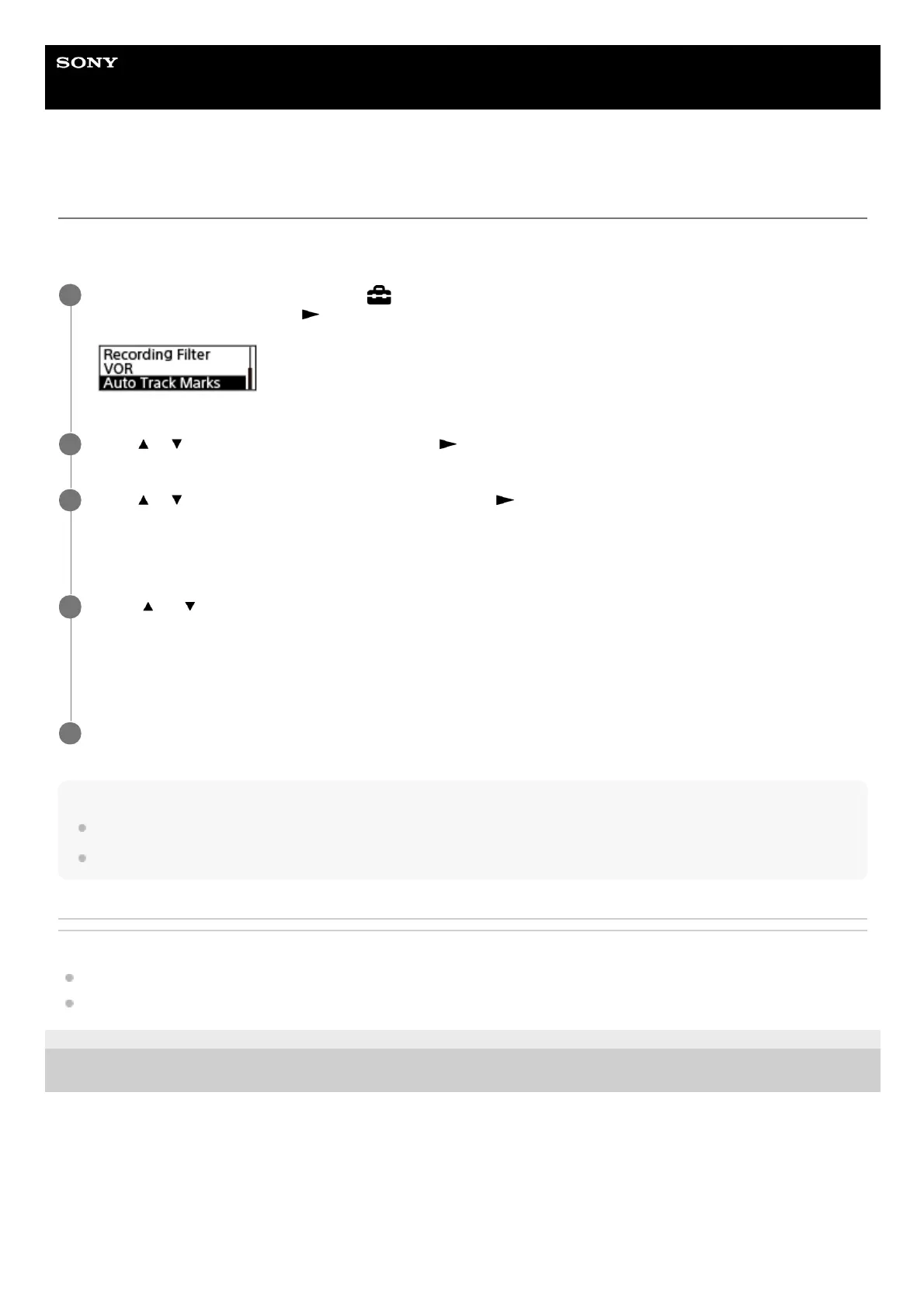
Operate the remote control to select “
Settings” - “Recording Settings” - “Auto Track Marks” from the
HOME menu, and then press
.
1
Press
or to select “Interval,” and then press .
2
Press
or to select the interval length and then press .
You can select “5min,” “10min,” “15min,” or “30min.”
The Auto Track Marks function is turned on.
3
Press
or to select “Time Stamps,” and then “Time Stamps On.”
The time stamp will be added to the track marks when they are automatically added.
This helps you locate your desired track mark in a long recording, such as a recording of conversations, because
you can use the time stamps as references.
4
Press and hold BACK/HOME to return to the HOME menu.
5



 To Next Page