Help Guide
IC Recorder
ICD-TX800
Moving a file to a different folder
You can select a file and move it to another folder.
Operate the remote control and follow the steps below:
Note
You cannot move a protected file. To move the file, remove the protection first, and then move the file. For instructions on
removing protection, see Protecting a file.
You cannot move music files.
Related Topic
Selecting a file
Copying a file to a different folder
4-699-323-32(1) Copyright 2017 Sony Corporation
Operate the remote control to select the file you want to move.
1
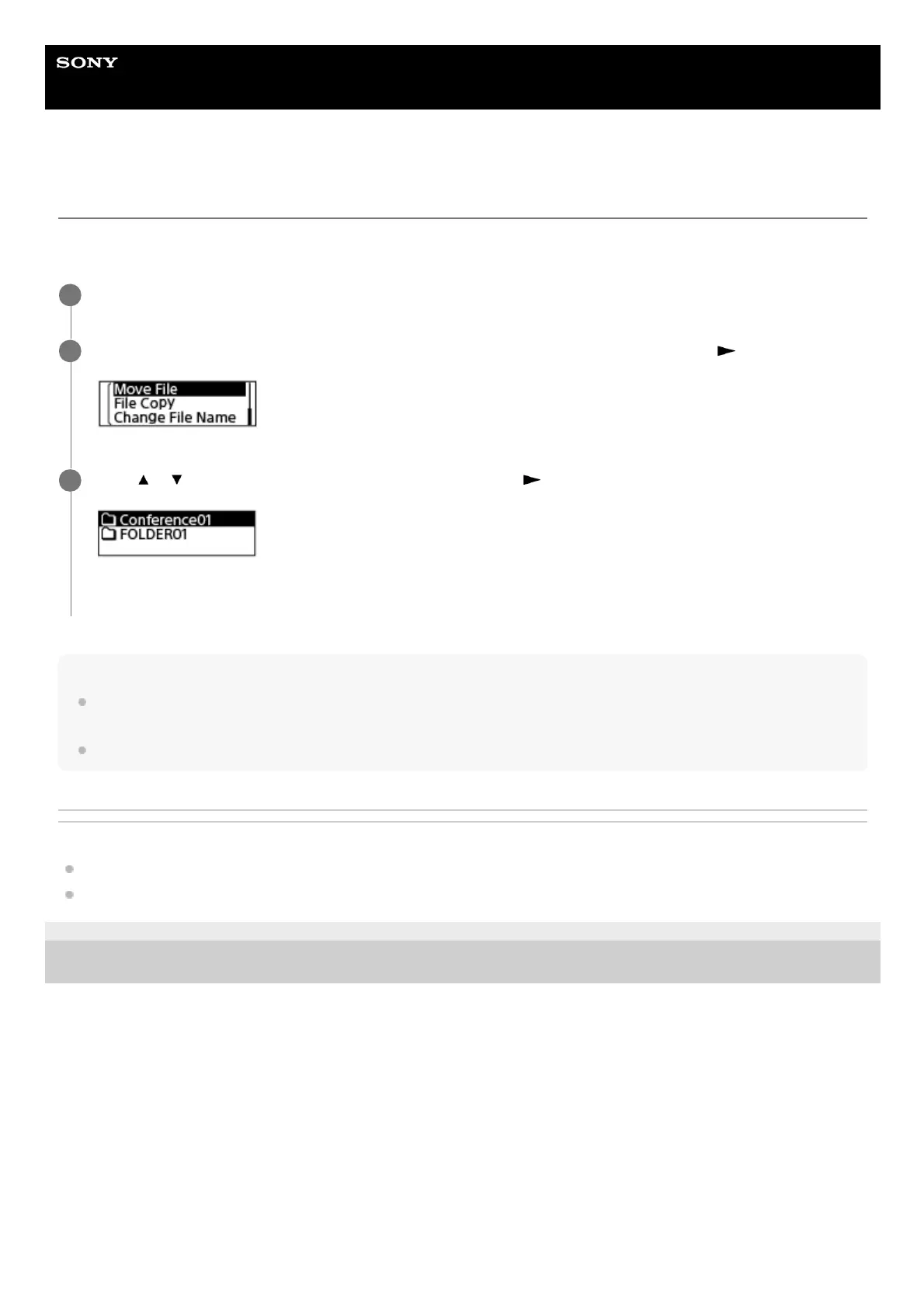
While playback is on standby, select “Move File” on the OPTION menu, and then press
.
2
Press
or to select the destination folder, and then press .
“Please Wait” appears and the file will be moved from the source folder to the destination folder.
3



 To Next Page