Help Guide
IC Recorder
ICD-TX800
Searching forward/backward (Cue/Review)
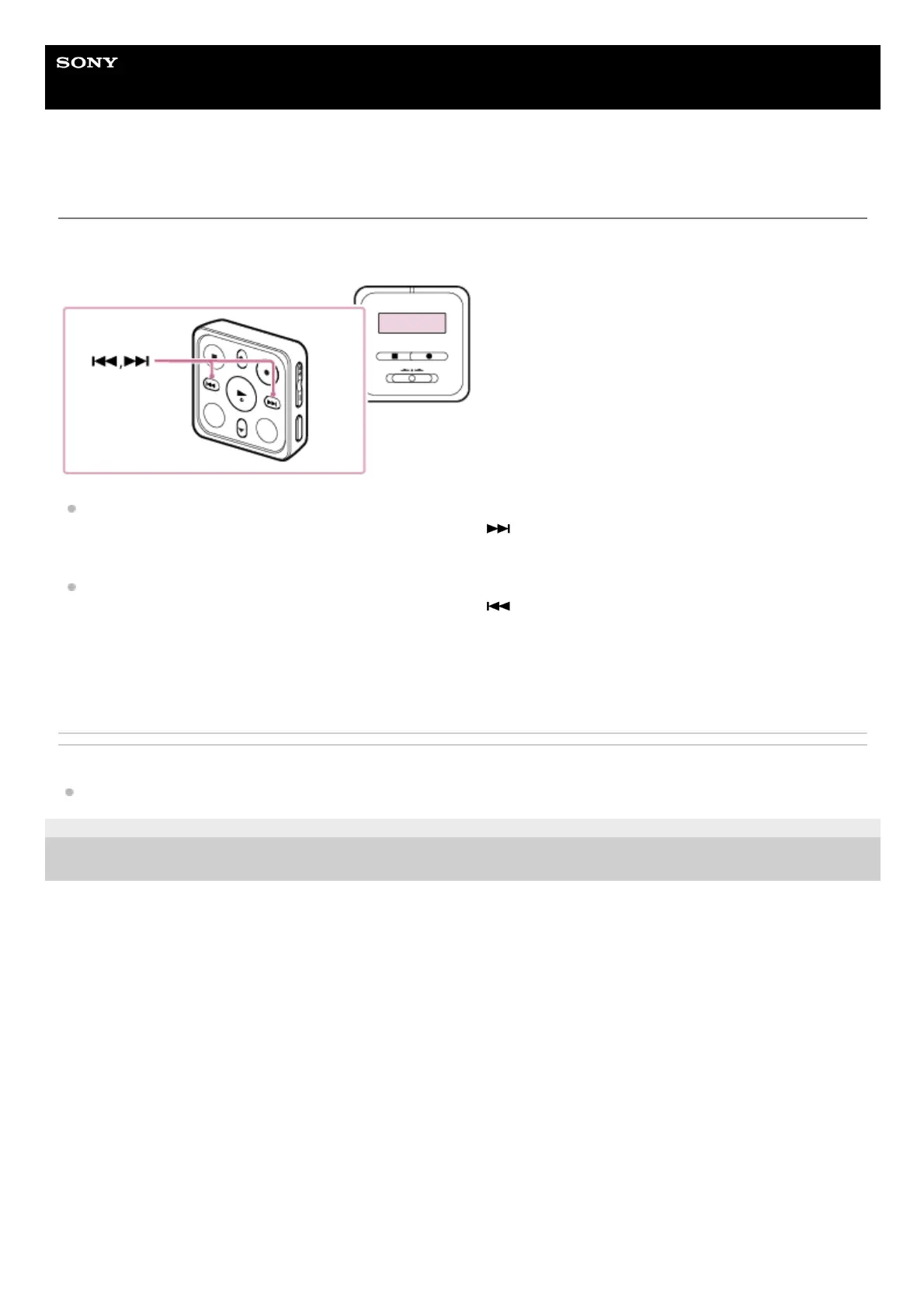
To locate the point from which you want to play, operate the remote control to search forward or backward while playback
is on standby or in progress.
To search forward (Cue):
While playback is on standby or in progress, press and hold
on the remote control and release it at the point you
want to resume playback.
To search backward (Review):
While playback is on standby or in progress, press and hold
on the remote control and release it at the point you
want to resume playback.
Forward or backward search begins at a slow speed, which helps you check the file word by word. If you keep holding
either button, forward or backward search will continue at a faster speed.
Related Topic
Locating the desired playback point quickly (Easy Search)
4-699-323-32(1) Copyright 2017 Sony Corporation



 To Next Page